Tutorials · Page 10
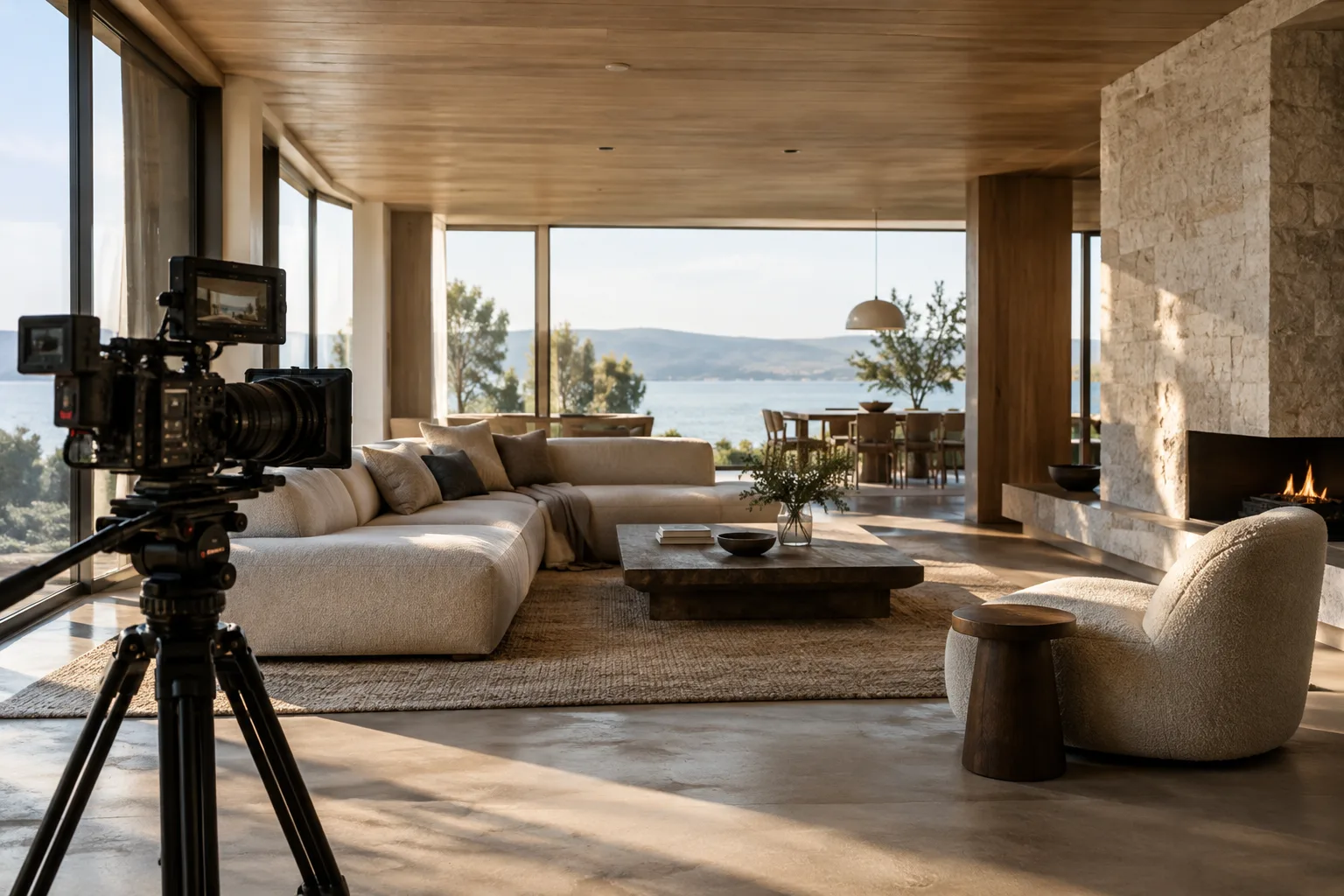 AI image
Unreal Engine Cine Camera Actor: A Cinematic Camera Setup Guide
Learn how to configure camera framing, filmback, lens and focus with Cine Camera Actor in Unreal Engine, then add the camera to a Level Sequence and edit it in Sequencer.
 AI image
Cloth Simulation with Blender Geometry Nodes: A Step-by-Step Guide
This guide covers how to set up and evaluate cloth simulation using the experimental Cloth Dynamics node in Blender Geometry Nodes. It discusses pinning, solver settings, and collider limitations.
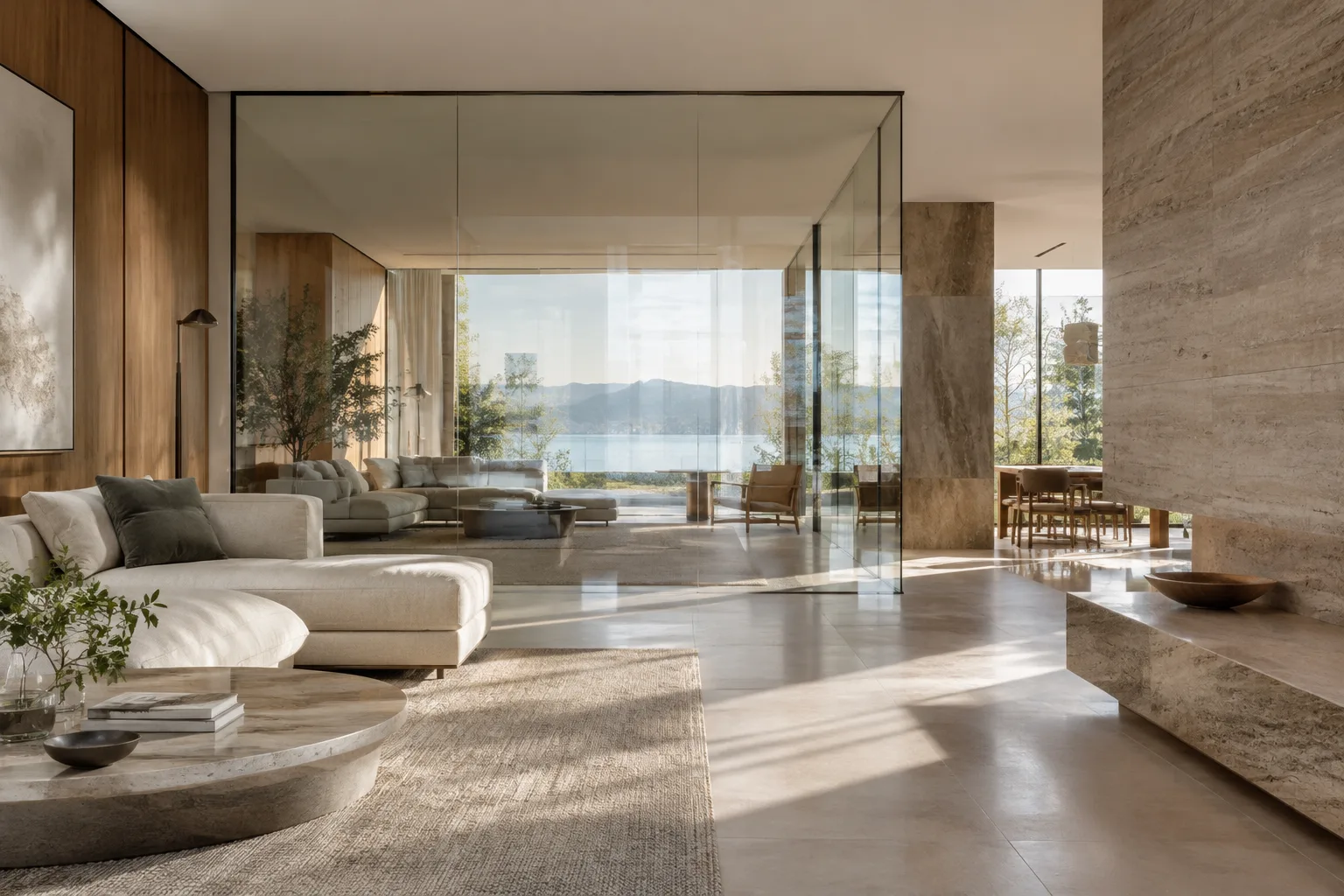 AI image
A Guide to Controlling Glass and Light Paths with Blender’s Light Path Node
Blender’s Light Path node identifies which type of ray a shader is being evaluated for, such as a camera, reflection, or transmission ray. This guide covers how the node works in Cycles and EEVEE and what to consider when rendering interiors with glass.
 AI image
Unreal Engine Runtime Virtual Texture Setup: Terrain and Material Guide
This guide explains how to create a Runtime Virtual Texture (RVT) in Unreal Engine and use it with terrain and scene components. We walk through Asset, Volume, material, and component settings step by step.
 AI image
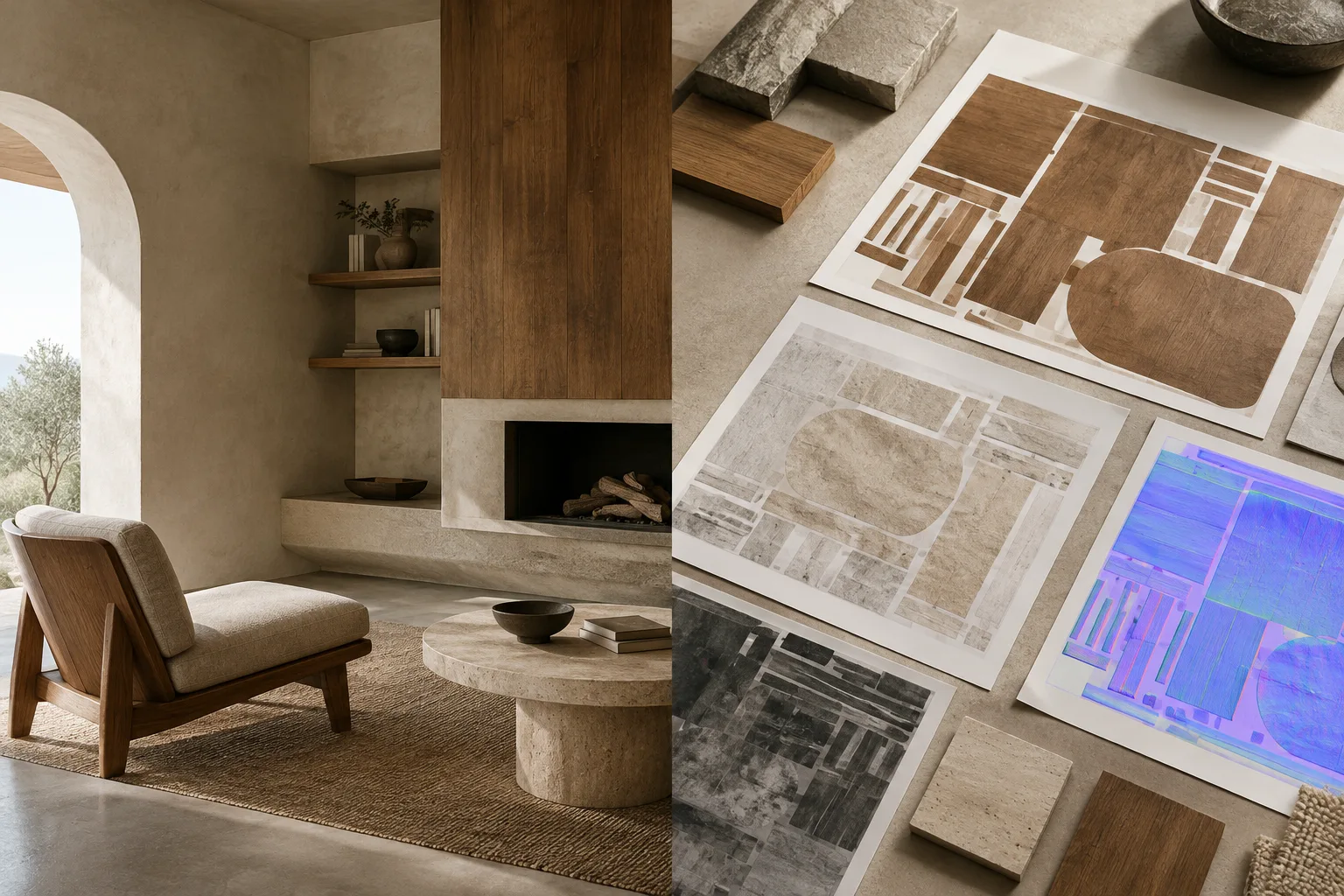
Blender UV Unwrapping and Texture Baking: A Step-by-Step Guide
Blender’s official guides explain how UV unwrapping prepares mesh surfaces for 2D textures, and how to bake surface, lighting, or shadow information into maps in Cycles. This guide covers the basic workflow for architectural models.
 AI image
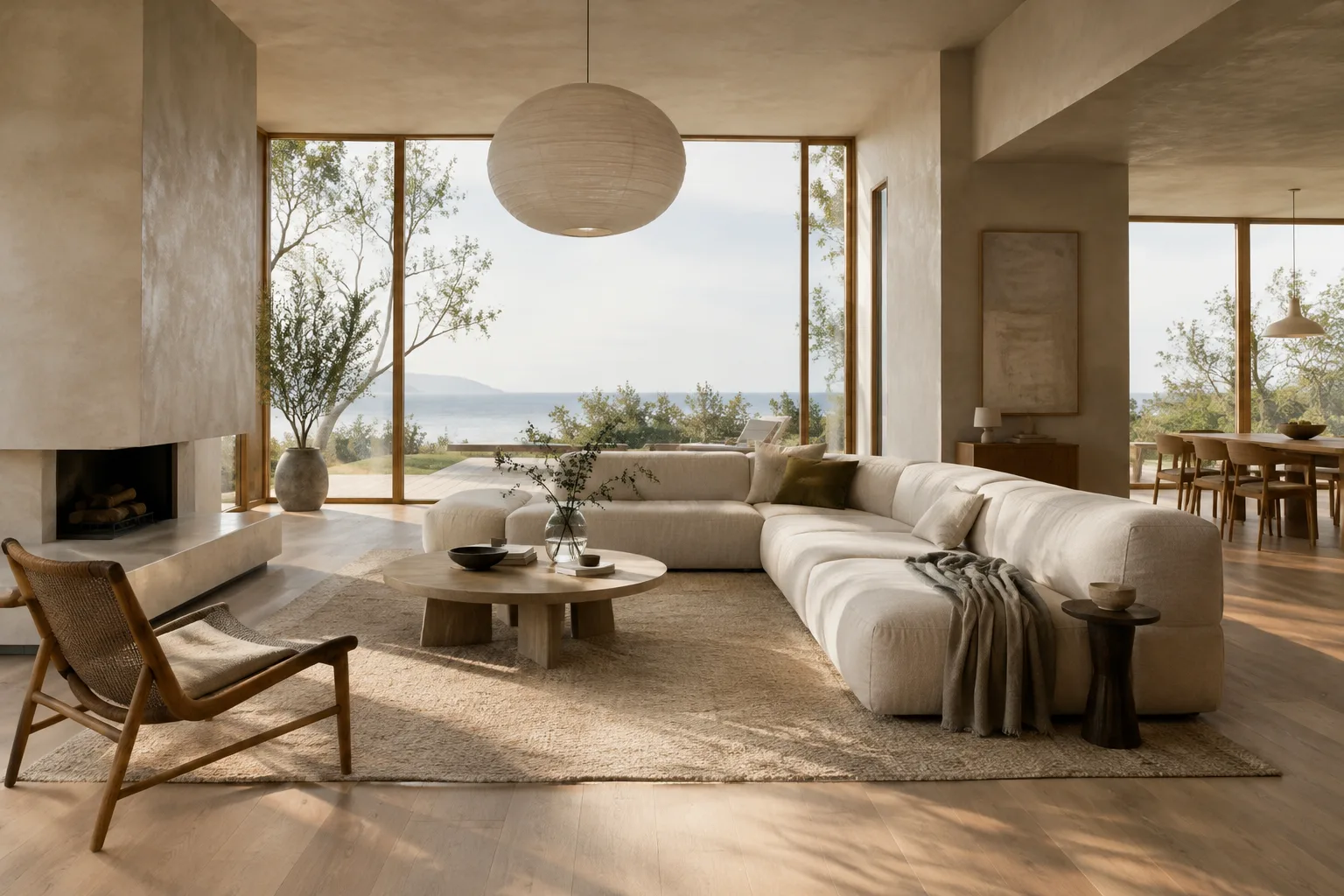
How to Create Architectural Concept Images with Nano Banana 2.1
This guide explains how to prepare prompts, edit reference images, and iteratively refine results to create architectural and interior concept images with Nano Banana 2.1 in the Gemini API.
 AI image
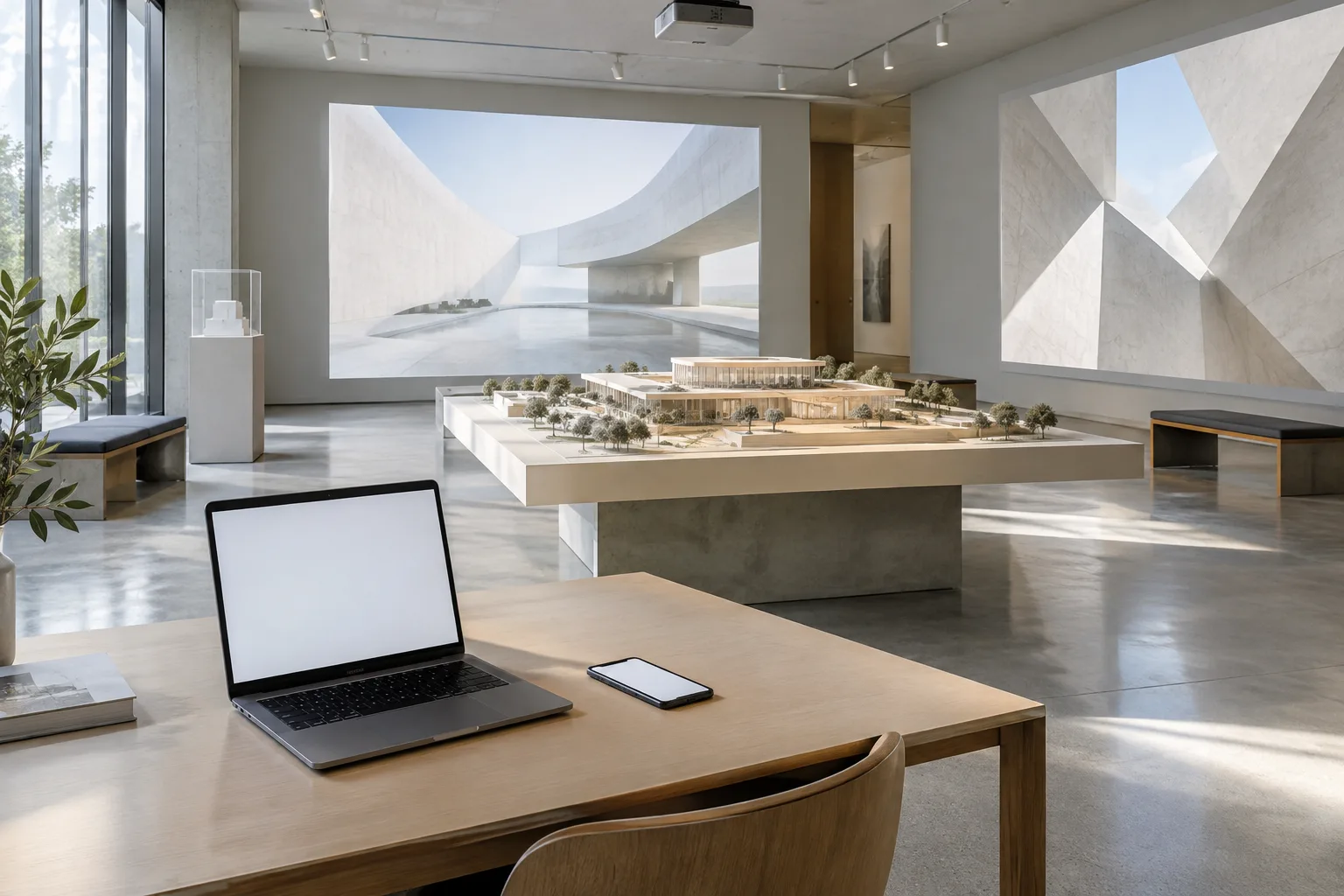
Unreal Engine Pixel Streaming Setup: A Guide to Streaming Projects to the Browser
Unreal Engine Pixel Streaming streams video and audio from a packaged project to a web browser while relaying keyboard, mouse, and touch input back to the application. This guide covers the essential steps for running it on a local network.
 AI image
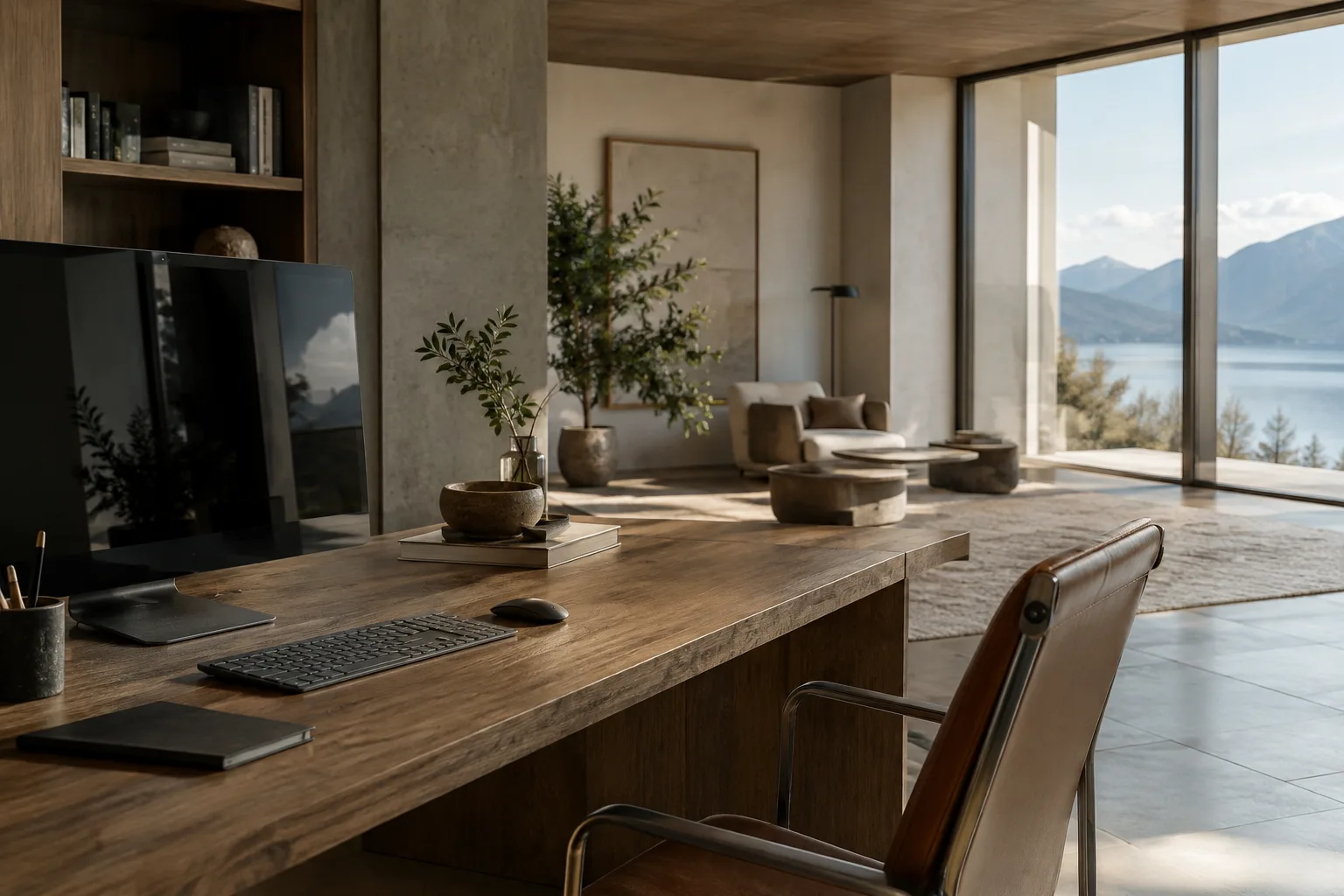
Set Camera Framing and Animation Range with Blender Python
Blender’s current Python API documentation explains the properties used to edit scene and camera settings in code. This guide walks through adjusting the lens value, composition guide and animation frame range.
 AI image
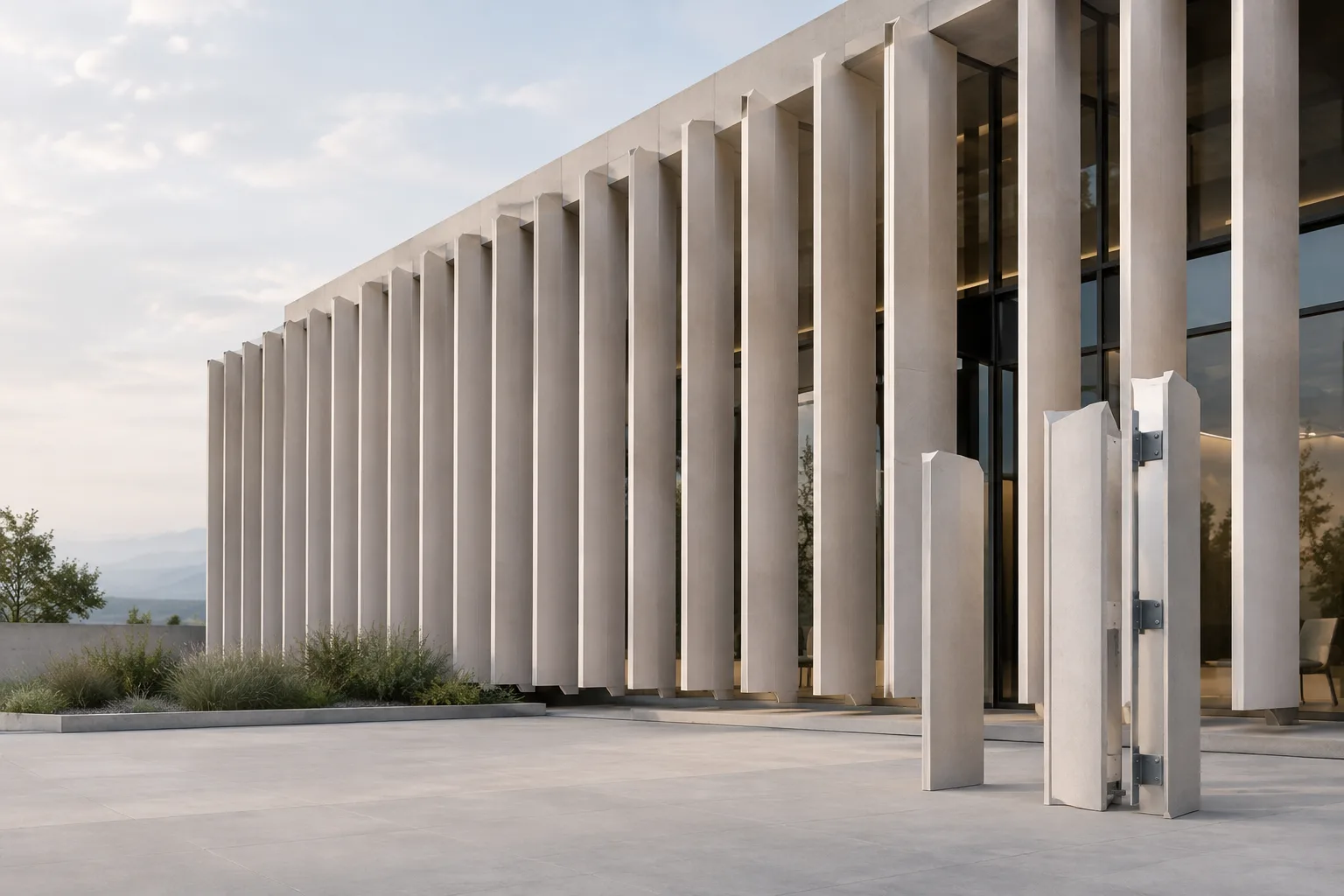
Blender Geometry Nodes: Place Objects on Points and Realize Instances
Blender’s Geometry Nodes guide explains how to instance geometry on points with Instance on Points and convert instances into real geometry with Realize Instances. It covers performance considerations and the steps involved.
 AI image
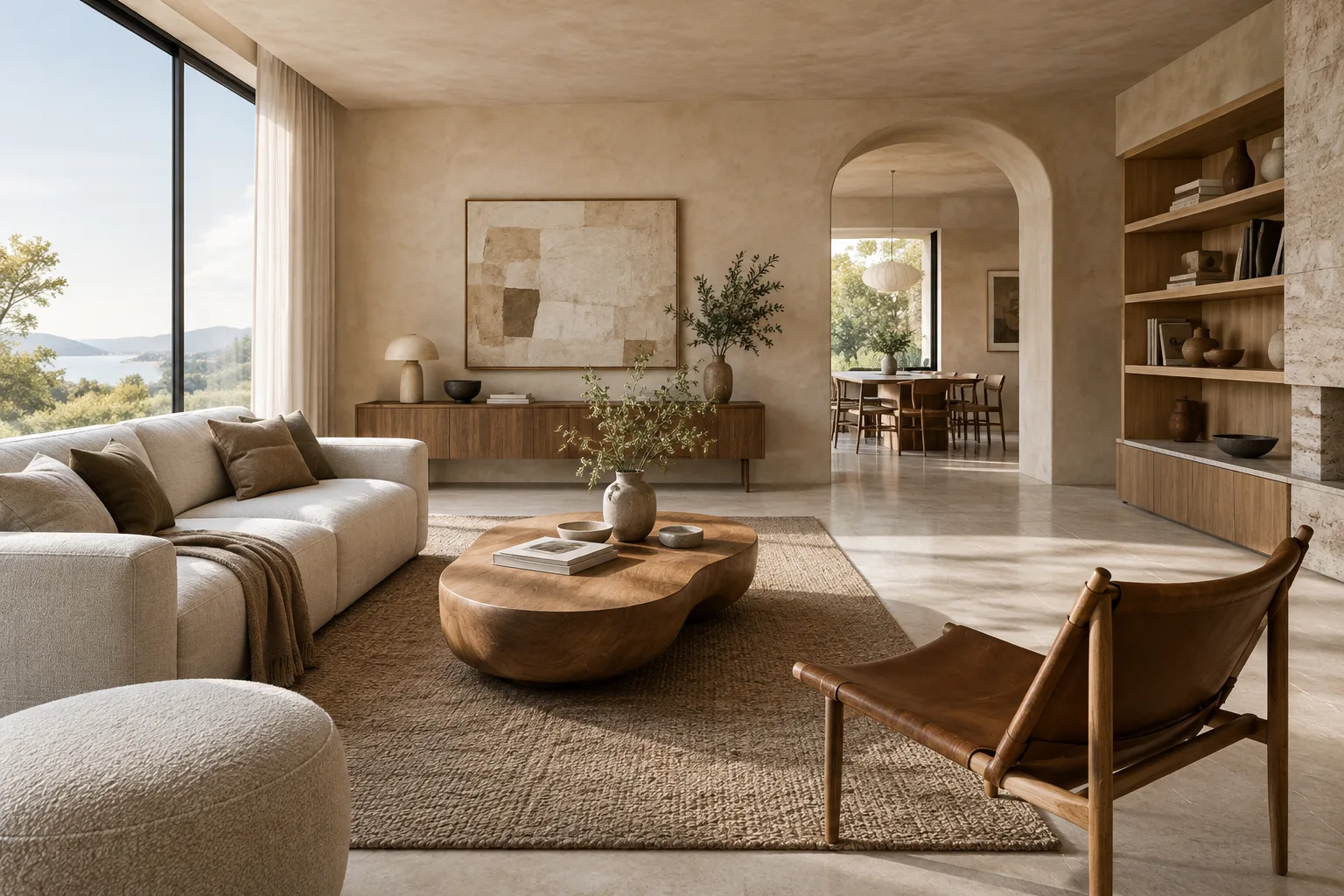
Creating Interior Images with Nano Banana 2.1: A Step-by-Step Prompt Guide
Nano Banana 2.1 in the Gemini API can generate interior concept images and edit existing images using text prompts. This guide walks through prompt-writing steps for architecture and visualization workflows.
 AI image
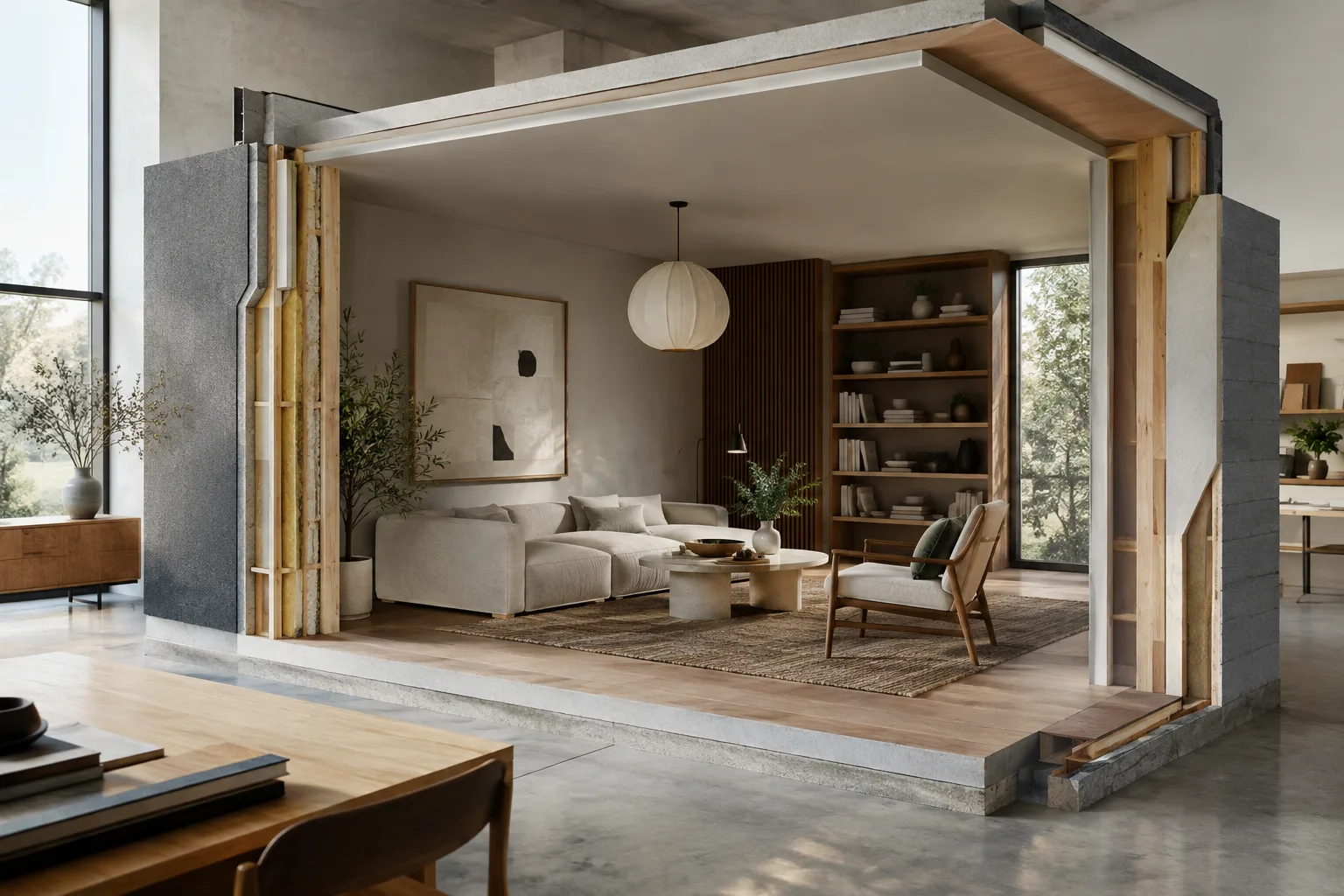
Framing Architectural Scenes and Testing Render Regions in Blender
This guide explains how to use viewport clipping, render regions, and camera framing when reviewing architectural scenes in Blender. It also covers the Geometry Nodes modifier’s basic settings and key considerations.
 AI image
How to Use Sample Curve and Trim Curve in Blender Geometry Nodes
The Sample Curve node in Blender Geometry Nodes reads position and direction data along a curve, while Trim Curve shortens splines to a defined range. This guide explains how to use both nodes and what to watch out for.
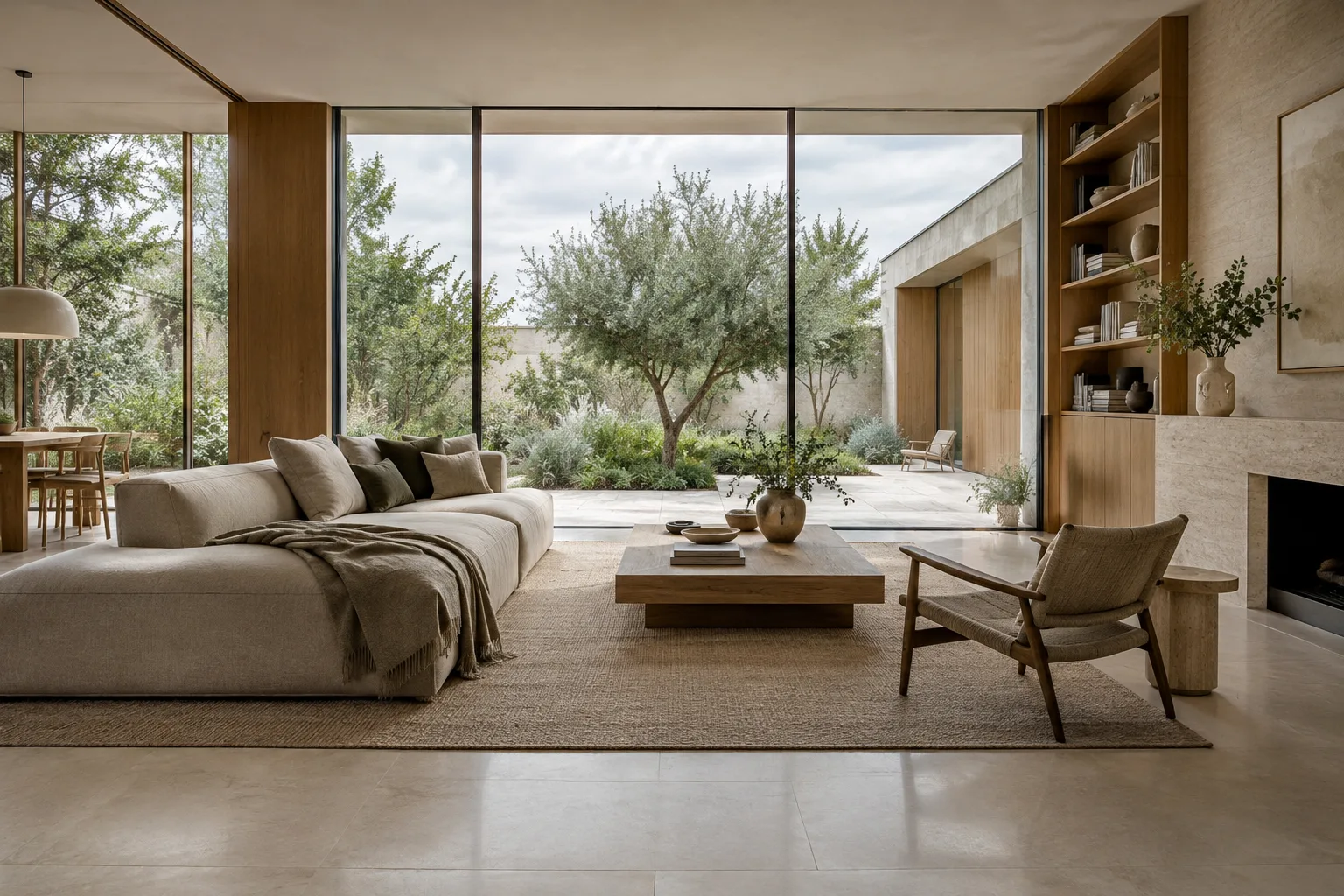 AI image
How to Create Architectural Images with Nano Banana 2.1 in the Gemini API
This guide covers the essentials of creating architectural and interior images with Nano Banana 2.1 in the Gemini API. It focuses on clear prompt writing, reference-image editing, and common mistakes.
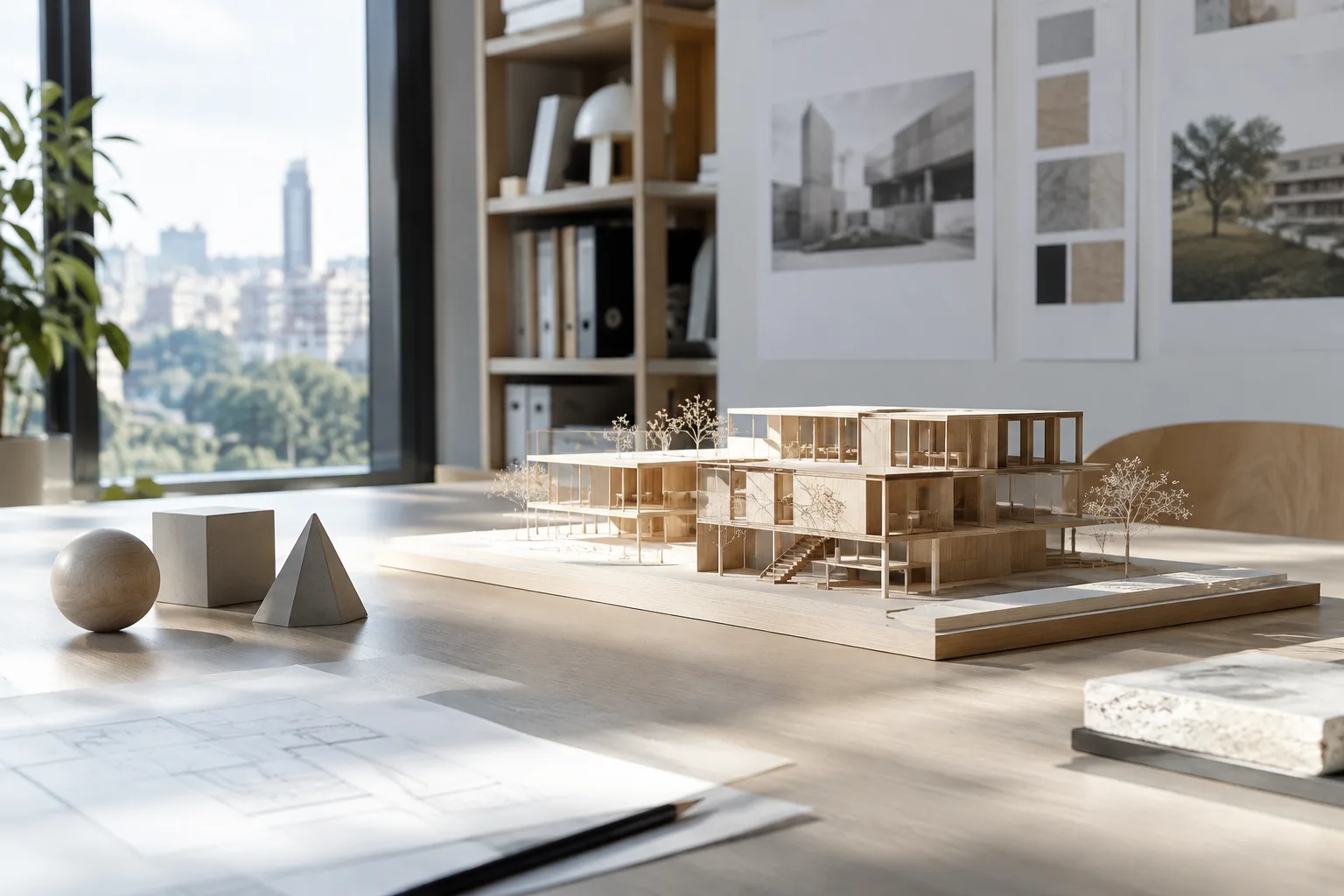 AI image
Blender 3D Cursor and PLY: A guide to precise placement and transfer
This guide explains how to use Blender’s 3D Cursor as a position and rotation reference, and how to import ASCII or binary PLY files and configure transfer options.
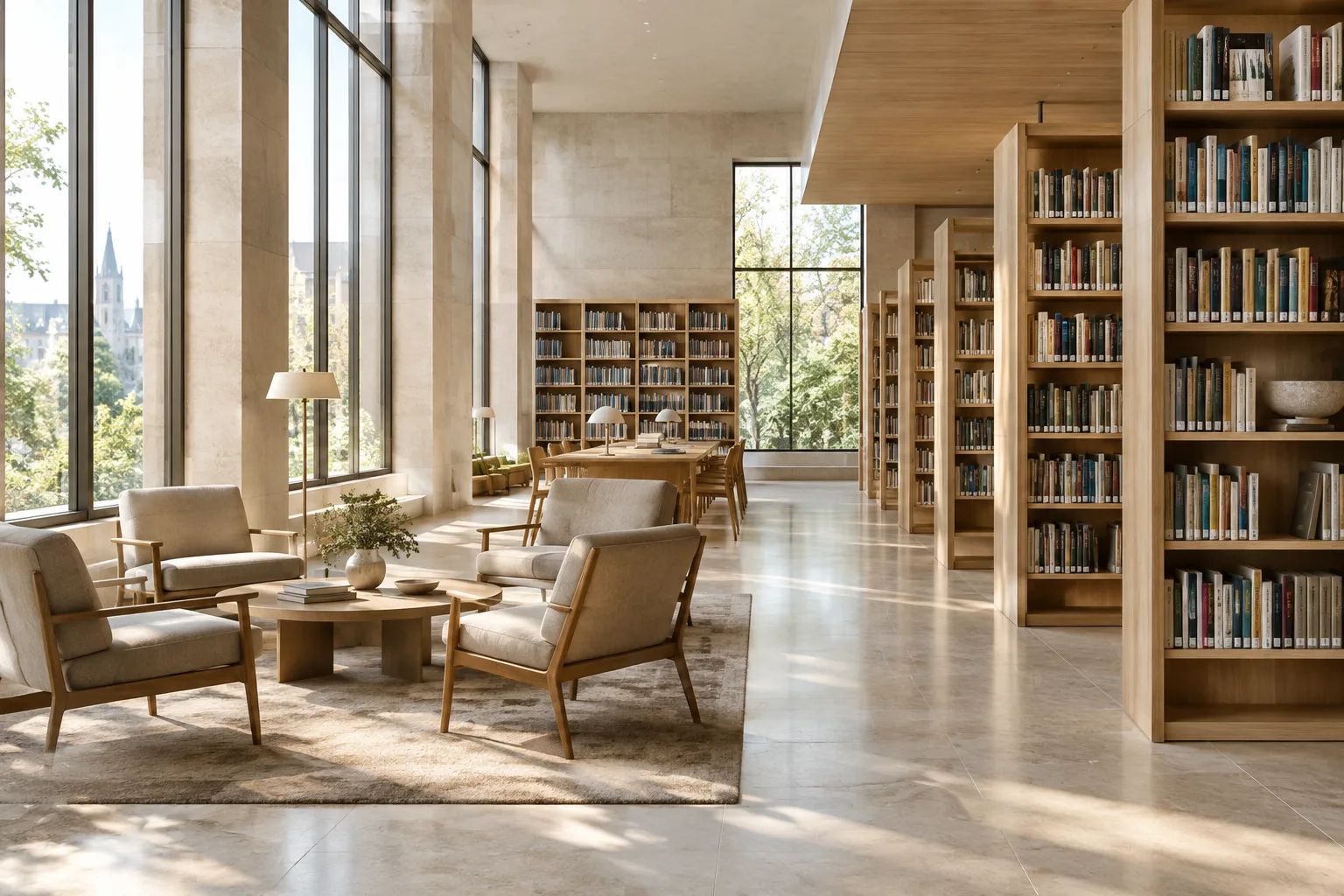 AI image
A Guide to Architectural Image Generation and Editing with Nano Banana 2.1
This guide explains how to generate architectural images and edit existing visuals with Nano Banana 2.1 in the Gemini API. It includes sample prompts for using text and reference images.
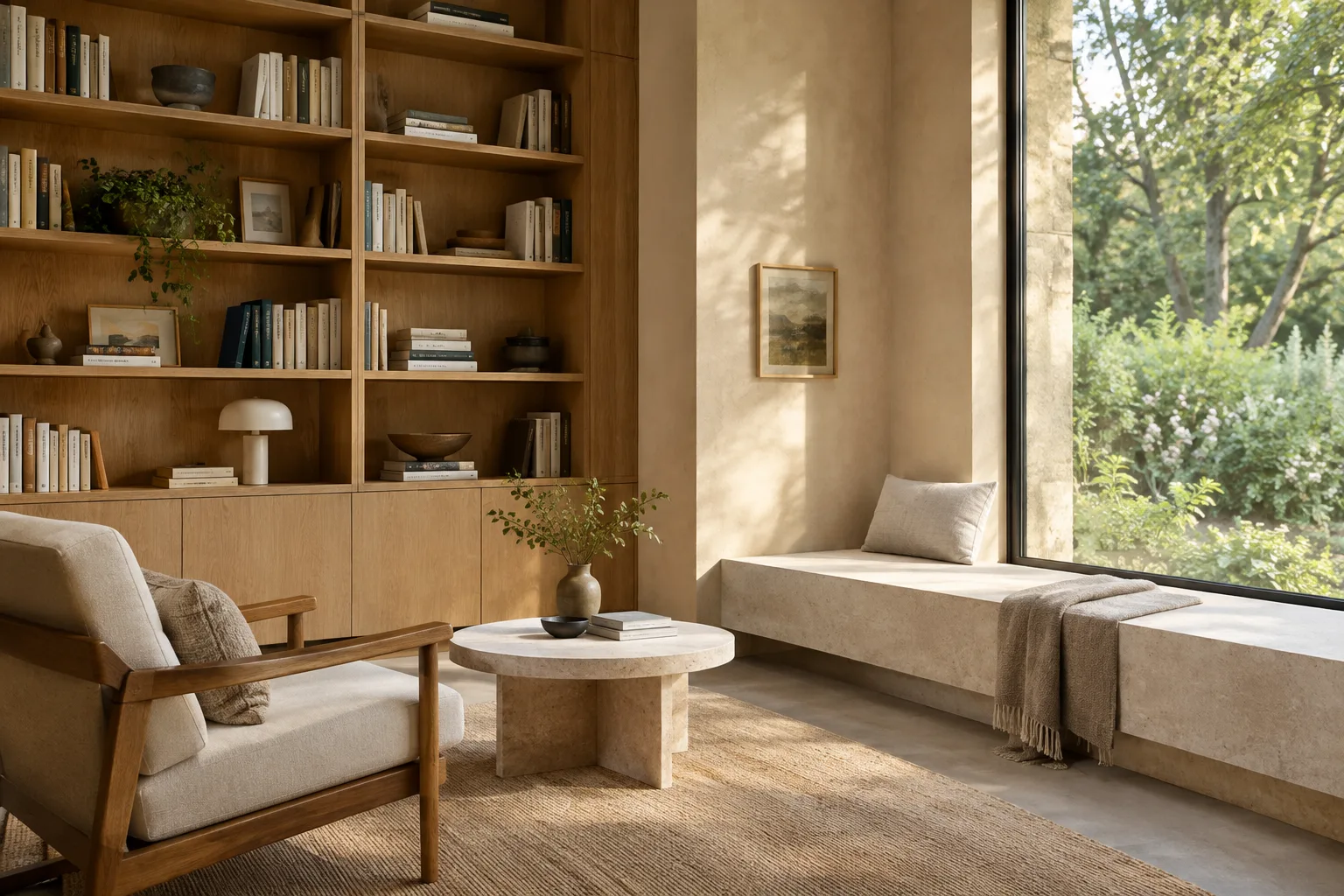 AI image
Architectural Image Generation with Nano Banana 2.1: A Step-by-Step Prompt Guide
Google’s Gemini API documentation includes examples of generating and editing images with Nano Banana 2.1. This guide explains how to build prompts step by step for architectural concepts, interiors, and reference-image workflows.
 AI image
How to Set Up Motion Blur in Blender Cycles: A Step-by-Step Guide
According to Blender’s official manual, motion blur in Cycles can be shaped using shutter position, duration, and rolling shutter options. This guide explains how to use these settings and check common limitations.
 AI image
Blender Camera Tracking: Add 3D Models to Architectural Footage
Blender’s motion-tracking tools let you analyze camera or object movement in footage and apply it to 3D elements. This guide covers tracking, solving, and scene orientation for adding models to architectural footage.
 AI image
How to Write an Architectural Video Prompt with Gemini Omni Flash and Veo 3.1
Gemini Omni Flash and Veo 3.1 in the Gemini API offer features for different video generation and editing workflows. This guide explains how to create clear, iterative prompts for architectural visualization.
 AI image
A Guide to Creating Light Glows in Architectural Renders with Blender Glare Node
Blender’s Compositor Glare Node creates effects such as bloom, lens reflections, and light beams from bright areas in an image. This guide explains the essential steps and settings for using the node in architectural renders.
 AI image
Architectural Image Generation with Nano Banana 2.1: A Prompt Guide
Google’s Gemini API documentation explains how to generate images from text and edit existing images using text prompts with Nano Banana 2.1. This guide offers practical prompt examples for architectural concepts and interior design.
 AI image
D5 LiveSync and SketchUp: A Guide to Fixing Sync Issues
D5’s official documentation offers guidance on setting up LiveSync with SketchUp and resolving some issues that can arise during synchronization. This guide covers version requirements, model alignment, terrain grass, and texture warnings.
 AI image
Moving from Imagen to Nano Banana in the Gemini API: A Step-by-Step Guide
Imagen models are no longer available in the Gemini API. This guide explains how to migrate to Google’s recommended Nano Banana model names, update the API call method, and handle the new image response format.
 AI image
Your First Rhino Python Script: Create Lines and Automate with ScriptEditor
Learn to create a Python script in Rhino’s ScriptEditor and draw a line between two points. This guide also covers choosing a Python runtime, debugging, and package requirements.