Tips & Guides · Page 8
 AI image
Revit View Templates: A Guide to Standardizing Sheet and Presentation Views
Revit view templates help manage visibility and graphics settings consistently across multiple views. Based on Autodesk’s Revit 2021, 2022, and 2024 documentation, this guide explains how to create and use templates.
 AI image
Rhino 8 BlendSrf, MatchSrf and Trim: A Surface Editing Guide
In Rhino 8, BlendSrf creates a new transition surface, MatchSrf adjusts edge continuity, and Trim removes selected parts using cutting objects. This guide explains how to use each command and the conditions to watch for.
 AI image
Shadow Optimization in Unreal Engine 5: A Guide to Archviz
Unreal Engine 5’s Virtual Shadow Maps system delivers high-resolution shadows with Nanite geometry. Based on Epic’s documentation, we’ve compiled settings for balancing shadow quality and performance in architectural scenes.
 AI image
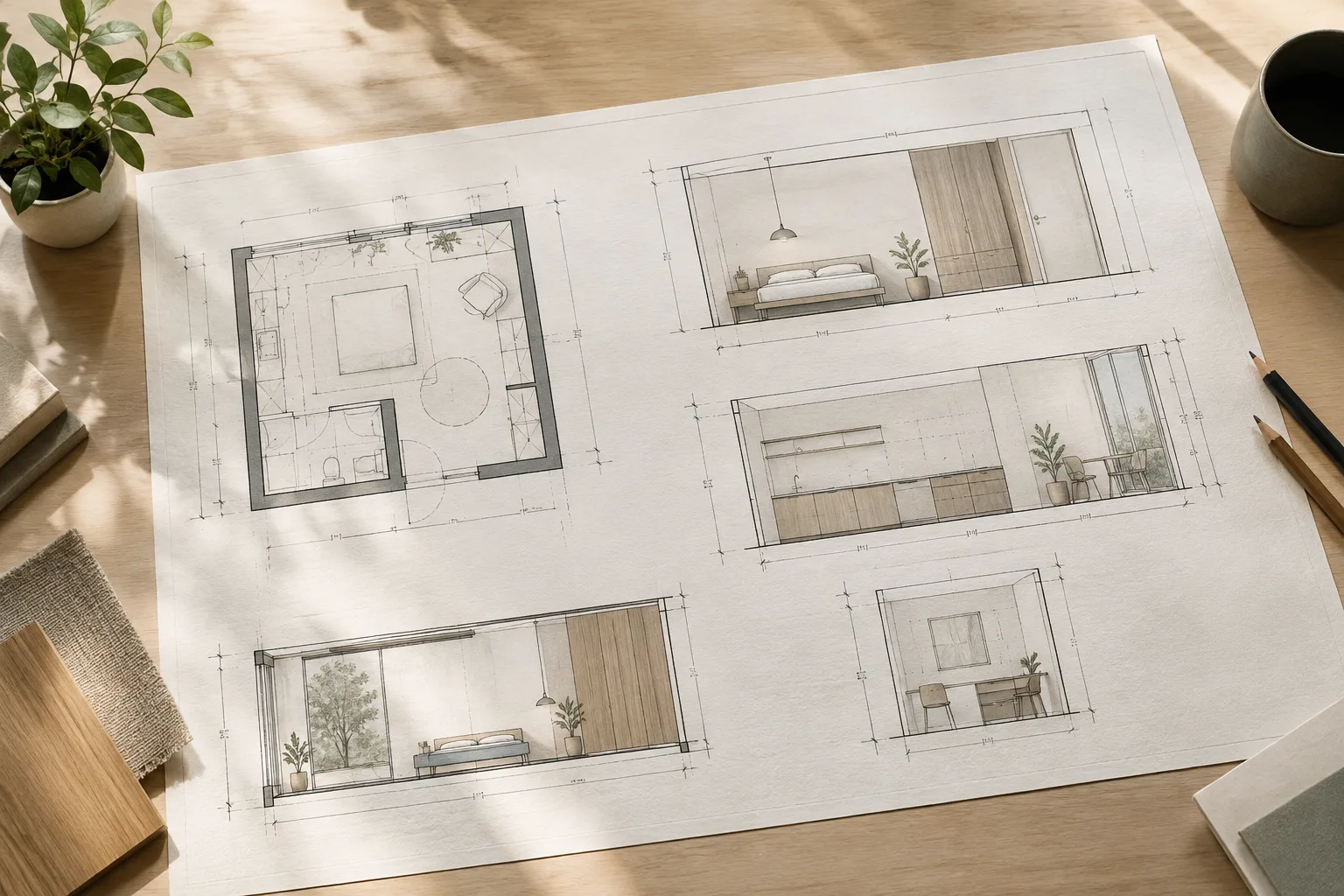
A Guide to Scaled Drawing, Dimensions, and Line Styles in SketchUp LayOut
In SketchUp LayOut, scaled drawing groups, dimensioning tools, and tag-based line styles can be combined to create more controlled architectural presentations. This guide explains the workflows described in the official documentation, step by step.
 AI image
Redshift Proxy in Houdini: Exporting and Using Proxies Efficiently
Redshift Proxy helps you work with Houdini scenes without keeping all geometry loaded at all times. This guide covers exporting .rs files, viewport previews, and limitations to watch for when instancing.
 AI image
Design Options in Revit: A Guide to Managing Alternatives in One Model
Revit Design Options let you develop and evaluate different design solutions in the same project file. This guide explains option sets, views, and room-area rules based on official documentation.
 AI image
Flow and FlowAlongSrf in Rhino 8: A Guide to Mapping Objects to Curves and Surfaces
In Rhino 8, Flow maps objects from a base curve to a target curve, while FlowAlongSrf maps them from a base surface to a target surface. This guide explains how to use the selection and deformation options correctly.
 AI image
Blender EEVEE Ray Tracing Guide: The Right Settings for Interior Renders
Ray tracing in Blender EEVEE aims to improve the accuracy of indirect lighting and reflections. This guide explains the settings in the official documentation for interior scenes, focusing on quality, performance, and material compatibility.
 AI image
Rhino 8 ShrinkWrap Guide: Mesh Creation and Inspection
Rhino 8’s ShrinkWrap command creates meshes that enclose NURBS surfaces, SubD objects, meshes, and point clouds. This guide explains how to choose settings and inspect the output with Check.
 AI image
Unreal Engine Movie Render Queue Guide: Architectural Rendering Settings
Unreal Engine’s Movie Render Queue lets you configure output, sampling, color management, and high-resolution options independently. This guide explains the essential settings for architectural visualization and what to watch out for.
 AI image
Blender Asset Browser Guide: Build an Asset Library for Architecture
Blender Asset Browser lets you organize and reuse objects, materials, and collections in catalogs. In architectural scenes, linking, appending, and packing determine how files are updated.
 AI image
Getting ready for the Archicad–Autodesk Forma connection: a guide to seamless BIM data transfer
Graphisoft has announced the Archicad-Autodesk Forma Connection feature, which will enable native-format data transfer from Archicad to Autodesk Forma. This guide explains how offices can prepare for this transition.
 AI image
4 settings that fix wall junction errors in Archicad: composite wall guide
When two or more walls in Archicad fail to join cleanly at corners, the cause is usually related to reference line, layer intersection number, junction order, or priority-based connection settings. This guide walks through all four settings step by step.
 AI image
Phasing Management in Revit: A Step-by-Step Guide for Renovation Projects
Revit's Phasing tools let you separate existing structures from new construction within the same model along a timeline. This guide walks through the concepts of phase, phase status, and phase filter step by step.
 AI image
How to create Dynamic Components in SketchUp: smart components with formulas
SketchUp Pro users can build scalable, smart Dynamic Components by adding mathematical and text-based formulas to components. The guide walks through the steps and functions based on official SketchUp documentation.
 AI image
VEX-driven distribution with Copy to Points in Houdini: an architectural scene-filling guide
According to Houdini's official documentation, the Copy to Points SOP and the VEX language can be used in archviz scenes to distribute trees, furniture or repeating elements across target points in a controlled way.
 AI image
Fixing Texture Seams and Tiling in Corona: A Guide to Triplanar and Randomizer Settings
According to Chaos Corona documentation, the Triplanar Map/Shader and Mapping Randomizer tools can be used to eliminate seams and texture repetition on objects without UVW unwrapping.
 AI image
Choosing the right IFC MVD in Archicad and Revit: a BIM coordination guide
According to Archicad and Revit's official documentation, choosing the correct Model View Definition (MVD) for IFC export prevents data loss and incompatibility in cross-discipline coordination.
 AI image
Realistic glass and render quality settings in Enscape: a guide for architects
Based on Enscape's official documentation, this guide walks through Rendering Quality levels, glass material settings in Revit/SketchUp, and export quality options step by step.
 AI image
Speeding Up V-Ray Scenes with Chaos Vantage: An Interior Design Guide
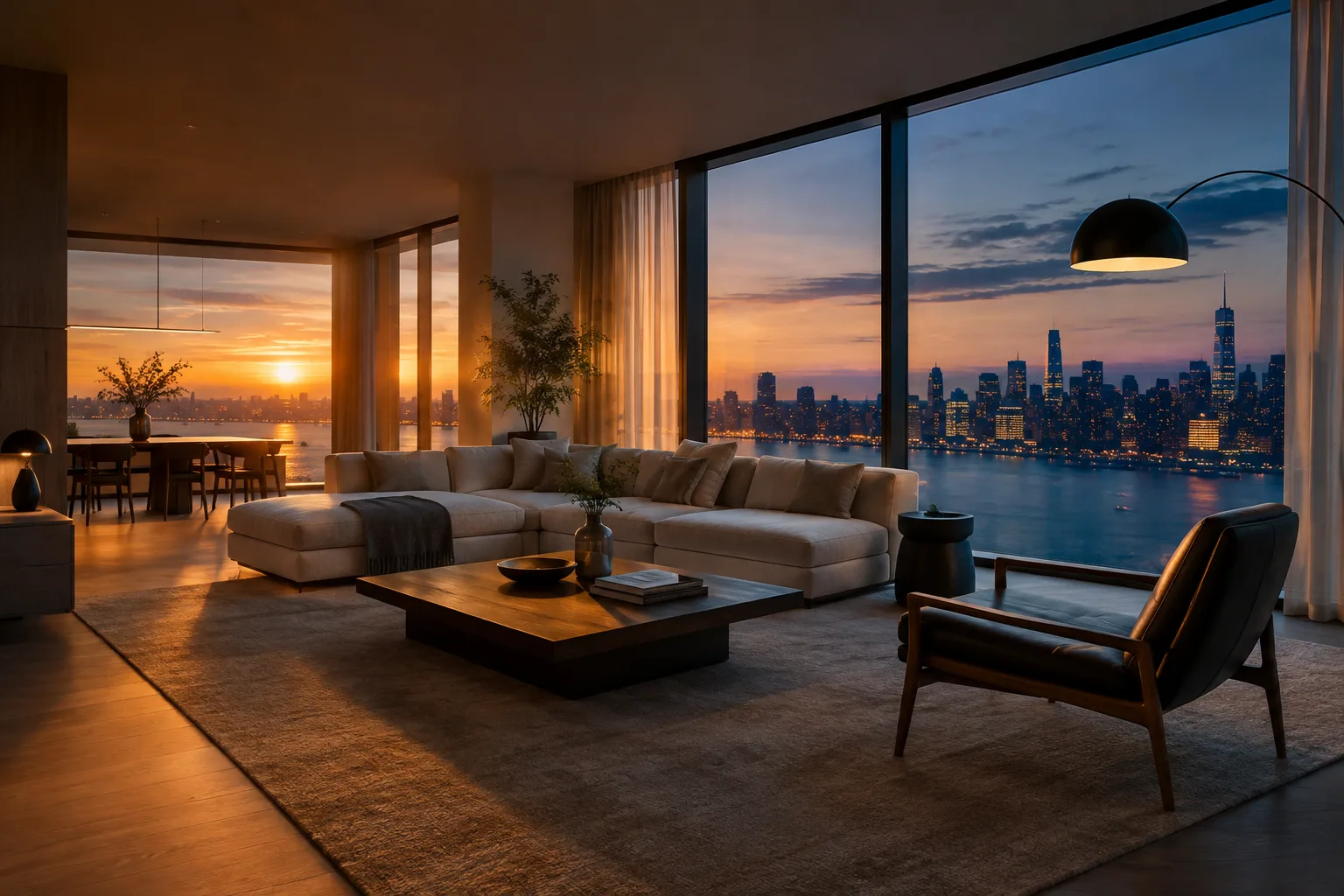
Based on Chaos's official blog post, this guide walks through how interior and architectural scenes modeled in V-Ray can be exported to Chaos Vantage for faster rendering using real-time ray tracing.
 AI image
LightMix in V-Ray and Corona: Day-to-Night from a Single Render Pass — A Lighting Guide
The LightMix render channel in V-Ray and Corona Renderer lets you render a scene once and then adjust light color and intensity afterward, directly in the Frame Buffer. This guide walks through setup steps and common pitfalls based on the official documentation.
 AI image
Consistent presentation in Lumion 2026: a guide to Custom Style, Template and Cloud Post Processing
Lumion 2026.1's new Custom Style, Custom Template and Lumion Cloud Post Processing tools let offices reuse the same lighting, atmosphere and color grading across every project.
 AI image
How to set up realistic sunlight in OctaneRender with Daylight Environment
OctaneRender's Daylight Environment system allows setting up realistic sunlight based on geographic location, date and time in the ArchiCAD and Houdini plugins, while the Direct Lighting kernel is used for fast preview renders.
 AI image
Unreal Engine Lumen Guide: Adjusting Interior Lighting and Reflections
In Unreal Engine, Lumen generates indirect lighting and dynamic reflections in interior scenes. This guide explains how to adjust project and Post Process Volume settings while balancing quality and performance.