Tips & Guides · Page 9
 AI image
Blender Cycles Interior Rendering: Light Paths and Noise Settings
Blender’s current guide explains how to manage light bounces, noise, and the Fast GI approach in Cycles. It covers how settings affect visual quality and render time in interior scenes.
 AI image
Save Views in Rhino 8 and Capture Clean Images: A Named Views Guide
In Rhino 8, Named Views lets you save and reuse views, while ViewCaptureToFile exports viewport images with specified dimensions and options. This guide explains how to use both features for presentations and image production.
 AI image
Cinema 4D MoGraph Cloner Guide: Create Repeats in Architectural Scenes
In Cinema 4D, MoGraph Cloner can duplicate objects in linear, radial, or grid layouts and place them on geometry and splines. This guide covers arranging clones in architectural scenes while keeping performance in mind.
 AI image
Motion Blur in Blender Cycles: A Settings Guide for Architectural Animation
Blender’s official manual explains how to control motion blur in Cycles using shutter position and duration. The guide summarizes how the settings affect architectural animations and outlines key limitations.
 AI image
How to Create Terrain and Soften Edges in SketchUp
SketchUp’s Sandbox tools can create terrain from contour lines or a flat TIN surface. Soften Edges tools adjust the appearance of edges and can also help reduce computer load in complex models.
 AI image
Rhino 8 QuadRemesh Guide: Converting a Quad Mesh to a SubD Model
In Rhino 8, QuadRemesh creates an editable quad mesh from surfaces, meshes, or SubD objects. This guide explains how to choose settings such as target face count and edge length, then convert the result to SubD.
 AI image
Unreal Engine Nanite Guide: Using High-Detail Geometry in Architectural Scenes
Unreal Engine’s Nanite system processes geometry based on visible screen detail and manages levels of detail automatically. This guide explains how to add Nanite to architectural scenes and which limitations to check.
 AI image
How to Install Lumion Plugins: A Guide for Archicad and Revit
Lumion’s Archicad installation documentation for Lumion View covers a tool that has now been discontinued; Revit LiveSync, meanwhile, may be installed only for the current user by default. This guide explains the access and installation options described in the official documentation for both cases.
 AI image
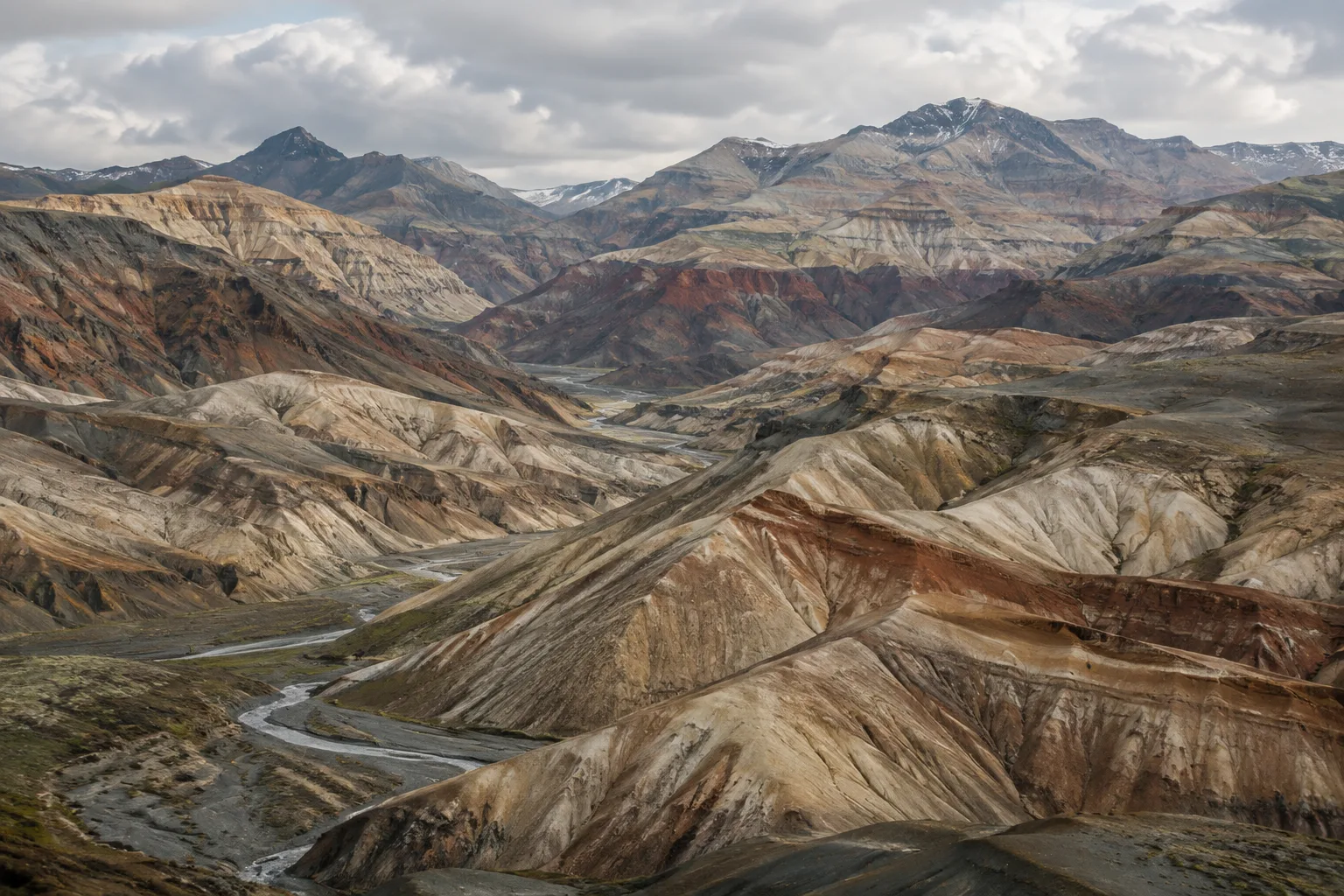
Terrain Erosion in Houdini: A Step-by-Step HeightField Erode Guide
Houdini’s HeightField Erode node shapes terrain through rainfall and erosion. This guide covers preparing a HeightField, applying masks, choosing an erosion scale, and freezing the simulation output.
 AI image
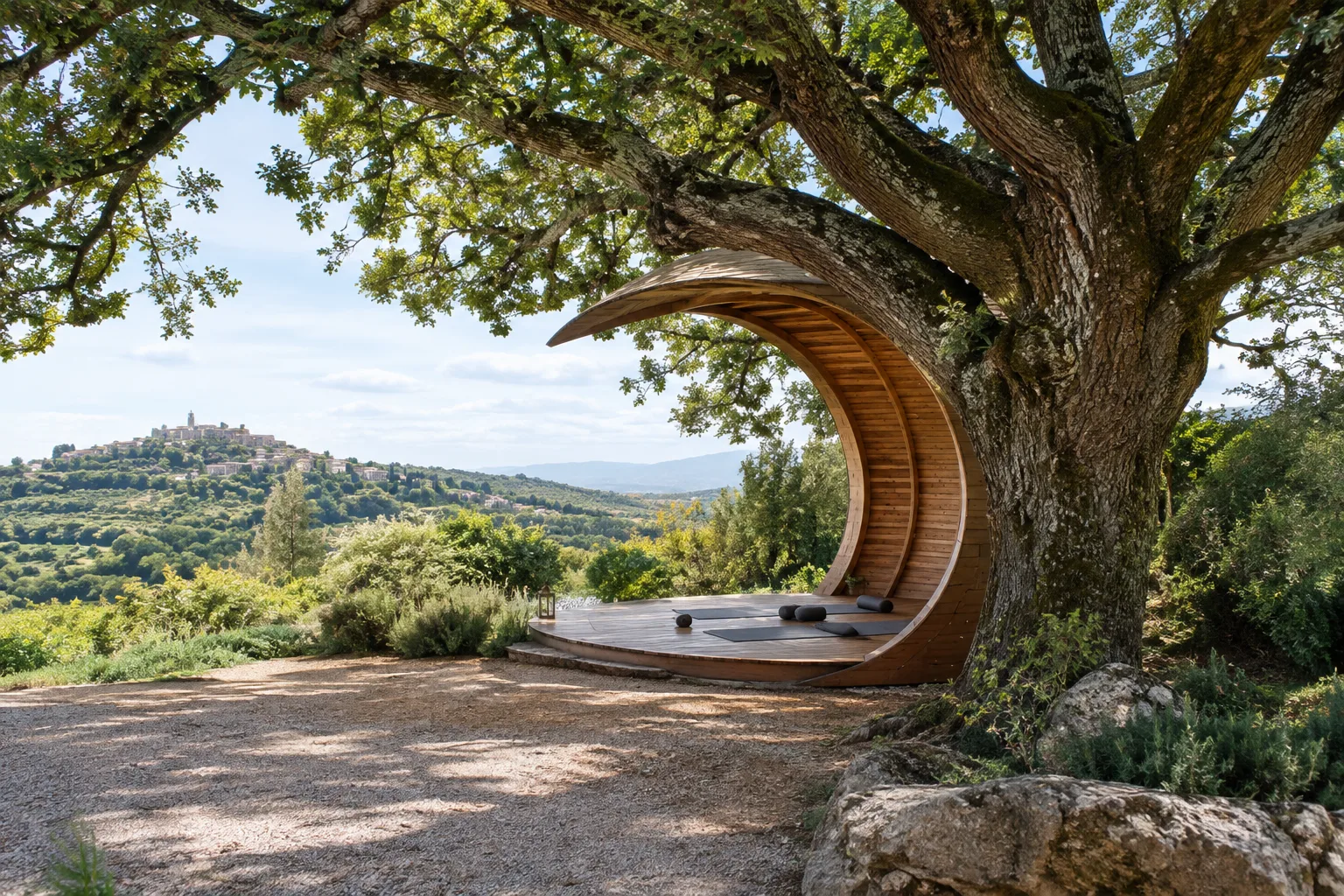
The Oak Moon Pavilion competition seeks a yoga pavilion beneath an oak in Italy
Buildner’s The Oak Moon Pavilion competition invites architects, designers and students to design an open-air, moon-shaped yoga pavilion beneath a historic oak in central Italy. The announcement does not include an application schedule or prize information.
 AI image
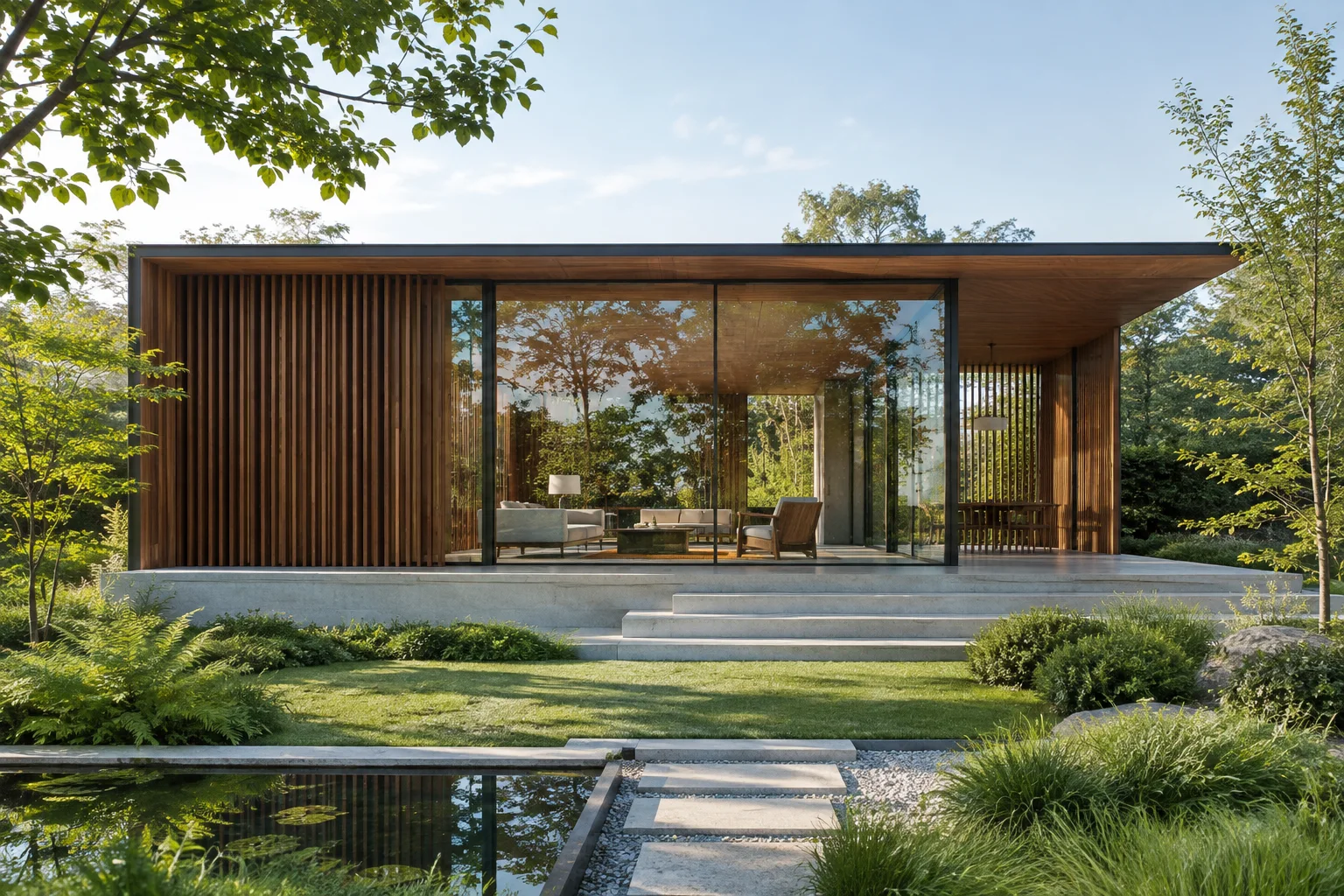
Clean SketchUp Model Export for Rendering: Backfaces, Purge and FBX Settings
Black spots, flickering walls and slow synchronization in render engines often originate in the SketchUp file. Using SketchUp’s help documentation, we cover face orientation, Purge Unused, geometry reduction, component and tag management, and FBX options.
 AI image
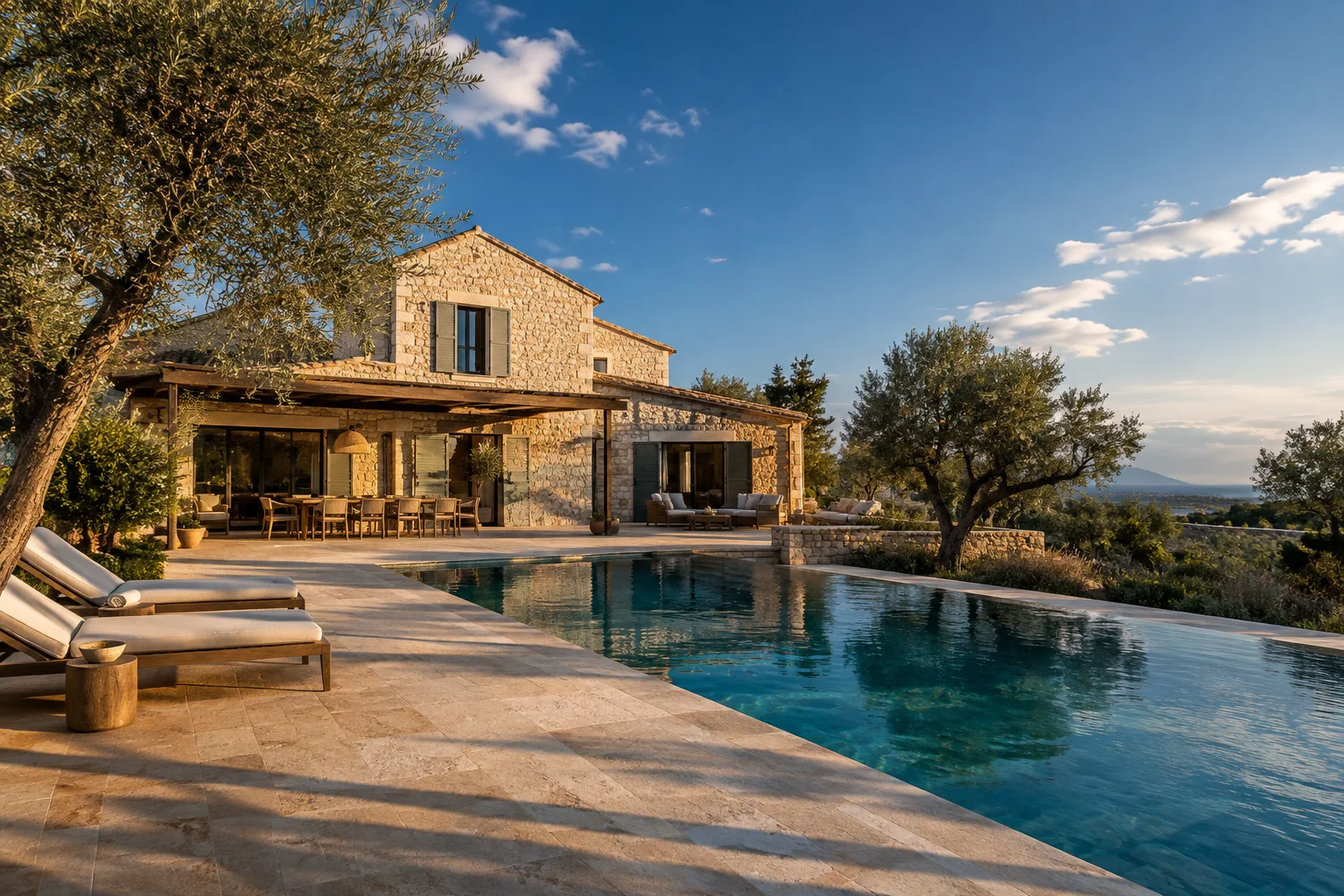
Realistic Daylight in D5 Render: A Guide to Geo and Sky, HDRI, and Exposure
Three things make daylight look artificial in D5: incorrect location and north settings, Auto Exposure constantly correcting itself, and sunlight and sky brightness being linked. Based on D5 3.1 documentation, this guide walks through Geo and Sky, HDRI, and exposure settings step by step.
 AI image
Blender Cycles Interior Rendering Settings: A Guide to Portals, Denoising and Light Paths
Interiors are among the toughest scenes for Cycles because light enters through a small window and bounces repeatedly. Based on the Blender 5.2 LTS manual and default values, we explain sampling, denoising, portals, Light Tree, Path Guiding and Light Paths settings.
 AI image
Corona 15 noise and denoiser settings: noise level limit, UHD Cache and AI denoising
Corona uses progressive rendering: noise management depends on when you stop the render and which denoiser you choose. A guide to noise level limits, denoising modes, the High Quality filter pitfall and Production Upscaling, based on Chaos documentation.
 AI image
7 V-Ray 7 settings to cut render times: an interior scene guide
In V-Ray 7 for 3ds Max, sample count is the main factor determining render time. Based on Chaos documentation, we explain how the Bucket sampler, noise threshold, Light cache, Adaptive lights and VRayDenoiser settings work—and why.