Tips & Guides · Page 7
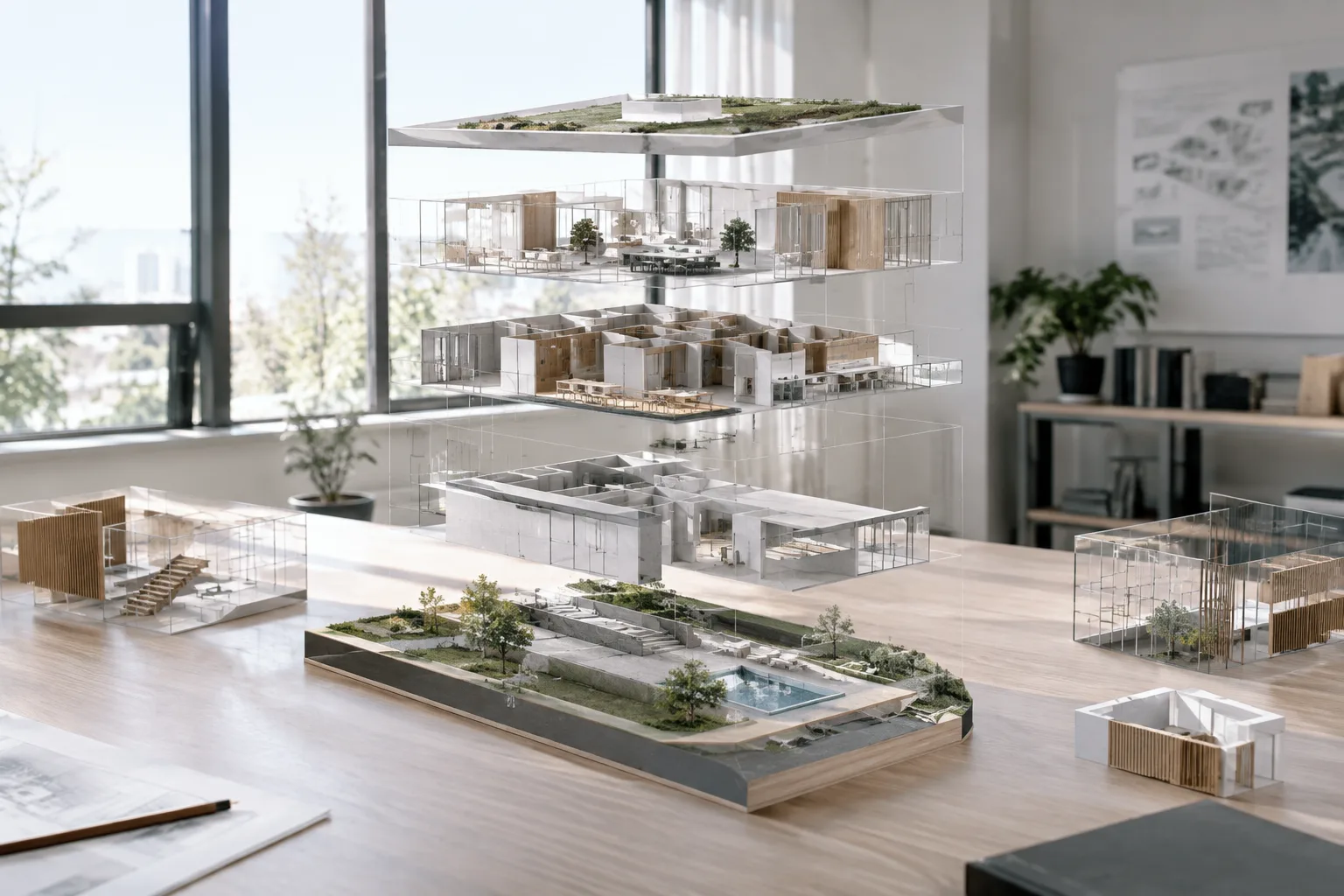 AI image
D5 Render'da Model İçe Aktarma, Hizalama ve Malzeme Senkronizasyonu Rehberi
D5 Render'ın resmi dokümantasyonuna göre modelleri içe aktarma yöntemleri, ayrı dosyalardan gelen modelleri hizalama ve malzeme senkronizasyonunu düzeltme adımları derlendi.
 AI image
Redshift Proxy guide for speeding up interior scenes (Cinema 4D / Houdini)
Redshift Proxy files let you use heavy geometry at render time without loading it into the scene, improving viewport performance and scene transfer times; according to Maxon's official documentation, the right settings can deliver additional gains.
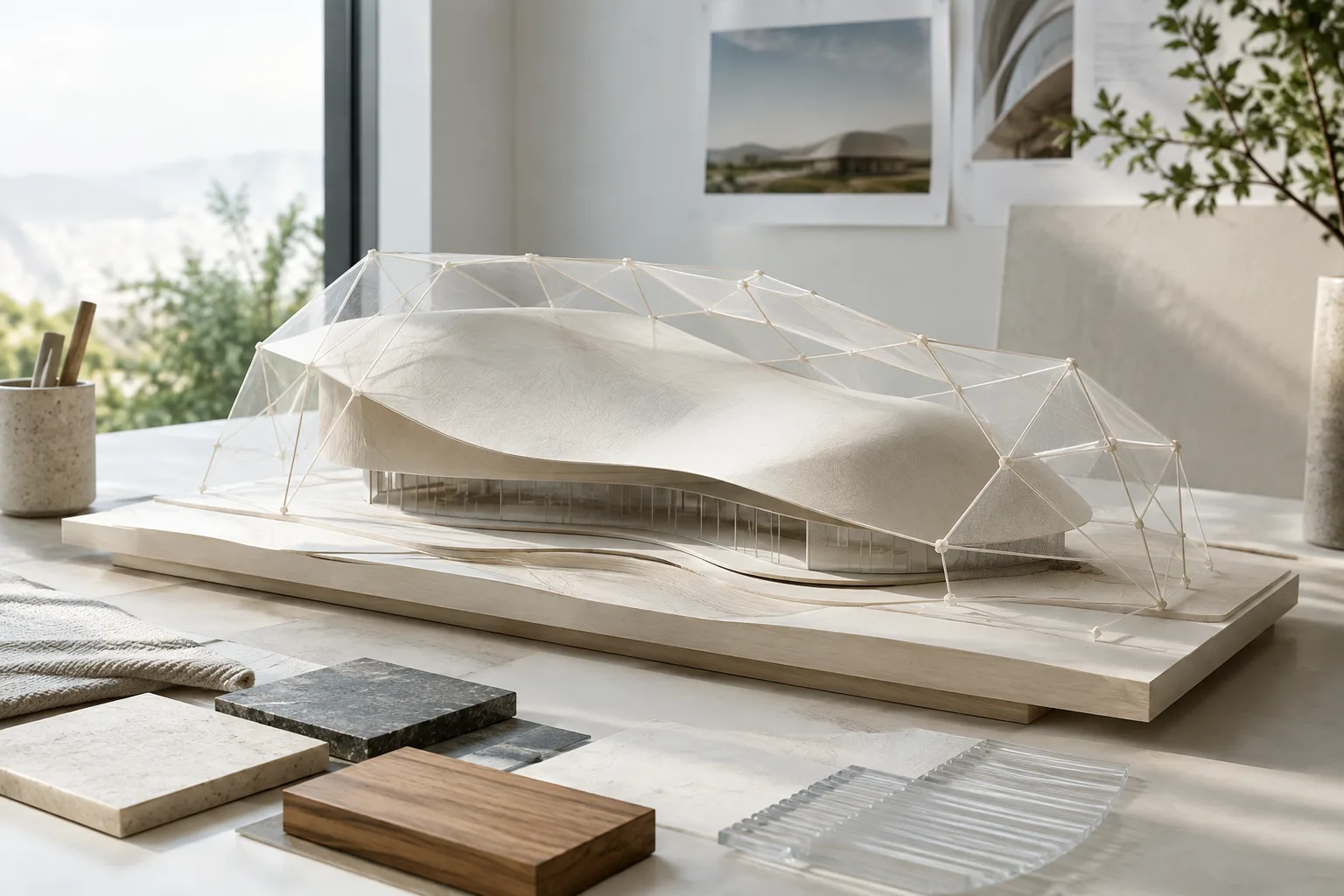 AI image
Rhino 8 CageEdit Guide: Controlled, Smooth Model Deformation
In Rhino 8, CageEdit smoothly deforms objects by editing a control cage. This guide explains cage selection, influence range and accuracy settings, as well as using SoftEditCrv for curves.
 AI image
Rhino 8 Blocks: Efficiently Manage Repeating Architectural Elements
In Rhino 8, blocks let you manage repeating geometry through a single definition and update all instances of an element together. This guide covers creating and inserting blocks, as well as linking external files.
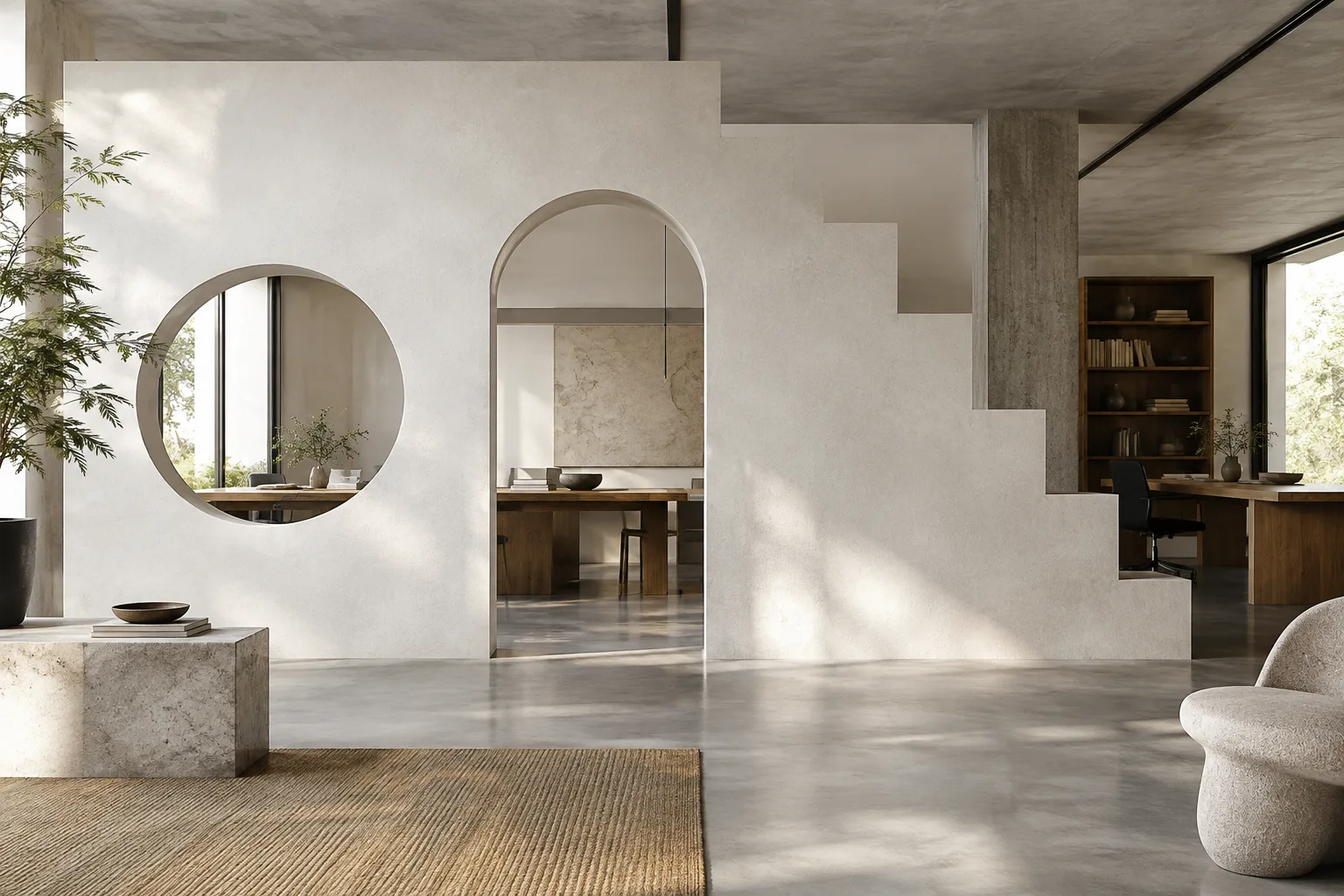 AI image
Blender Geometry Nodes: A Guide to Boolean and Extrude for Architecture
Explanations of Mesh Boolean, SDF Grid Boolean, and Extrude Mesh in Blender’s current manual help you choose the right method for cutting, joining, and extending surfaces in architectural modeling.
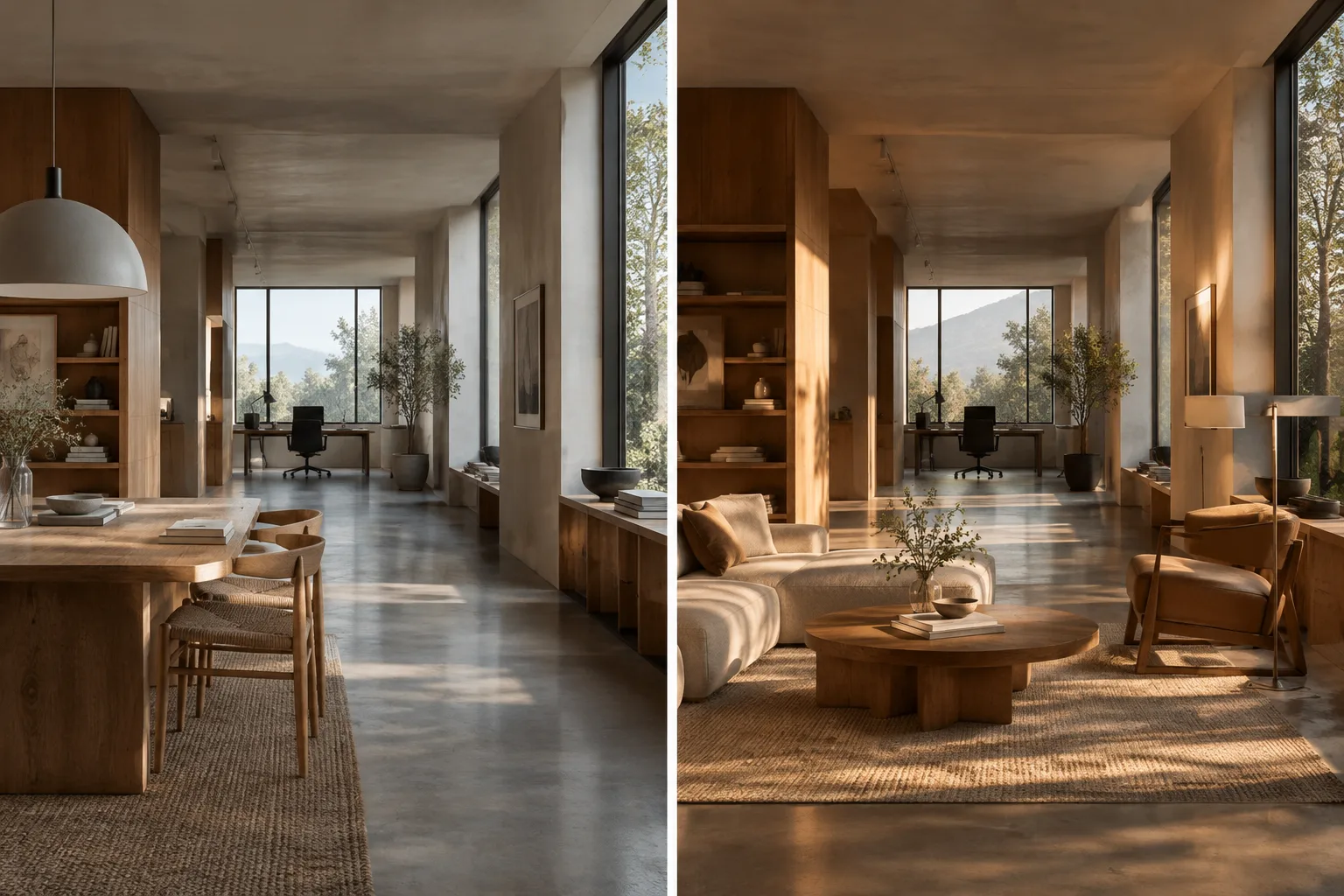 AI image
Unreal Engine Level Snapshots Guide: Safely Manage Scene Variations
In Unreal Engine, Level Snapshots lets you save and restore the state of Actors and their properties in a level at a specific point in time. This guide covers setup, selective restoration, and key limitations.
 AI image
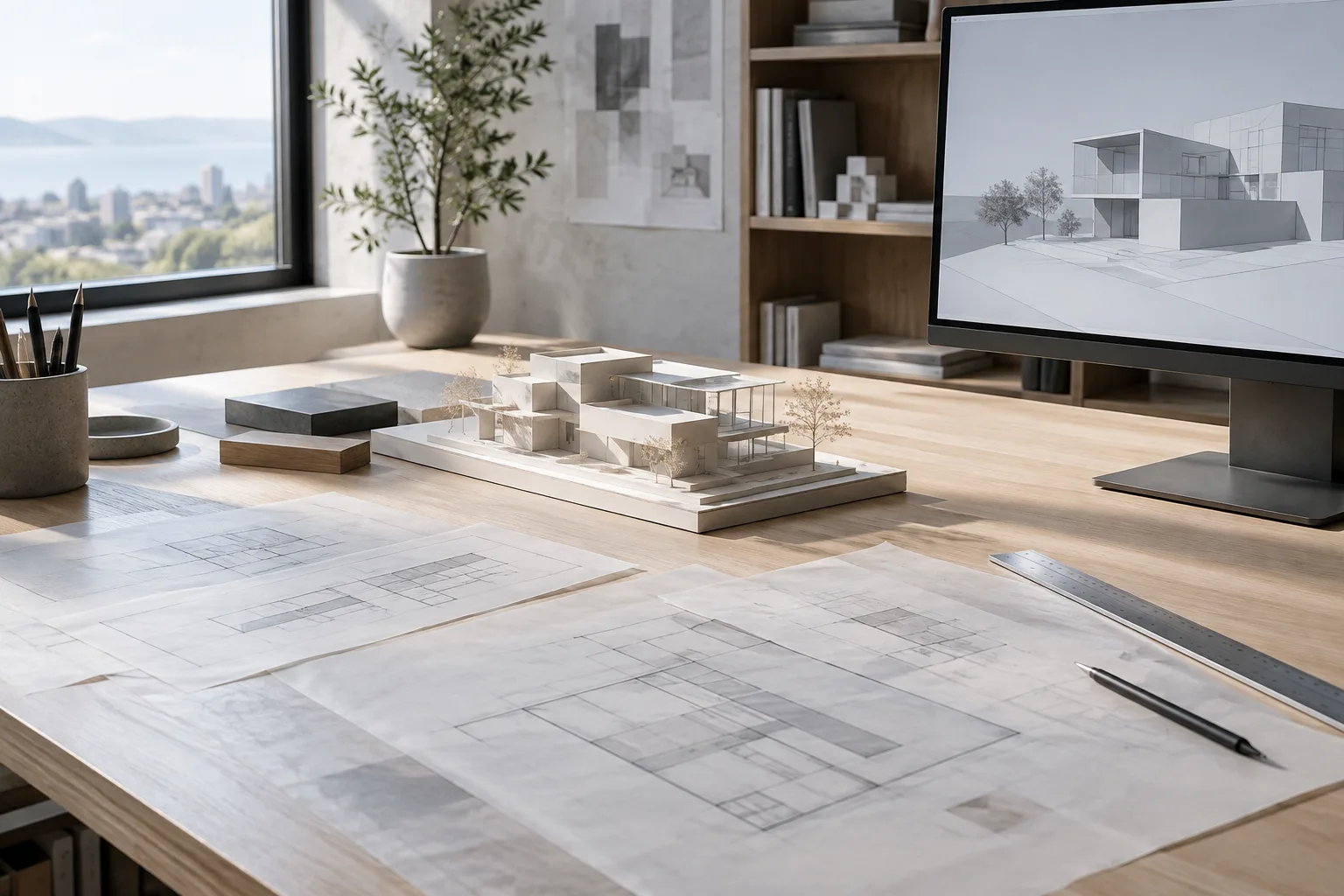
Make2D and Print in Rhino 8: A Guide to 2D Drawings and Sheet Output
Rhino 8’s Make2D command converts model edges and silhouettes into flat 2D curves. This guide explains the core workflow, from projection options and line display to output with the Print command.
 AI image
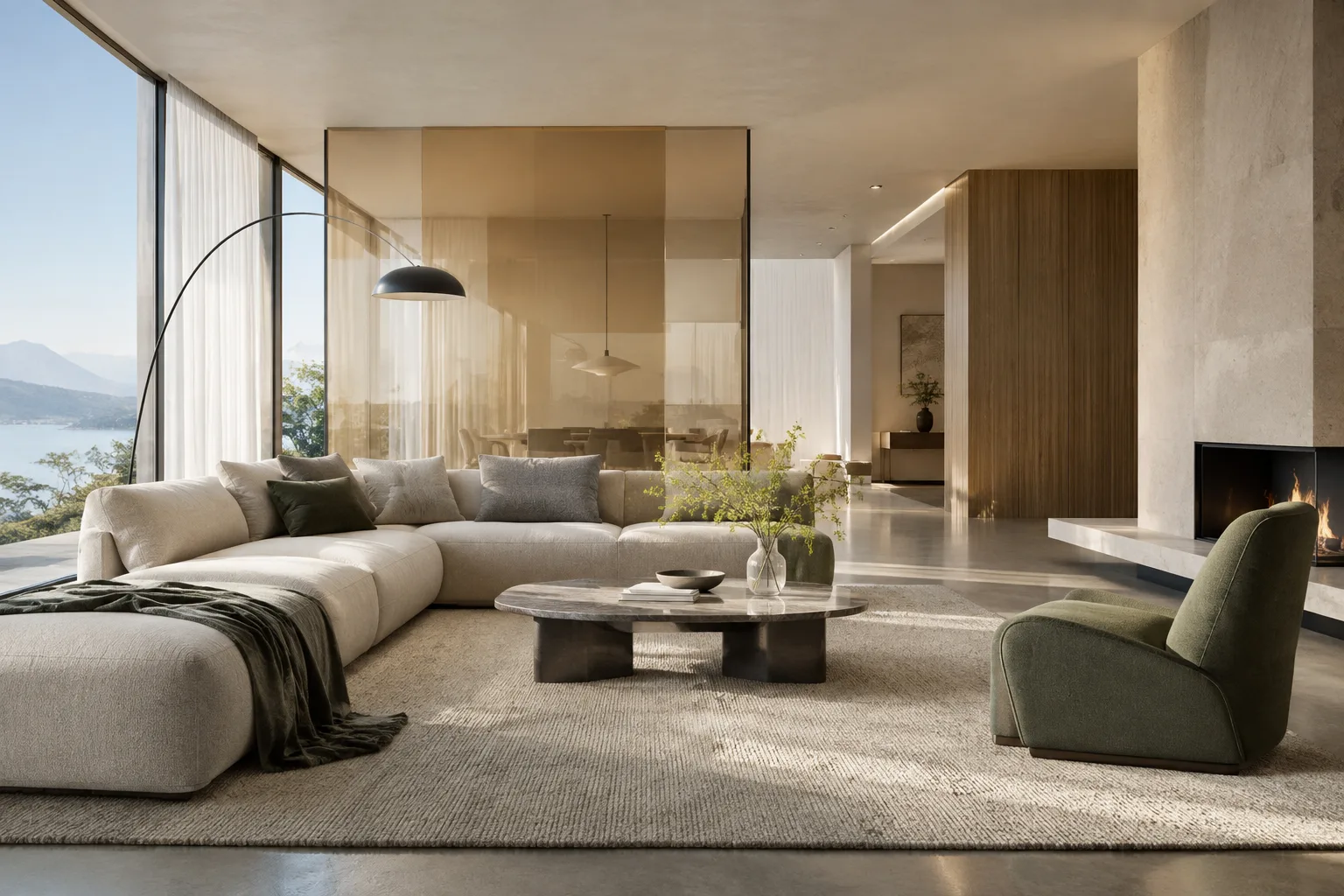
Houdini Solaris and USD Guide: Organize Architectural Scenes with Layers
The Solaris and USD workflow documented for Houdini 22.0 lets you assemble scene elements in layers while keeping edits separate. This guide explains LOP networks and core USD concepts in the context of architectural production.
 AI image
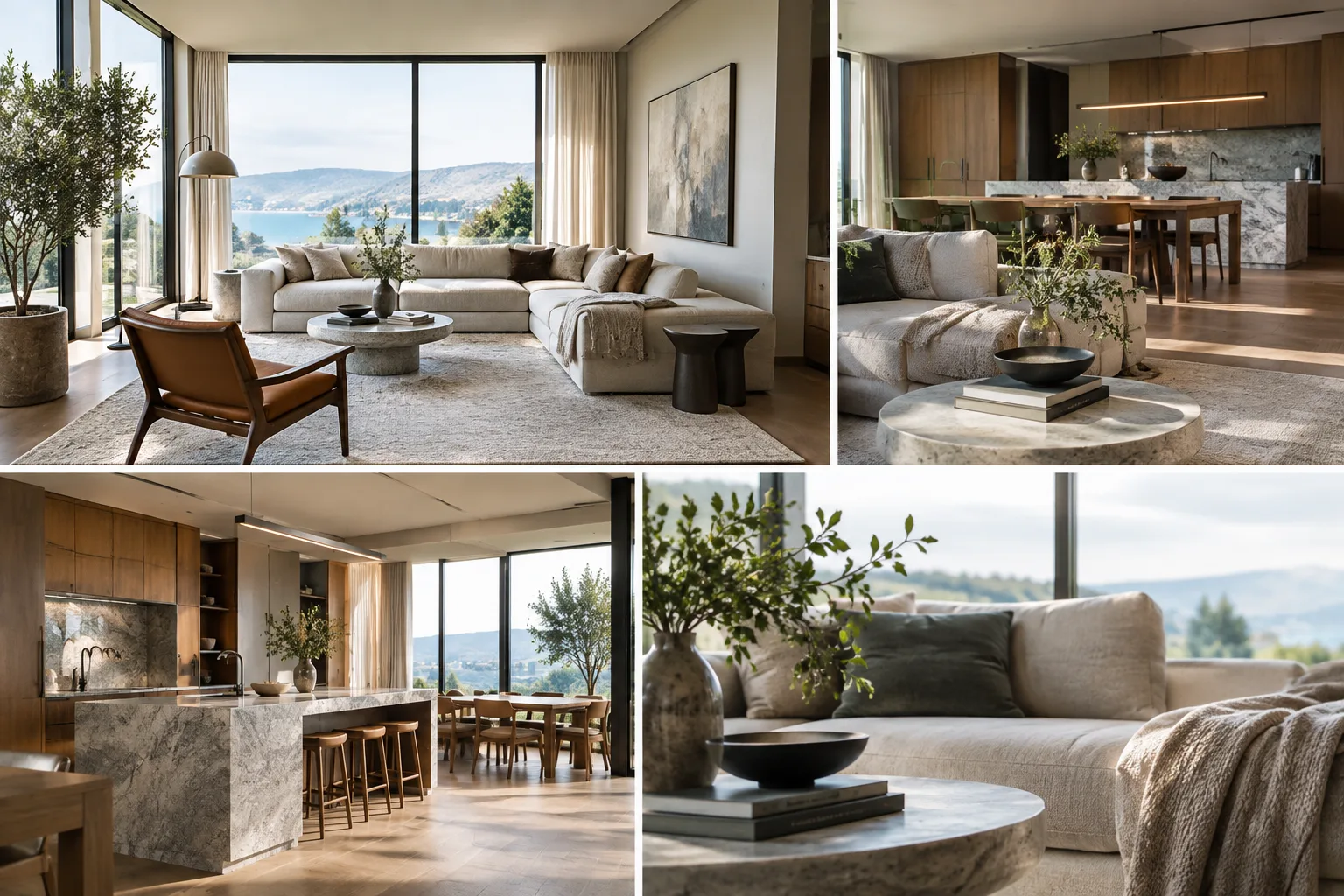
A Guide to Creating Architectural Presentation Animations with SketchUp Scenes
SketchUp scenes let you turn different model views into presentation animations and export them as a video or image sequence. This guide covers the essentials, from transition settings to choosing a resolution and file format.
 AI image
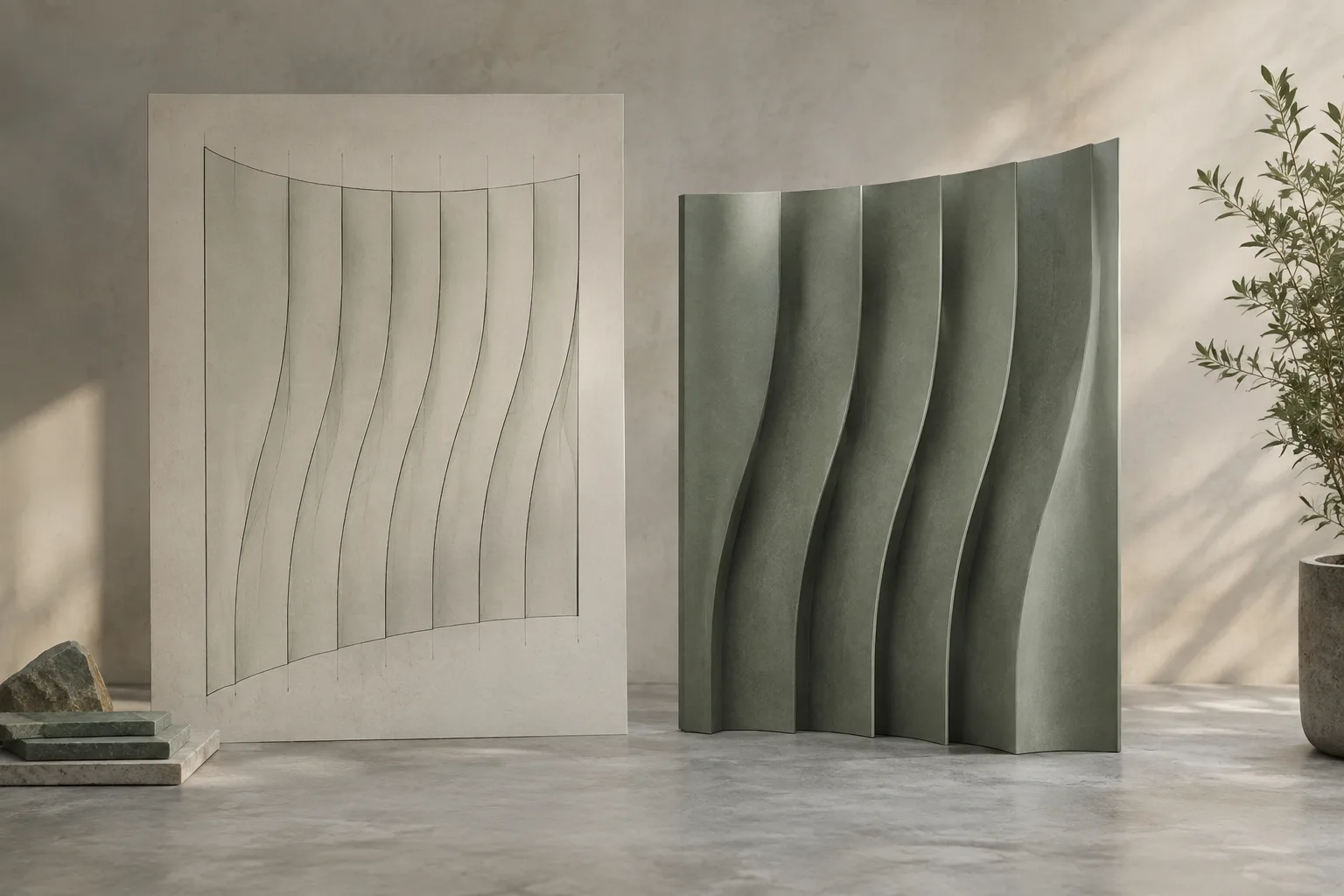
Rhino 8 Surface Flattening Guide: UnrollSrf or Squish?
In Rhino 8, UnrollSrf flattens developable surfaces with curvature in one direction, while Squish converts double-curved surfaces into 2D patterns and reports deformation. The right command depends on the surface geometry and material requirements.
 AI image
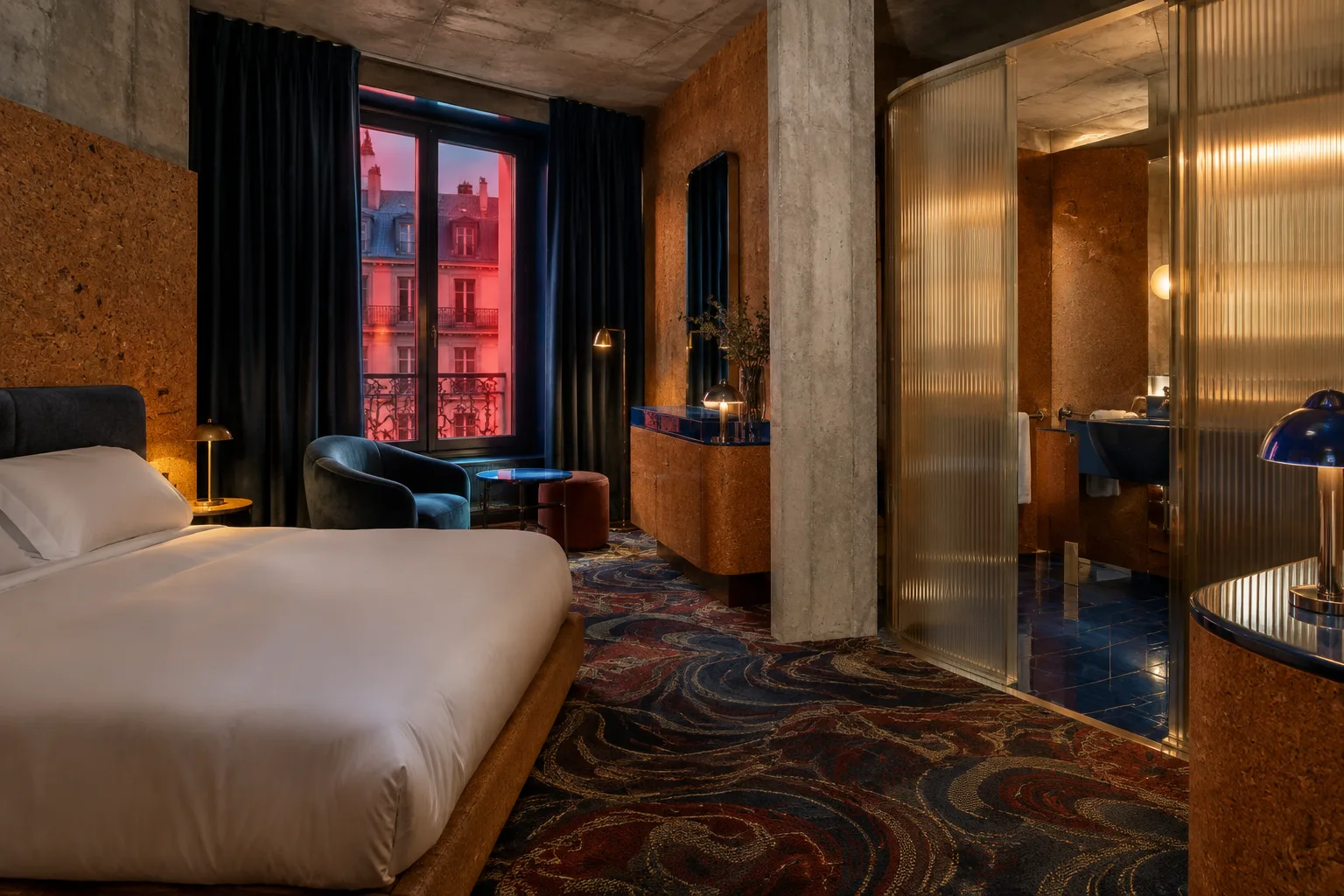
Bus Palladium: Studio KO Brings Paris Club Heritage Into a Hotel
Studio KO has reimagined the Bus Palladium address in Paris’s Pigalle district as a five-star hotel with 35 rooms and suites. Opened on 10 April 2026, the building keeps the former club’s legacy alive through its material and spatial choices.
 AI image
Managing Properties and Classifications in Archicad 28: A BIM Data Guide
In Archicad 28, properties add searchable information to elements and building materials, while classifications organize where that information can be used. This guide explains how to set up and use both in a project.
 AI image
Rendering from the Command Line and Output Settings in Blender 5.2 LTS
Blender 5.2 LTS supports rendering without opening the interface and managing output settings from the command line. This guide explains still and animation rendering, file naming, and format selection.
 AI image
Managing Heavy Scenes in Blender Cycles: Simplify and Device Settings
Blender’s official Cycles documentation explains how to reduce texture and scene resources with Simplify, and how to choose a render device using CPU or GPU Compute. This guide explores how these tools fit into the workflow.
 AI image
Unreal Engine World Partition guide: Manage large scenes with cells and Data Layers
Unreal Engine’s official documentation explains how to manage large maps with World Partition cells and organize and load scene elements with Data Layers. This guide summarizes the basic setup and key considerations.
 AI image
Unreal Engine GPU Lightmass and Lightmap UVs: A Guide for Architectural Scenes
In Unreal Engine, GPU Lightmass precomputes lighting from Static and Stationary lights, while Lightmap UVs help transfer that lighting data correctly to meshes. This guide covers the essential setup, memory and UV-layout steps.
 AI image
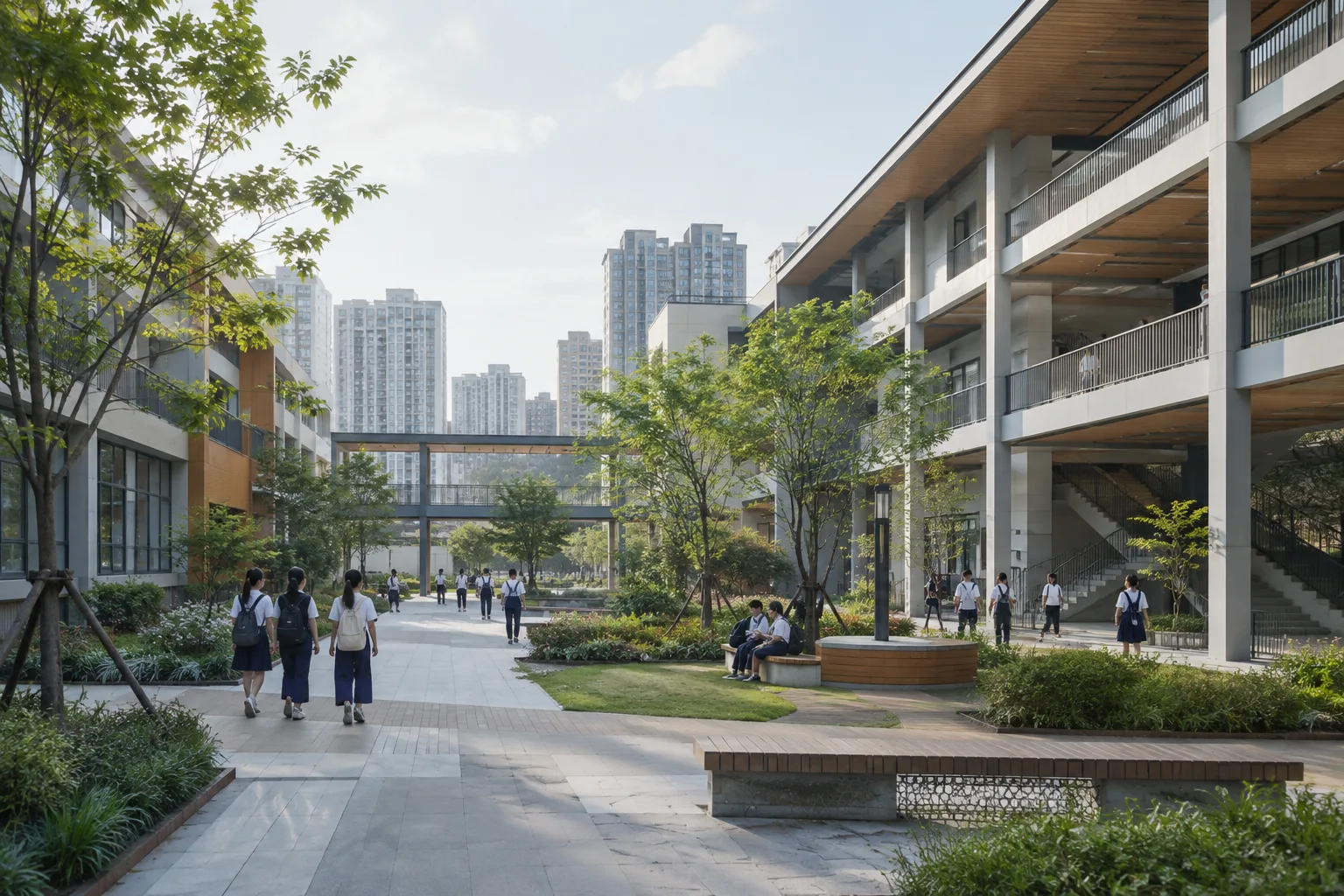
Hongling Middle School Shixia Campus published on ArchDaily
Tumushi Architects’ expansion of Hongling Middle School Shixia Campus in Shenzhen was published on ArchDaily on 5 October 2026. The project listing gives an area of 42,177 m² and a project year of 2023.
 AI image
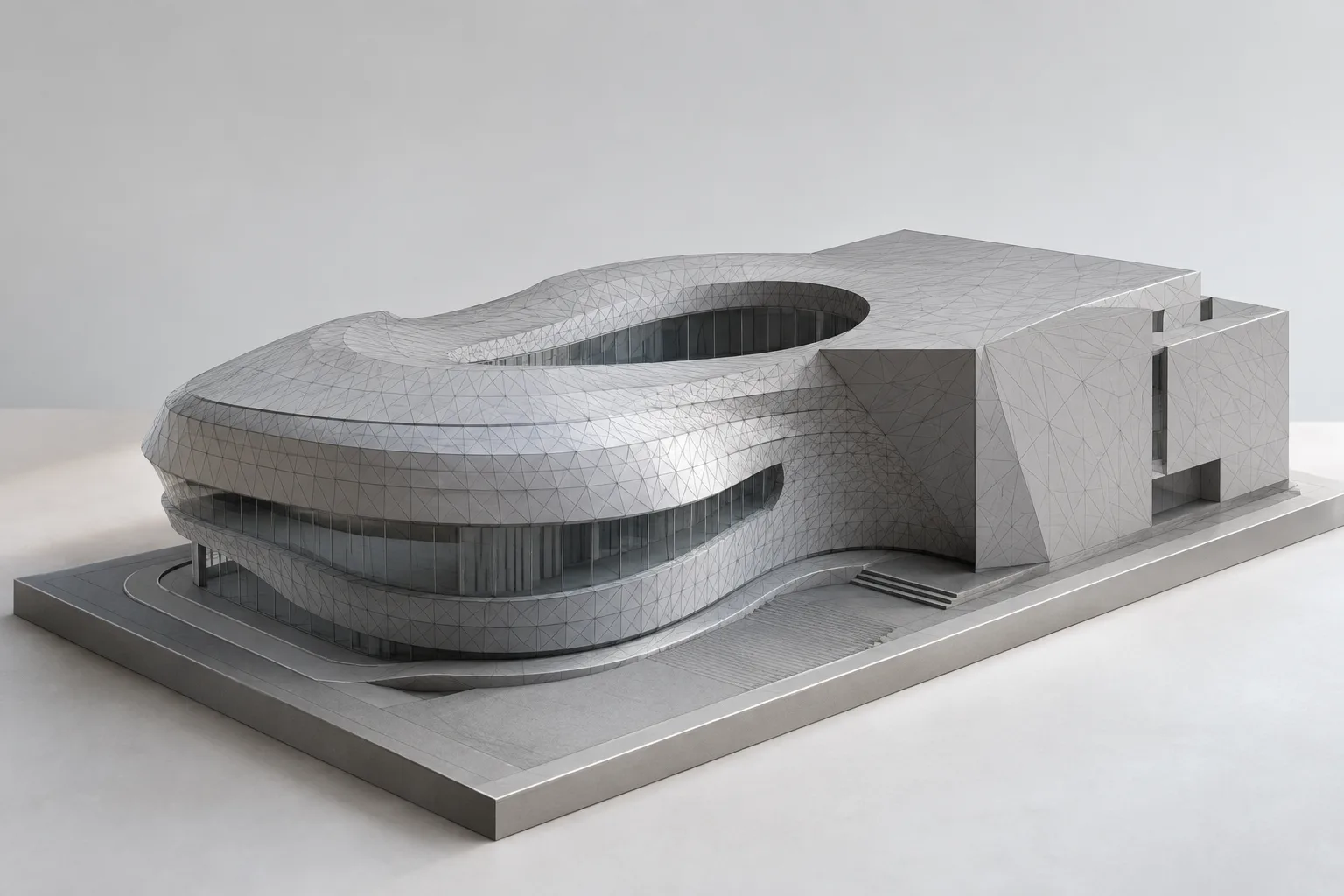
PolyReduce and Remesh in Houdini: A Practical Guide for Architectural Models
Houdini’s PolyReduce and Remesh nodes help simplify geometry and rebuild its triangulation for different purposes. This guide explains the essential settings for preserving detail and edges.
 AI image
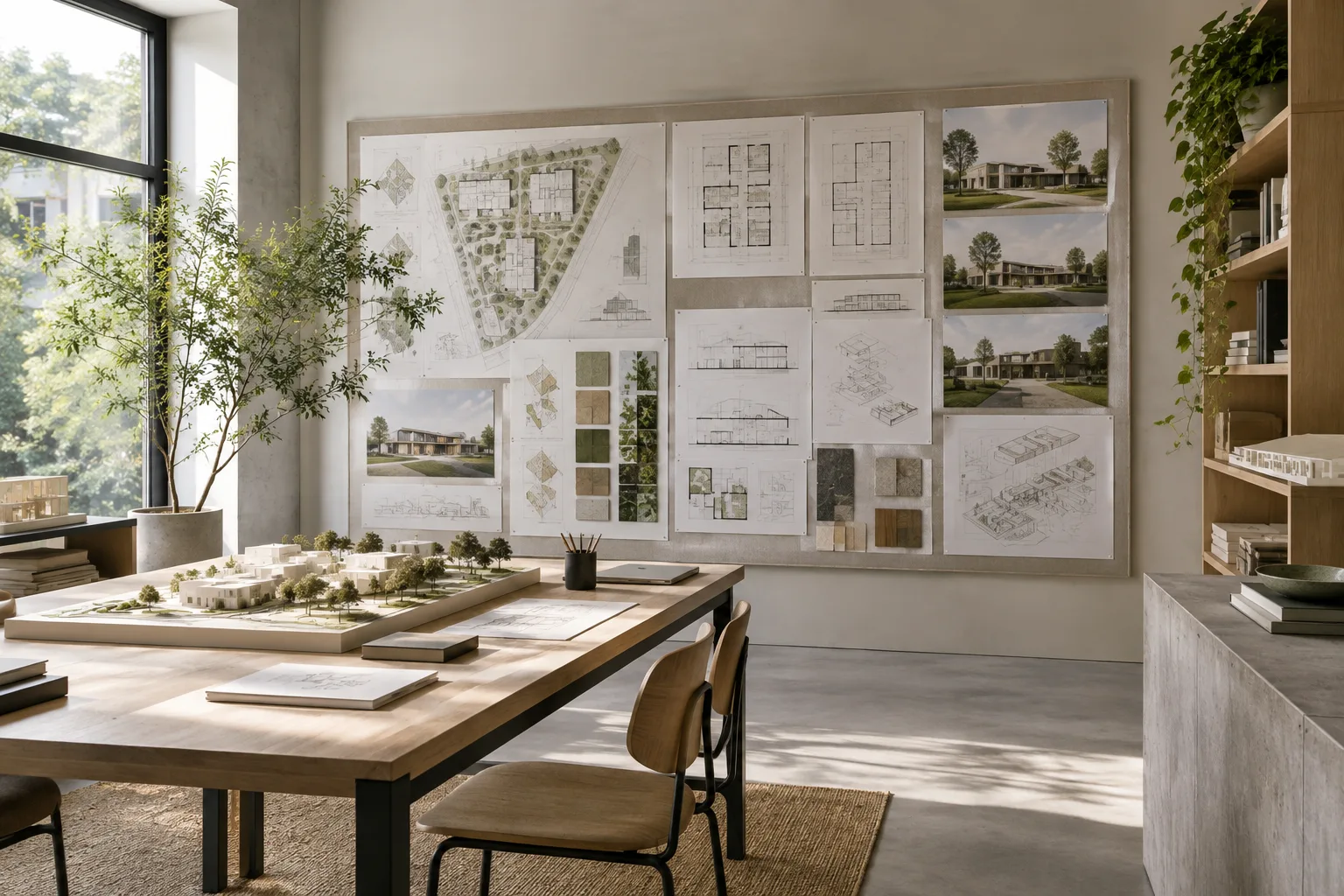
A Practical Archicad 27 Workflow for Consistent Views and Layouts
Archicad 27’s official Help documentation explains how to save view settings, create Graphic Override rules, and use autotext keywords. This guide brings these tools together in a practical documentation workflow.
 AI image
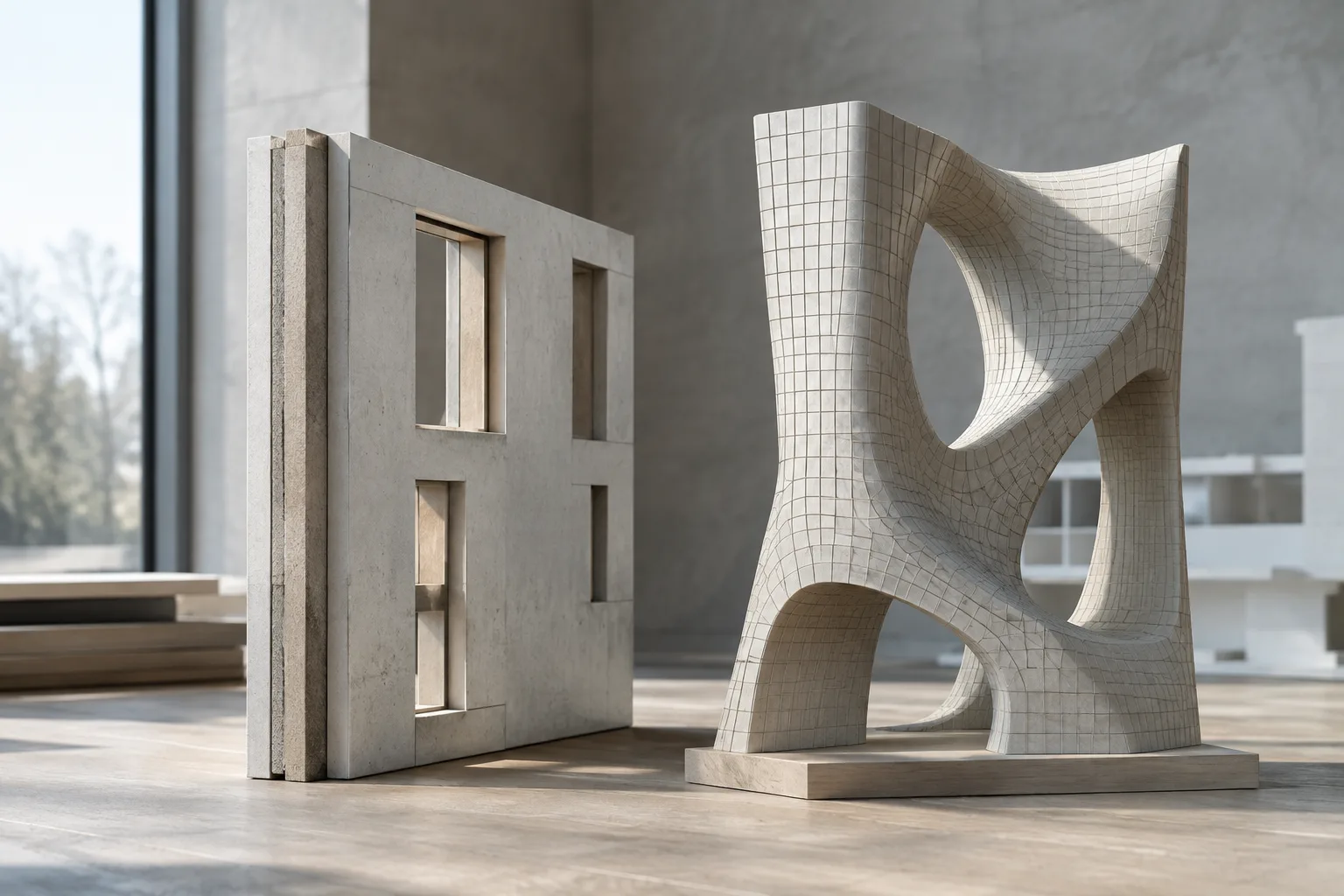
A Guide to Adding Thickness and New Topology to Architectural Meshes in Blender
Blender’s Solidify modifier adds thickness to surfaces, while Remesh creates new mesh topology. This guide explains how to choose modes, check scale and normals, and manage modifier order based on the documentation.
 AI image
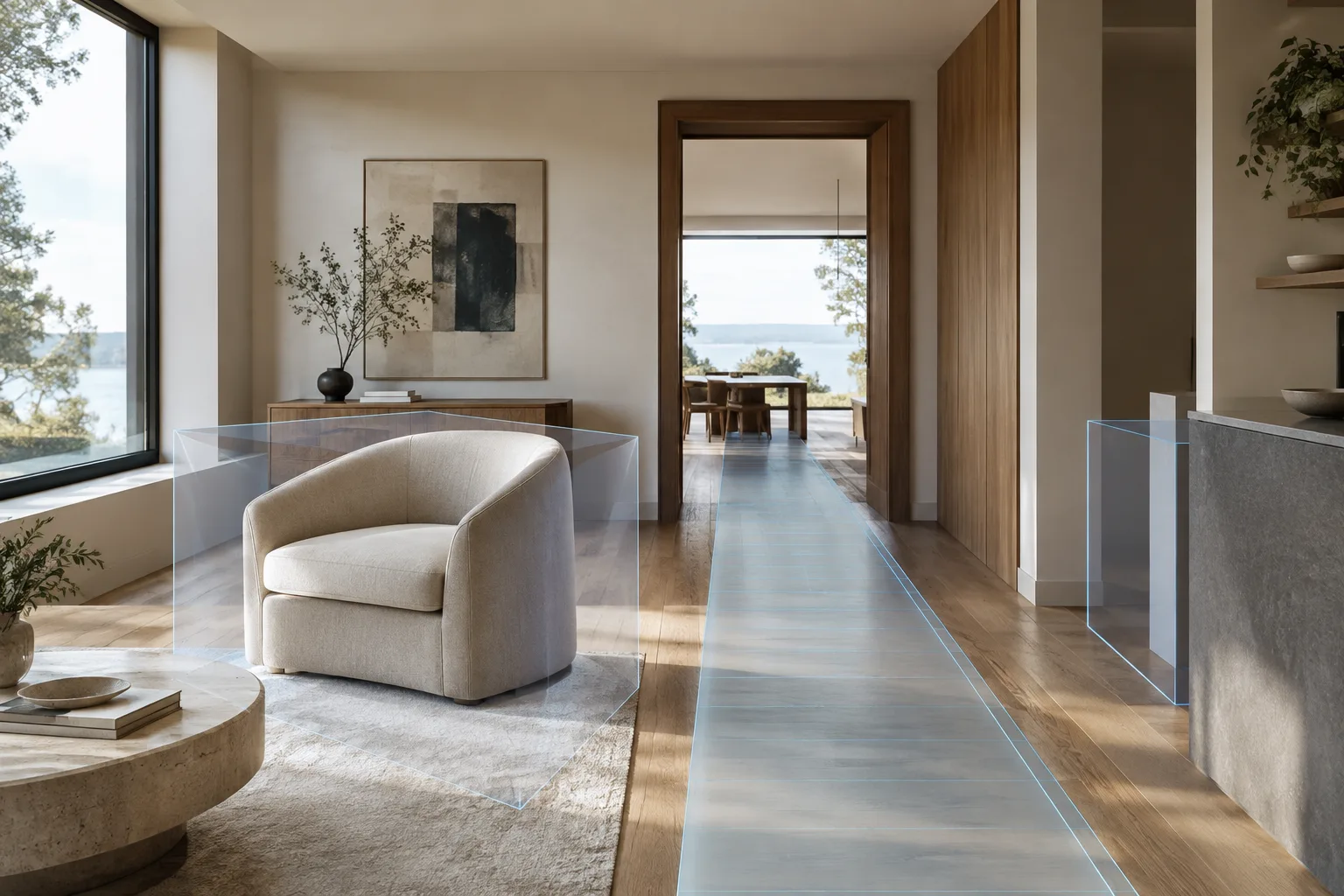
Static Mesh Collision and Navigation in Unreal Engine: An Architectural Scene Guide
Epic Games’ official documentation explains how to add simple or detailed collision to static meshes and configure collision responses. This guide explores how these choices relate to character movement and navigation meshes in architectural scenes.
 AI image
Architectural Scene Import with Datasmith: 5 Checks for Unreal Engine
Datasmith handles scale and some scene data automatically when importing architectural scenes into Unreal Engine. This guide covers software compatibility, surface orientation, lightmap UVs and post-import checks in five steps.
 AI image
A Guide to Multi-Camera Rendering and Arnold AOVs in 3ds Max
Adding multiple camera views to Batch Render in 3ds Max and managing Arnold AOVs in EXR files can help organize presentation and compositing workflows. This guide brings together steps from Autodesk documentation.
 AI image
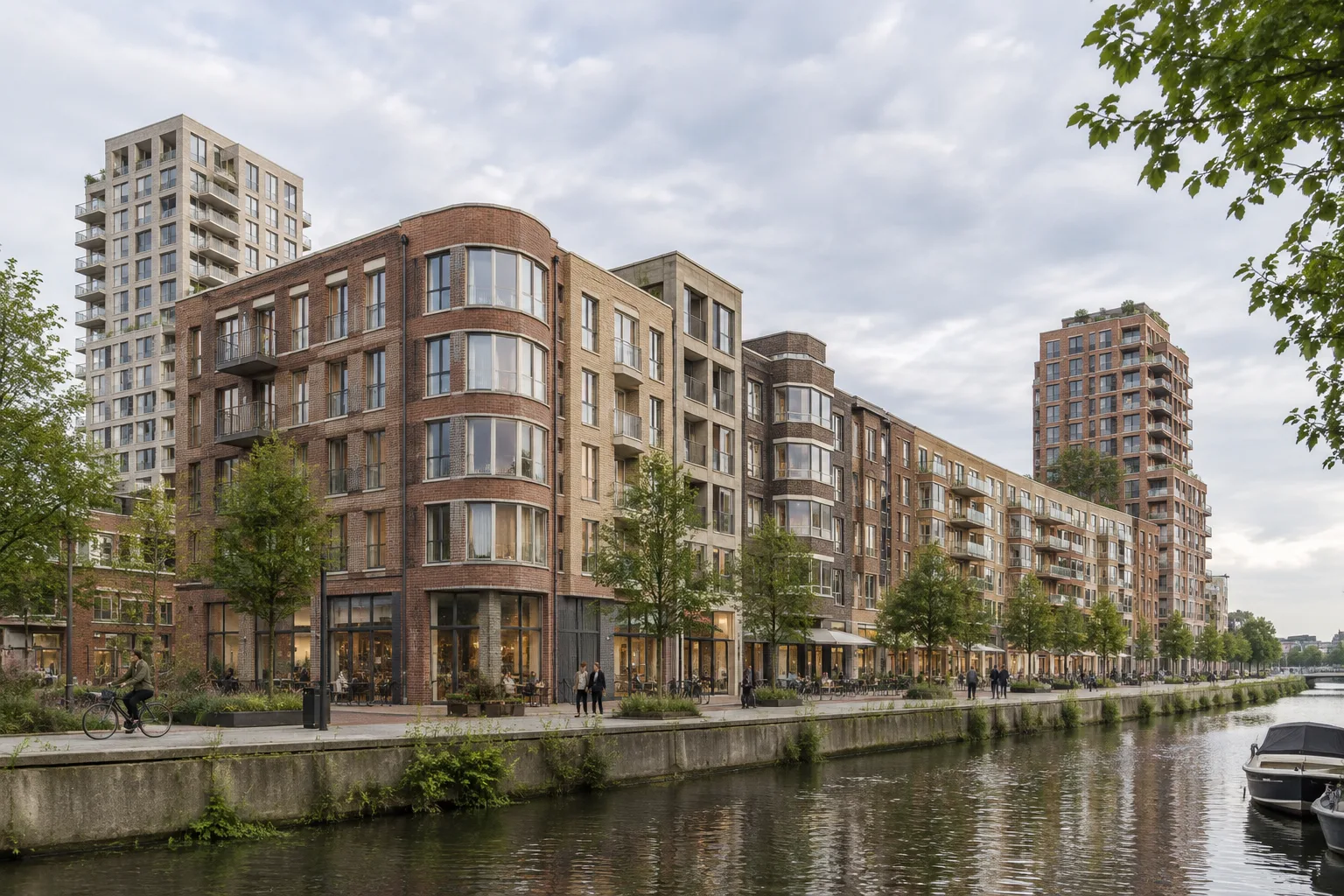
Singelblok in Amsterdam-Noord: Mixed-Use Building with 401 Homes
Designed by BureauVanEig and INBO, Singelblok brings together 401 homes, commercial spaces and assisted-living units in Amsterdam-Noord. The completed project comprises eight buildings and two set-back towers.