In brief
- Physics Scatter is a tool published by Gilad Baruch that runs inside Substance 3D Designer.
- The tool can use custom meshes in OBJ or FBX format and different object types in the same simulation.
- It can generate a range of material maps, including Height, Normal, Base Color, Roughness, and Object ID.
- Substance 3D Designer 14 or later and 64-bit Windows 10 or 11 are required.
Physics Scatter, published by Gilad Baruch, was featured in an 80 Level article dated 28 October 2026. The tool runs inside Substance 3D Designer, combining custom 3D models through physics simulation and turning them into tileable material maps. Output resolution can reach 8K; Jolt Physics is used for the simulation and map generation.
How does Physics Scatter work?
To use it, add a Physics Scatter node to a Substance 3D Designer graph and import meshes in OBJ or FBX format. Once the models’ appearance has been adjusted, the tool lets objects fall, collide, roll, and settle in a 3D preview. This makes it possible to build a pile using rigid-body physics simulation instead of positioning objects individually.
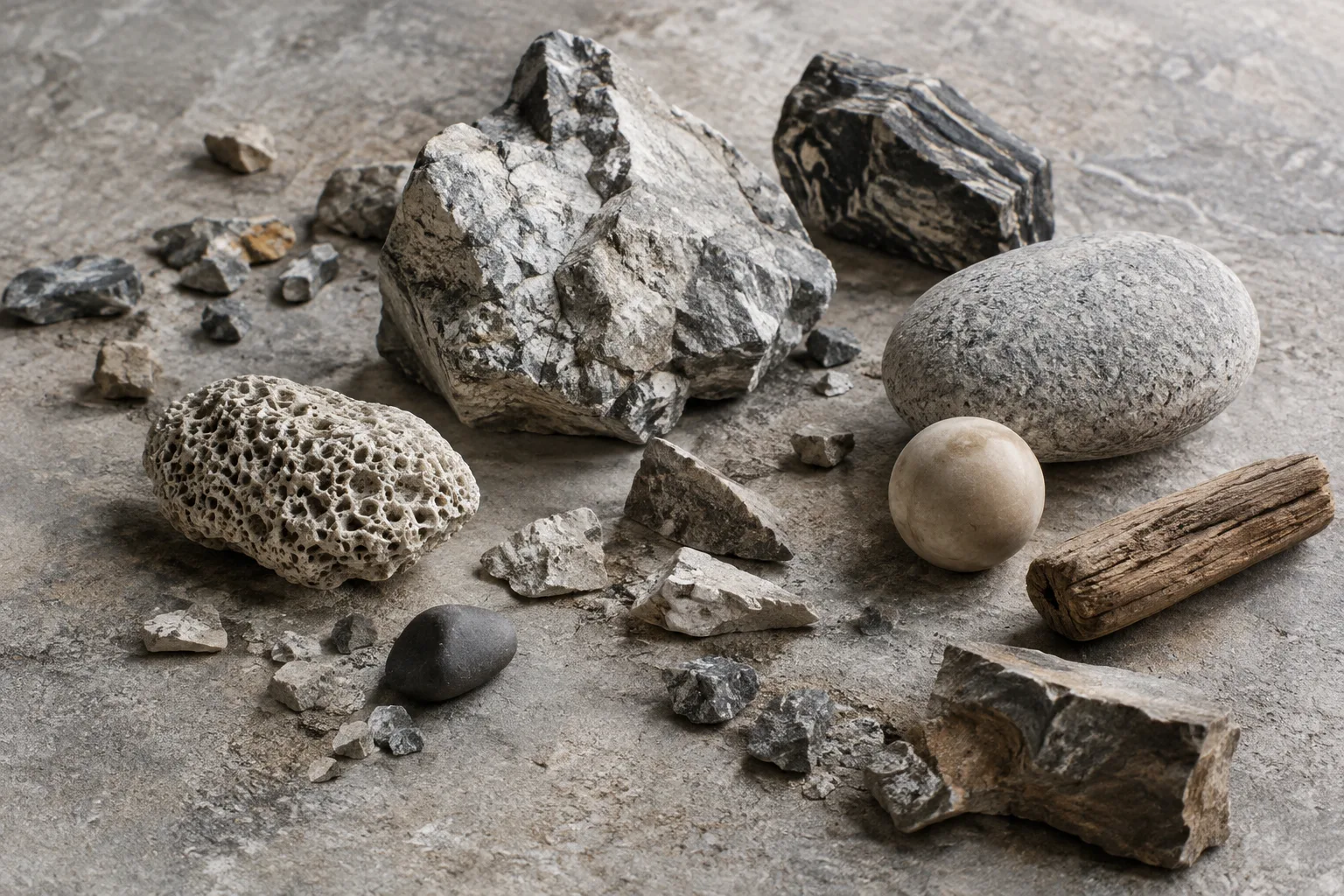
The tool supports custom meshes and combining different object types. Examples given by 80 Level include piles of skulls, bones, rocks, batteries, screws, seashells, and debris. Objects can be distributed across height maps using masks, the ground angle can be changed, and color and roughness variations can be set for each object.
Which maps can it output?
The simulated arrangement can be used to generate Height, Normal, Base Color, Roughness, Metallic, Coverage Mask, Object ID, and Object Random maps. The tool produces these as tileable material maps, with resolutions of up to 8K.
According to the source, users can update the texture appearance or output resolution without simulating the pile again. This can reduce the need to repeat the simulation when working with different material settings or resolutions on the same object arrangement. However, the source does not provide any measurements for how long these operations take.
What does this mean for architectural visualization workflows?
There is no information indicating that Physics Scatter was developed specifically for architectural visualization or architecture firms. Still, piles of rocks and debris, among the examples in the source, suggest potential use cases for visualization artists who need similar surface details in project materials. Placing custom meshes through physics simulation and generating tileable maps from them may be worth exploring, particularly when creating surface details from repeated small objects.
This potential use does not mean the tool will fit directly into an existing workflow. The Designer version, operating system, and mesh formats used by a team must meet the requirements. The source also describes the tool as a node added to a Substance 3D Designer graph; it provides no information about direct integration with other applications or additional file formats.
System requirements and licensing options
Physics Scatter requires Adobe Substance 3D Designer 14 or later and 64-bit Windows 10 or 11. Comprehensive documentation is also included with the product. Teams evaluating the tool should check both their Designer version and the system it will run on in advance.
Licensing options range from Personal to Enterprise. The source says the options are available as one-time purchases and cover commercial use and client work. However, license prices have not been disclosed. Before purchasing, teams should also verify the scope of each option and its terms for use within their organization.
Sources
1 sourceSource texts are not republished; short quotes are marked, everything else is our own summary and commentary.
What stands out about Physics Scatter is its ability to build piles from custom objects through physics simulation and turn them into tileable maps. Visualization artists working on surface details such as rocks or debris may find this approach useful for material creation, but there is no information indicating that the product was designed specifically for architectural workflows.
For offices in Turkey, the practical first step is to check compatibility with their Designer version and Windows setup. The one-time license and commercial-use terms sound positive, but with no price disclosed, the total cost cannot yet be assessed. Before purchasing, offices should review the license scope and check whether their existing meshes are compatible with OBJ or FBX.
Frequently asked questions
Which software does Physics Scatter work with?
The tool is used as a node inside Substance 3D Designer. Substance 3D Designer 14 or later is required.
Which maps can Physics Scatter generate?
It can generate Height, Normal, Base Color, Roughness, Metallic, Coverage Mask, Object ID, and Object Random maps.
Have the price and system requirements for Physics Scatter been announced?
No price has been specified. The tool requires Substance 3D Designer 14 or later and 64-bit Windows 10 or 11.