Tutorials · Page 16
 AI image
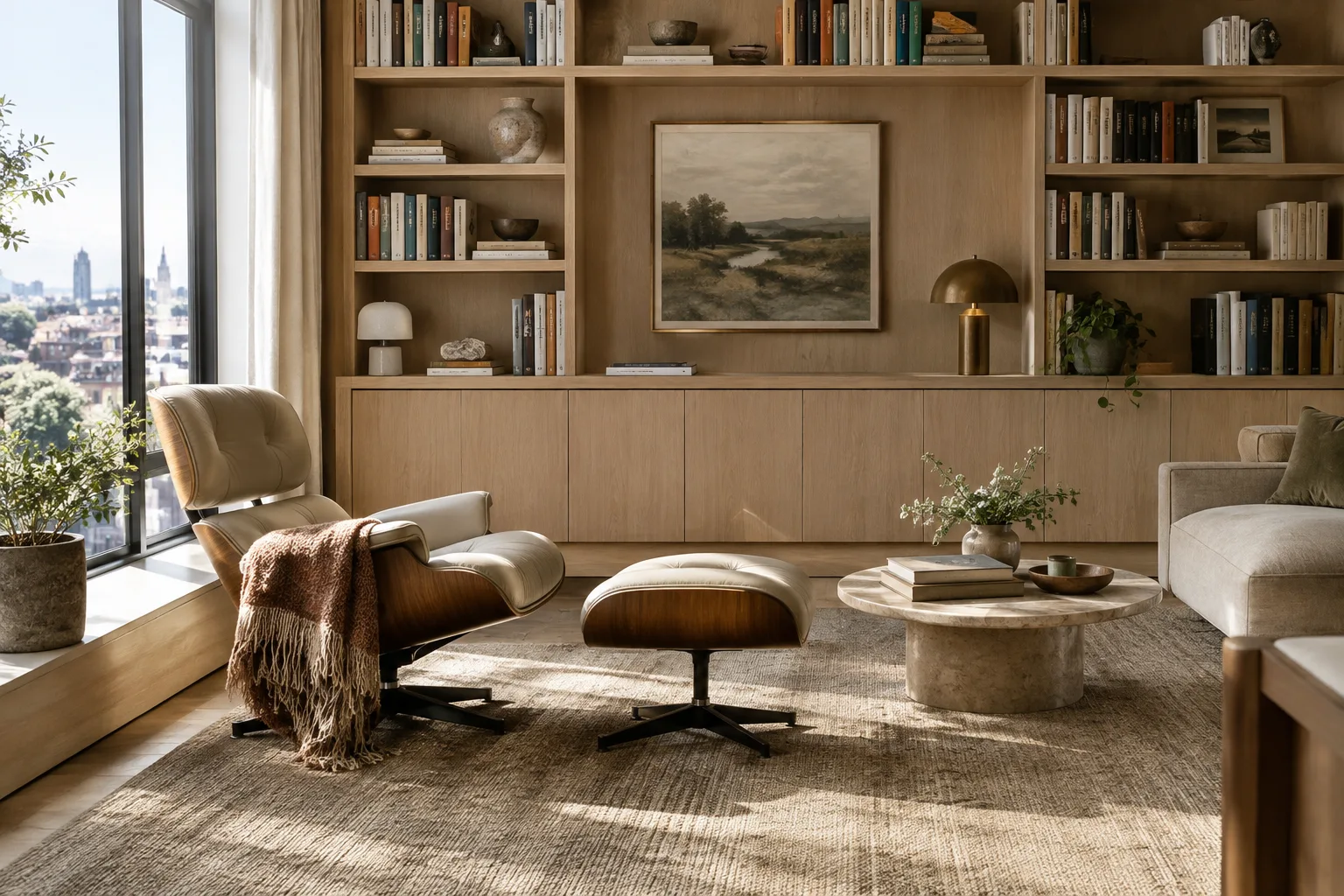
Create Interior Images with Nano Banana 2.1: A Step-by-Step Prompt Guide
Nano Banana 2.1 lets you generate images with text and edit existing images through the Gemini API. This guide walks through prompts and the basic API workflow for architecture and interior design, step by step.
 AI image
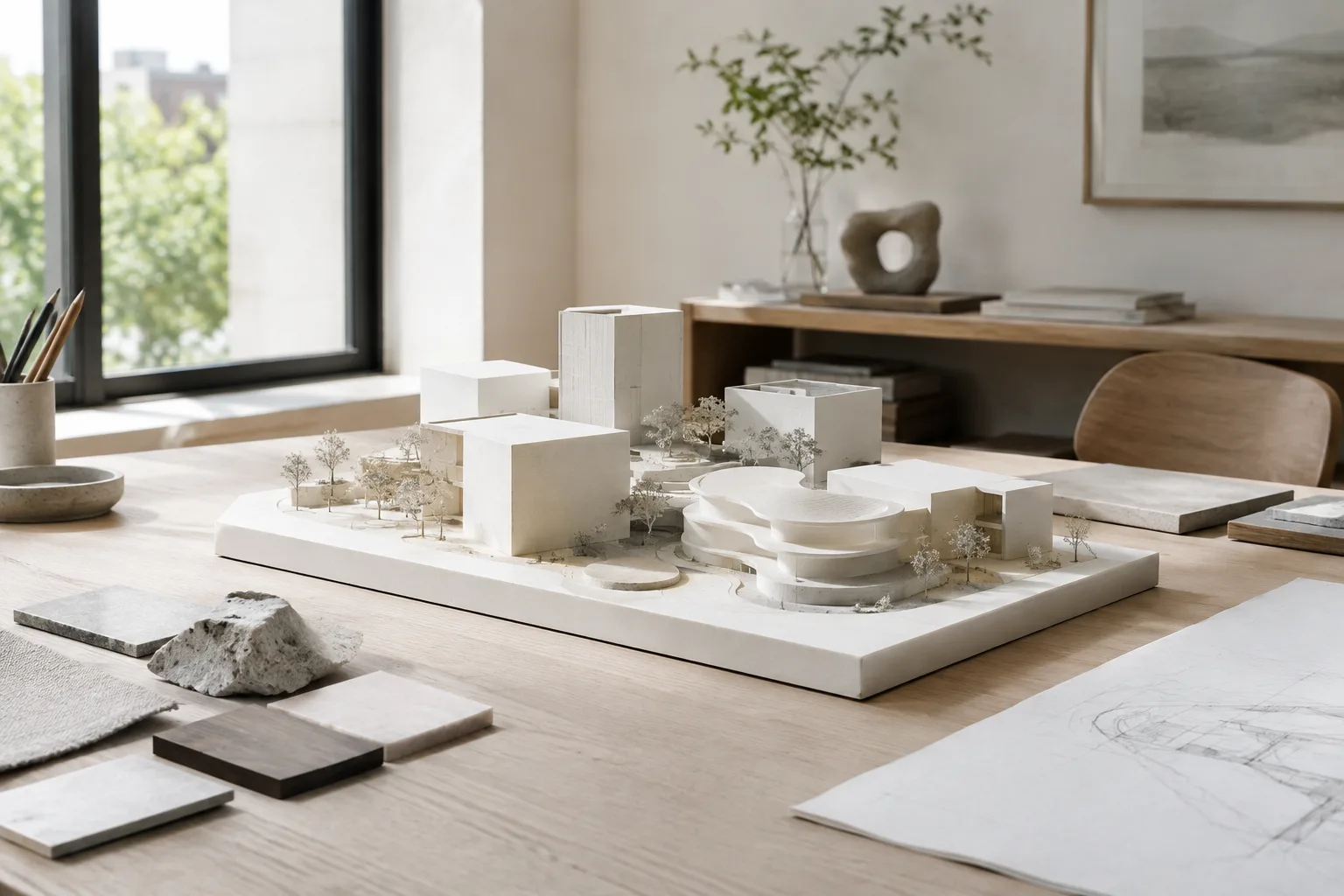
Unreal Engine Modeling Mode: A Guide to Creating and Editing 3D Geometry
Unreal Engine’s Modeling Mode tools let you create and edit geometry directly in the editor. This guide explains the initial setup, basic mesh operations and how to apply changes in a controlled way.
 AI image
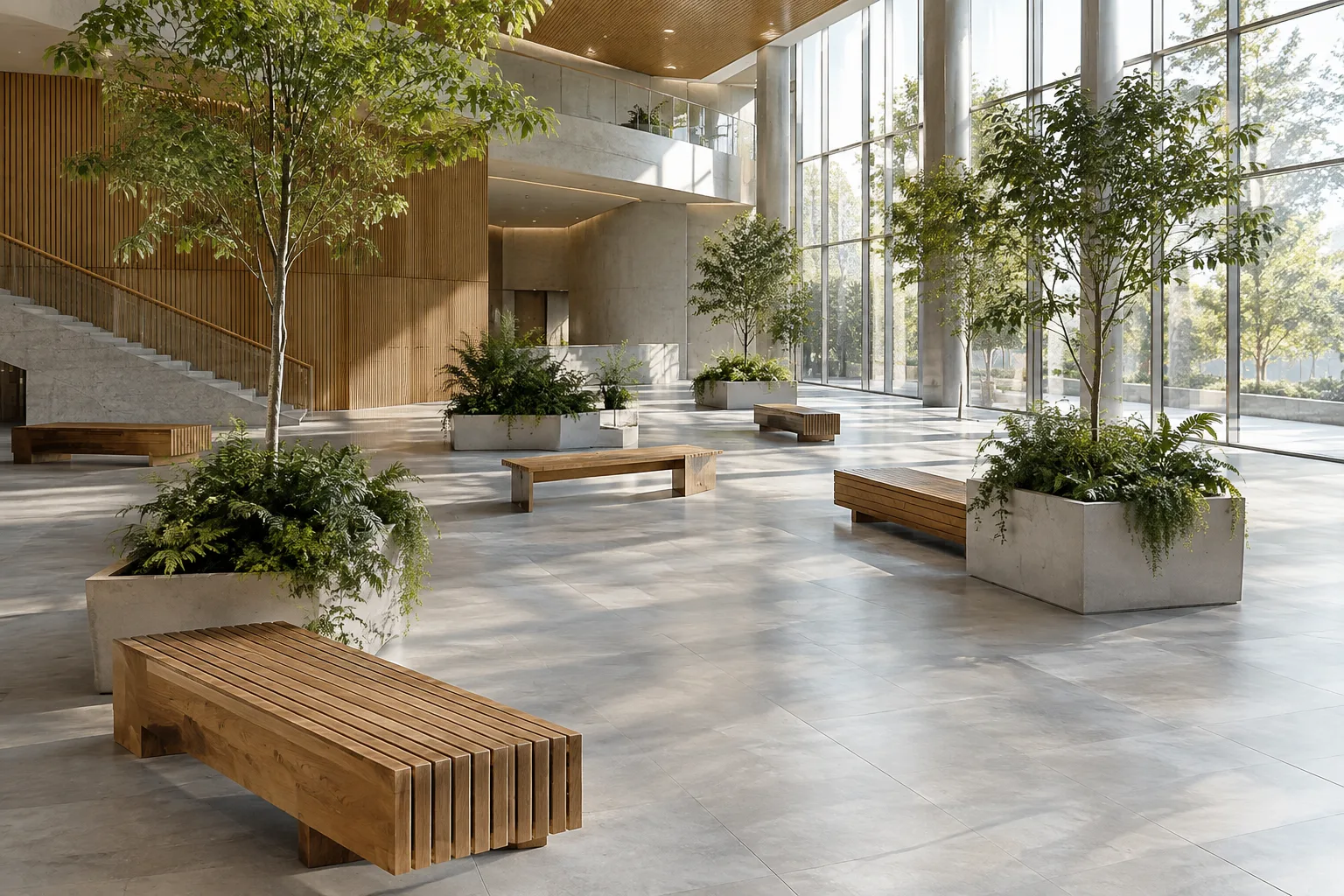
Blender Geometry Nodes Realize Instances: A Guide to Using It Correctly and Efficiently
Realize Instances in Blender Geometry Nodes converts instances into actual geometry data. This guide explains when to use the node, how its Selection and Depth inputs work, and how to maintain performance.
 AI image
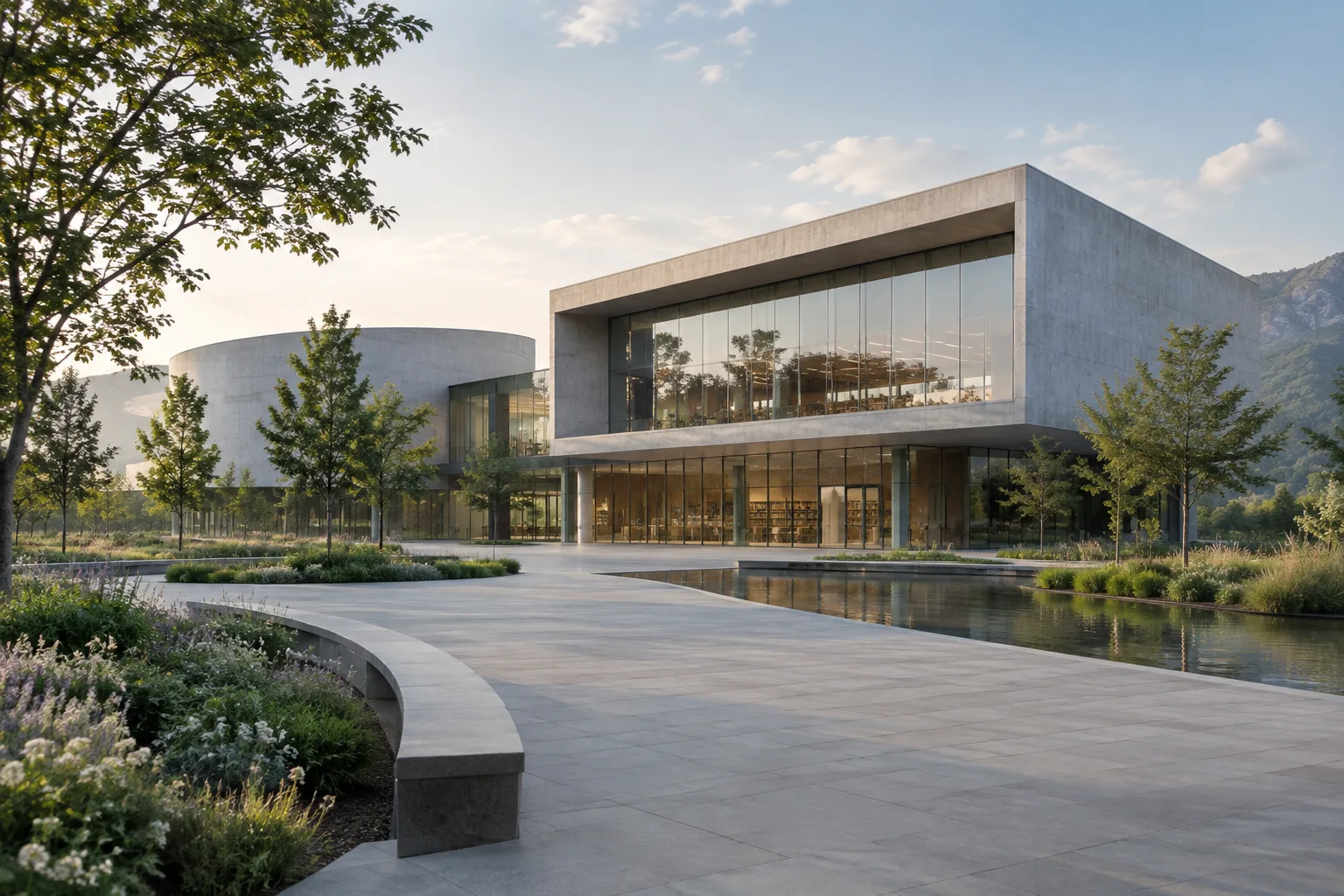
Creating an Architectural Presentation Video with Veo 3.1: Prompt Steps
Veo 3.1 can generate 8-second videos with native audio through the Gemini API. This guide covers prompt writing for architectural visualization and interior presentations, guiding generation with frames, and key requirements.
 AI image
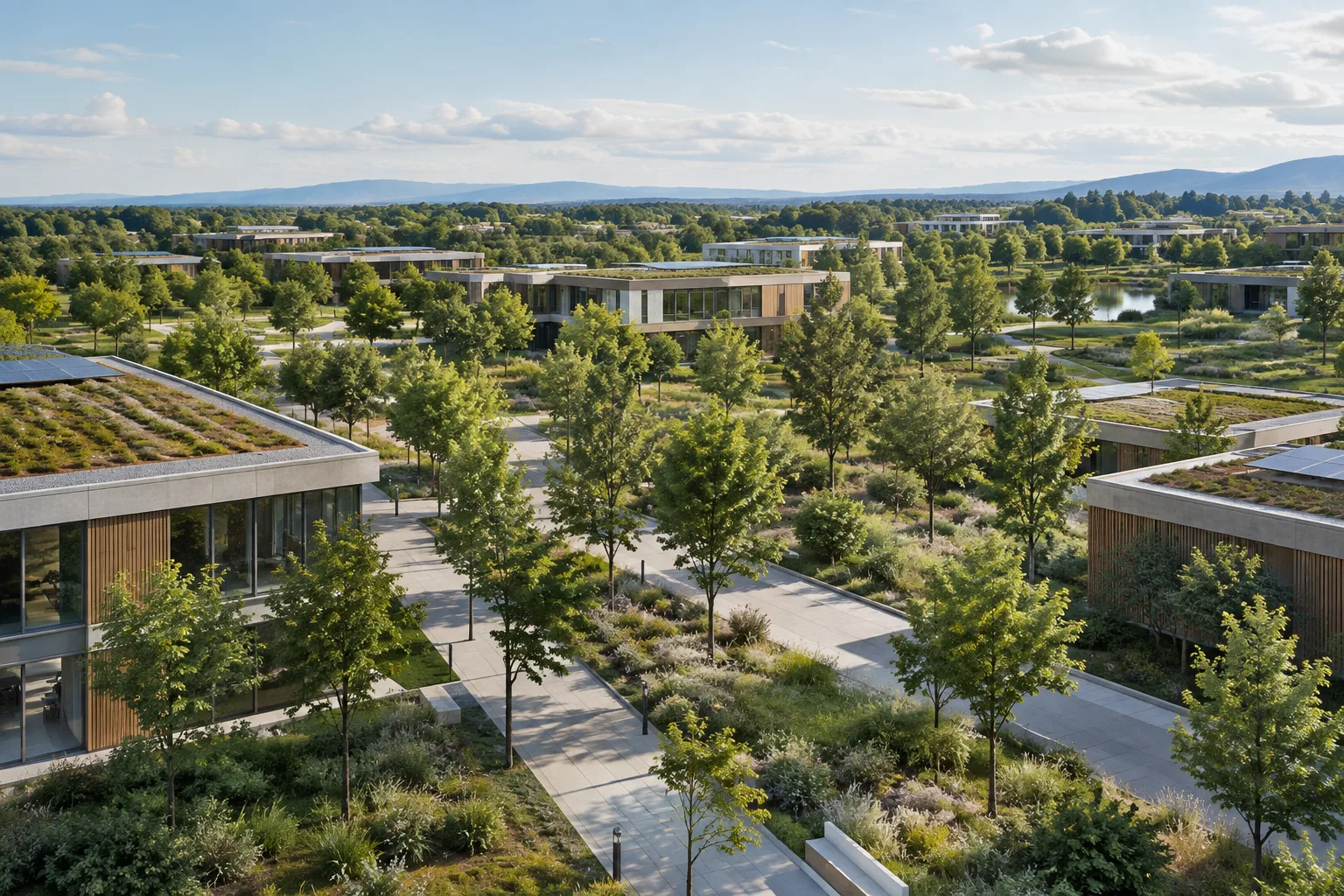
Procedural Environment Generation with Unreal Engine PCG: A Beginner’s Guide
Unreal Engine’s PCG framework enables procedural content such as buildings and environments to be created with node graphs. This guide covers the required plugins, creating your first graph, and the basics of controlling its output.
 AI image
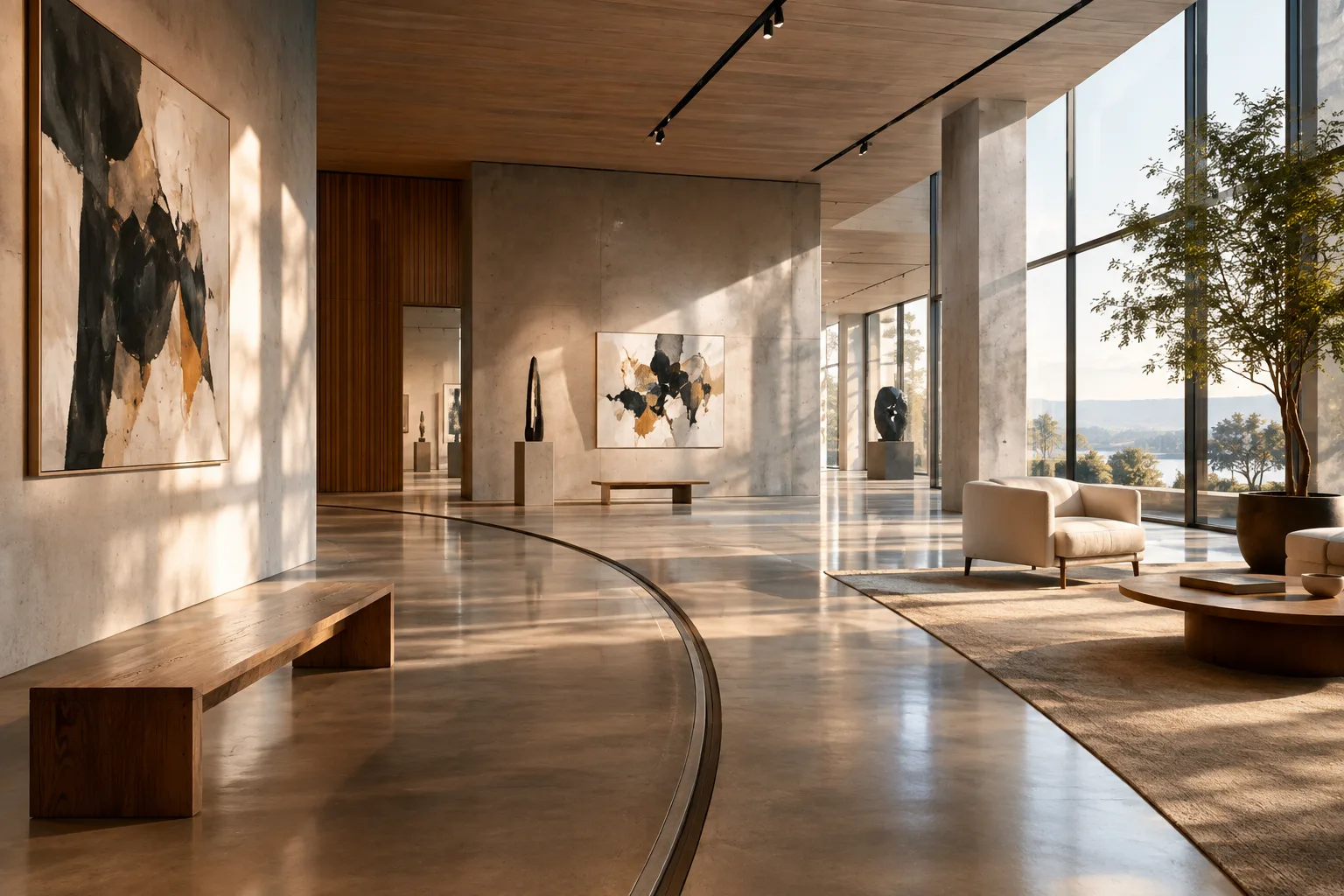
How to Use Blender Follow Path: Animate a Camera or Object Along a Curve
Blender’s Follow Path constraint positions an object or bone on a curve and moves it along the path. This guide covers setting up a camera path, controlling position and aligning orientation.
 AI image
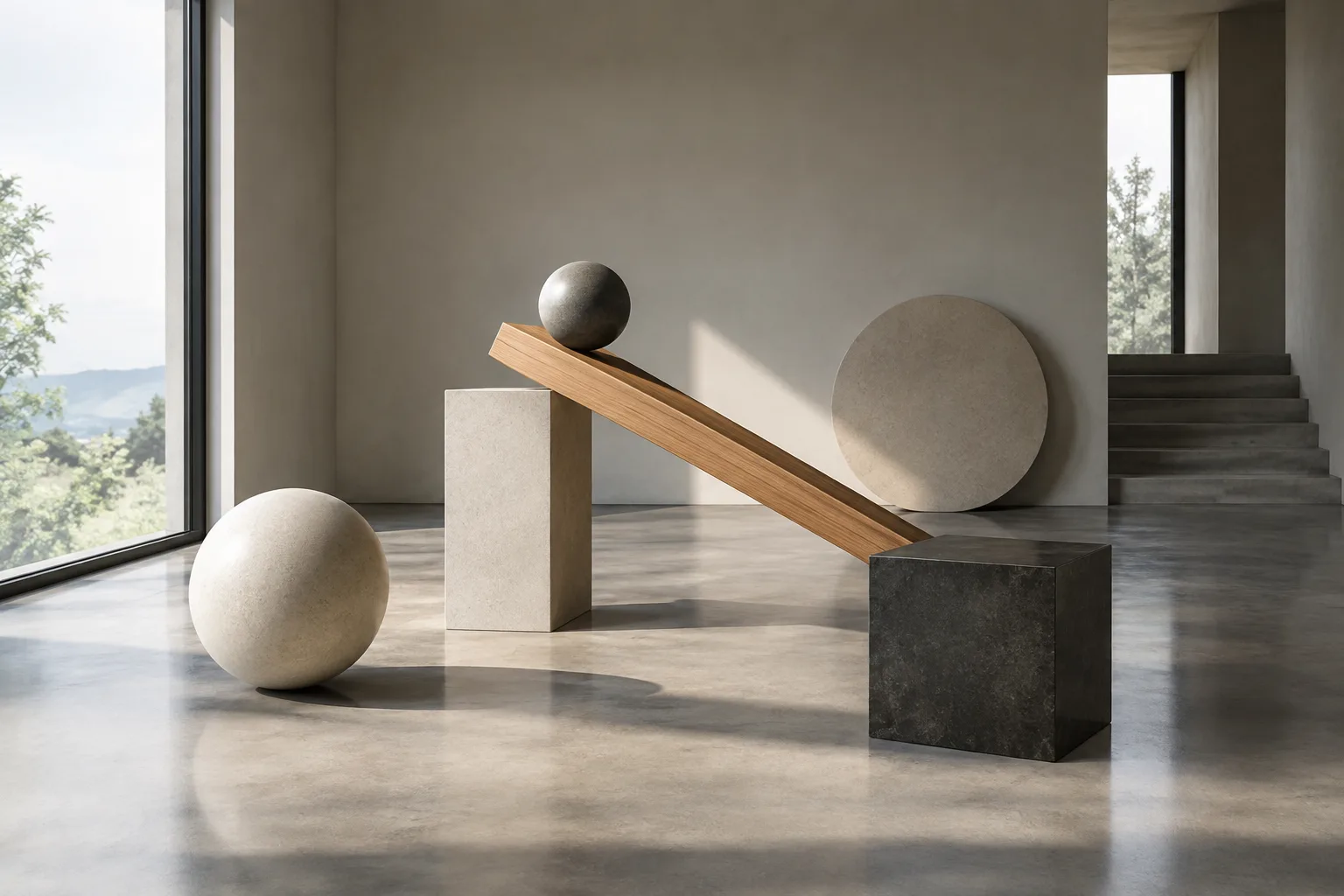
Rigid Body Simulation in Blender: Setting Up Active and Passive Objects
Blender rigid body simulation can create motion in the position and orientation of solid objects. This guide covers the basic setup, from active and passive objects to world settings and baking the cache.
 AI image
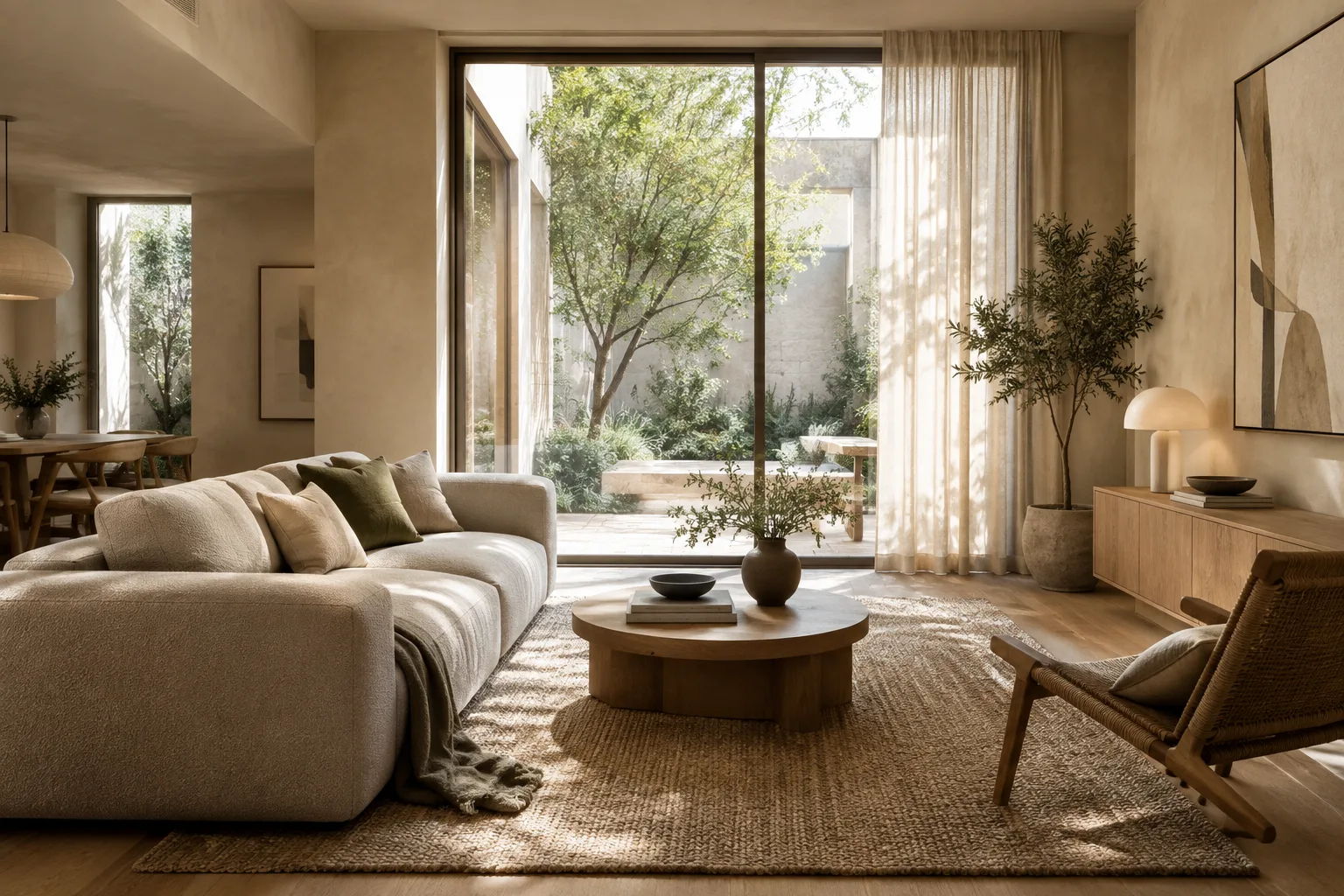
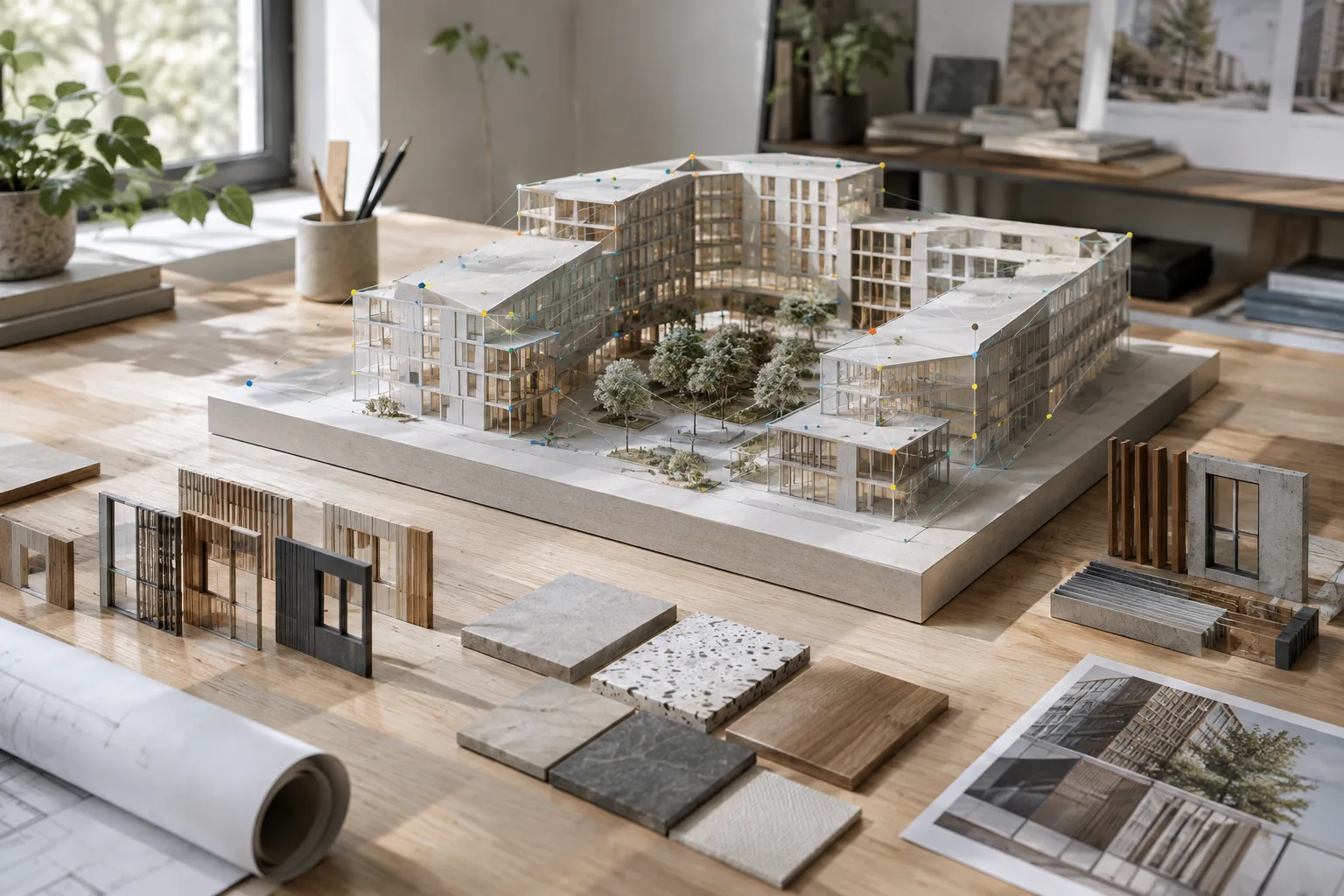
Architectural Image Generation with Nano Banana 2.1: Prompt and Editing Guide
This guide explains how to generate architectural and interior images with Nano Banana 2.1 in the Gemini API, edit an existing image with text instructions, and refine prompts step by step.
 AI image
Using Attribute Nodes with the Blender Node Attribute List Add-on
This guide covers the Named Attribute List panel and node-adding shortcuts in Blender’s Node Attribute List add-on. It also explains attribute types, domains, and the limits of transferring data to different geometry.
 AI image
Blender Python API guide: Automate scene objects and operators
Blender’s Python API lets you create and edit scene objects and run operators with code. Drawing on examples from the official documentation, this guide explains the basic steps and how to check context.
 AI image
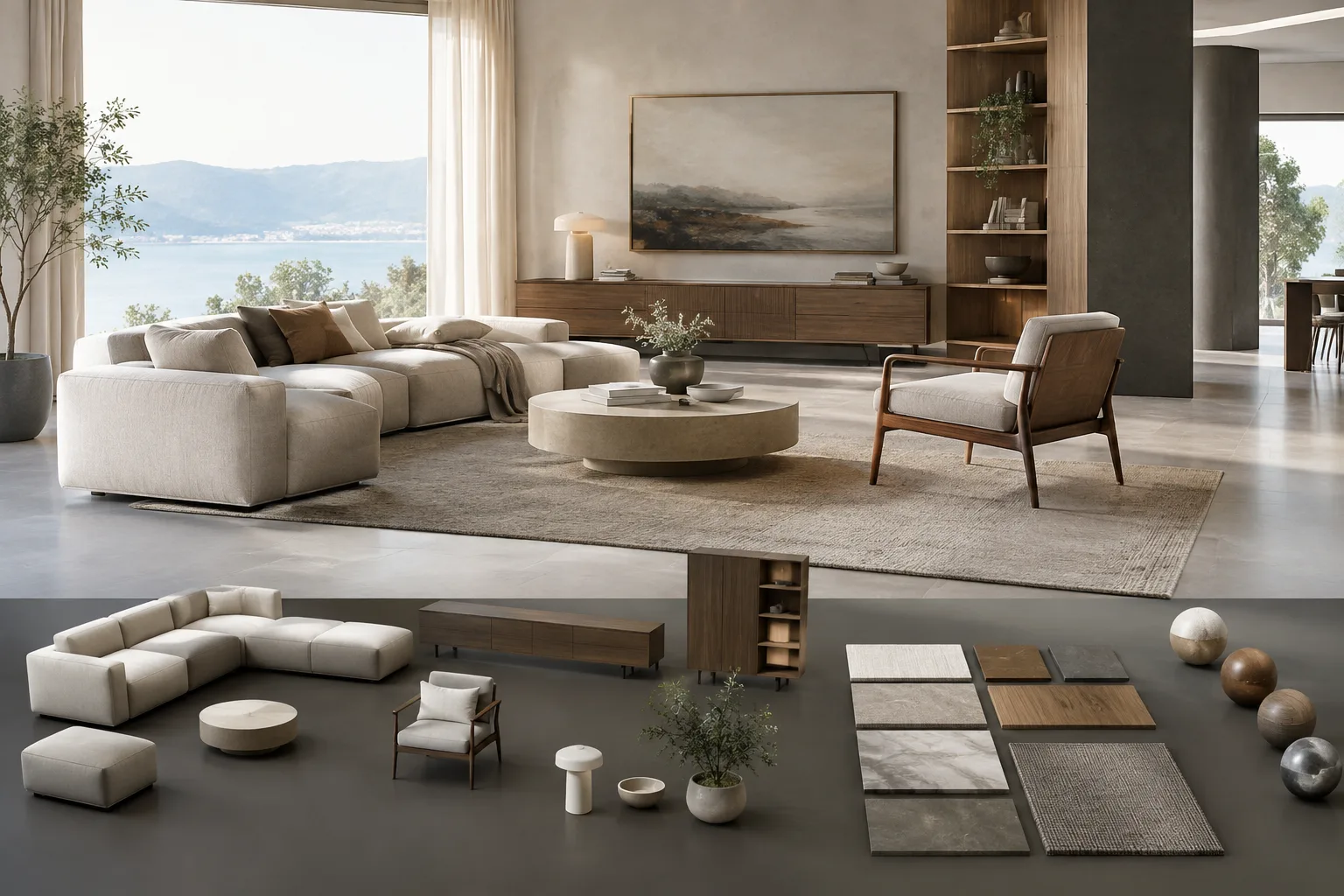
How to Use SketchUp Styles: A Step-by-Step Guide to Presenting Models
SketchUp Styles affect how a design is perceived by changing the appearance of a model’s edges, faces and background. This guide walks you through choosing a style, saving it in a model, and applying formatting in LayOut.
 AI image
Importing and Exporting USD in Blender: A Step-by-Step Guide for Architectural Scenes
This guide explains Blender’s official USD import and export options step by step for architectural scene workflows. It also covers limitations to watch for when transferring geometry, materials, animation, and USDZ textures.
 AI image
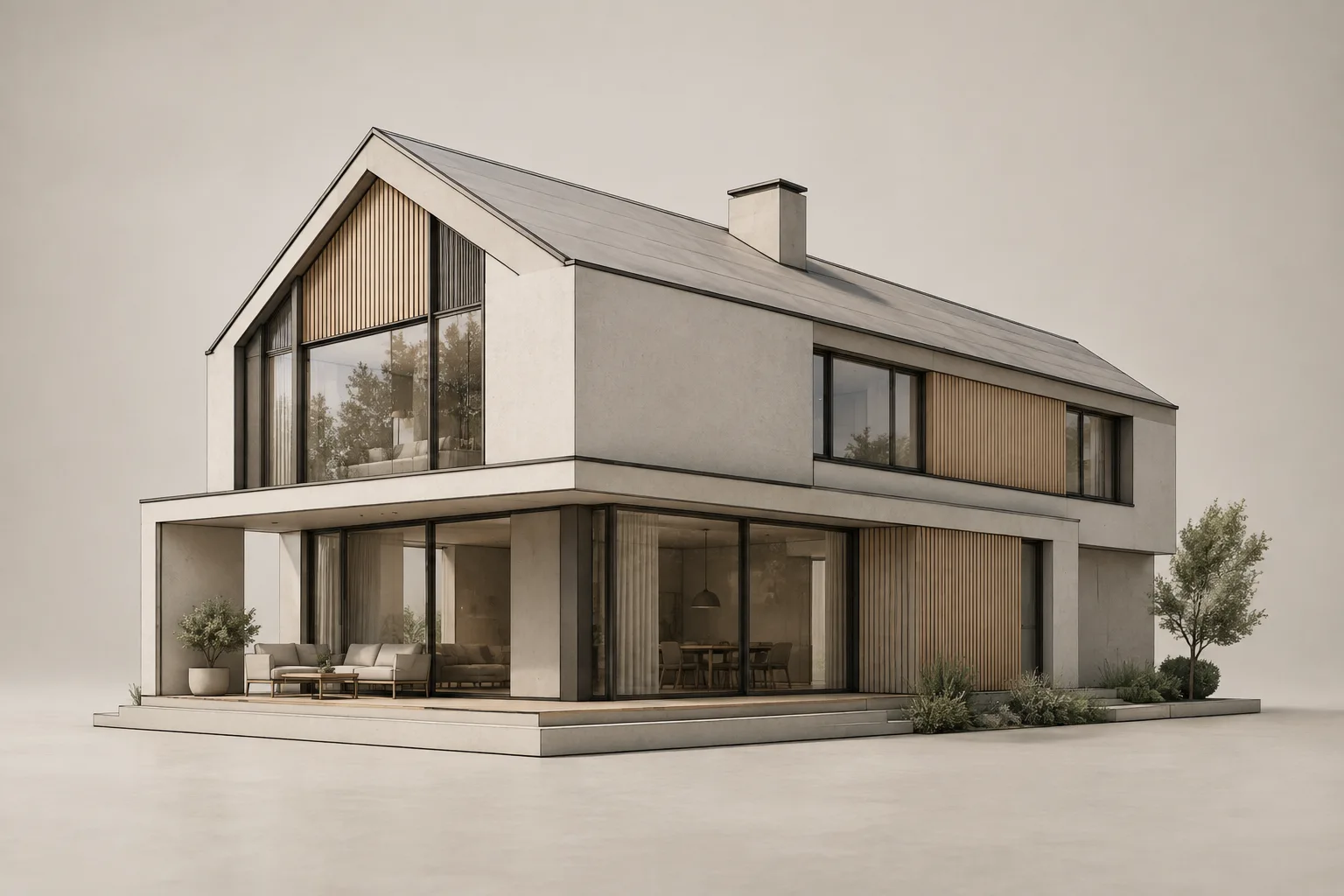
How to Create Line-Art Renders of Architectural Scenes with Blender Freestyle
Blender Freestyle creates line-art views from contours, edges, and material boundaries in 3D scenes. This guide explains how to configure Line Sets and line styles for architectural visuals.
 AI image
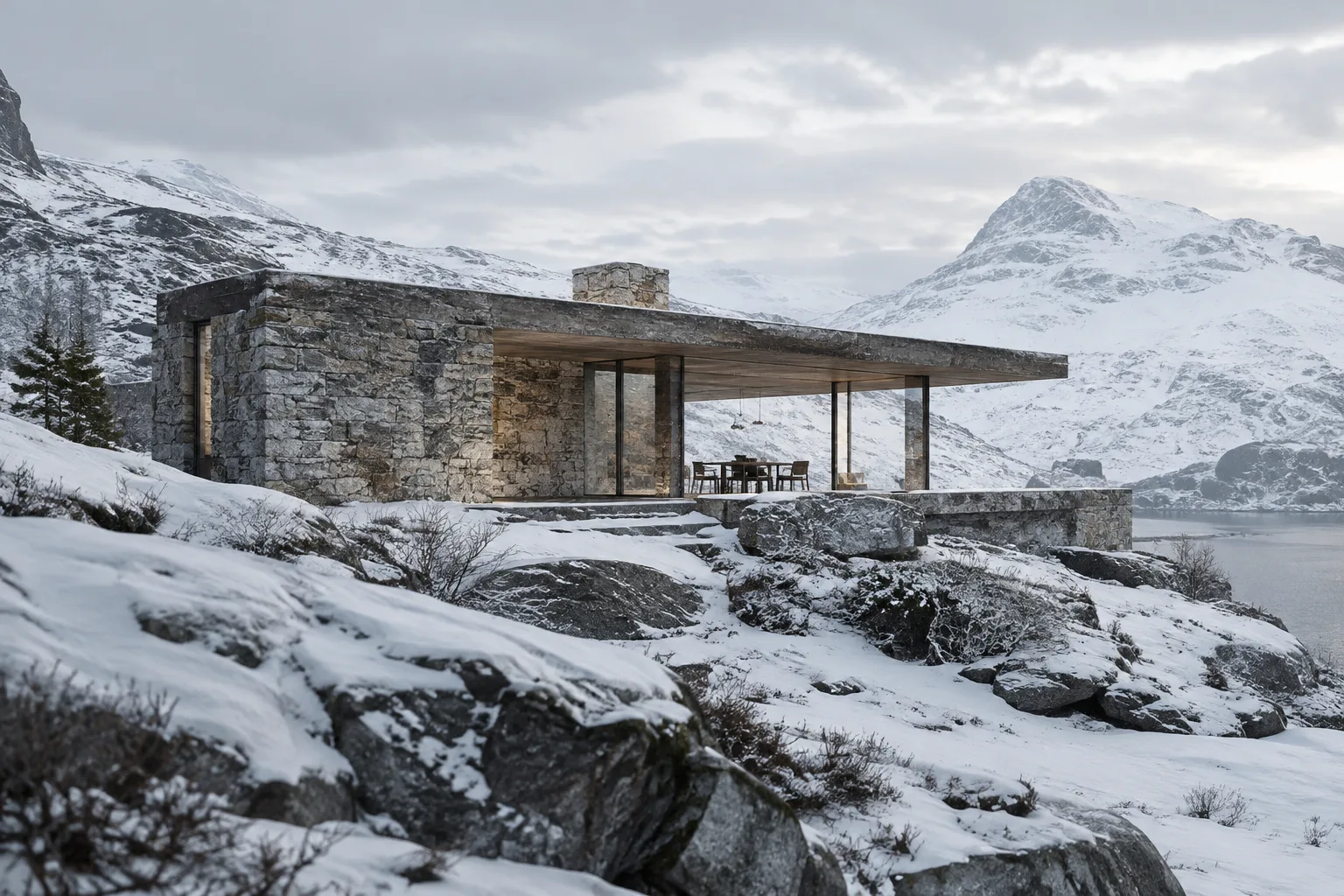
Creating Snow and Surface Coverings with V-Ray Decal in 3ds Max
V-Ray Decal projects materials onto target surfaces independently of their UV layout. This guide explains how to create a snowy look on terrain and rocks in 3ds Max using layered decals.
 AI image
Architectural Video Generation with Gemini Omni Flash: A Step-by-Step Prompt Guide
The Gemini API offers Gemini Omni Flash for short video generation and conversational editing, and Veo 3.1 for video extension, frame-specific generation, and native audio. This guide explains how to craft prompts for architectural visualization workflows.
 AI image
How to Set Up Camera Cuts and Transitions in Unreal Engine Sequencer
Unreal Engine’s Sequencer tools let you arrange camera cuts and transitions on the same timeline. This guide walks through setting up a Camera Cut Track and configuring a Cine Camera Actor.
 AI image
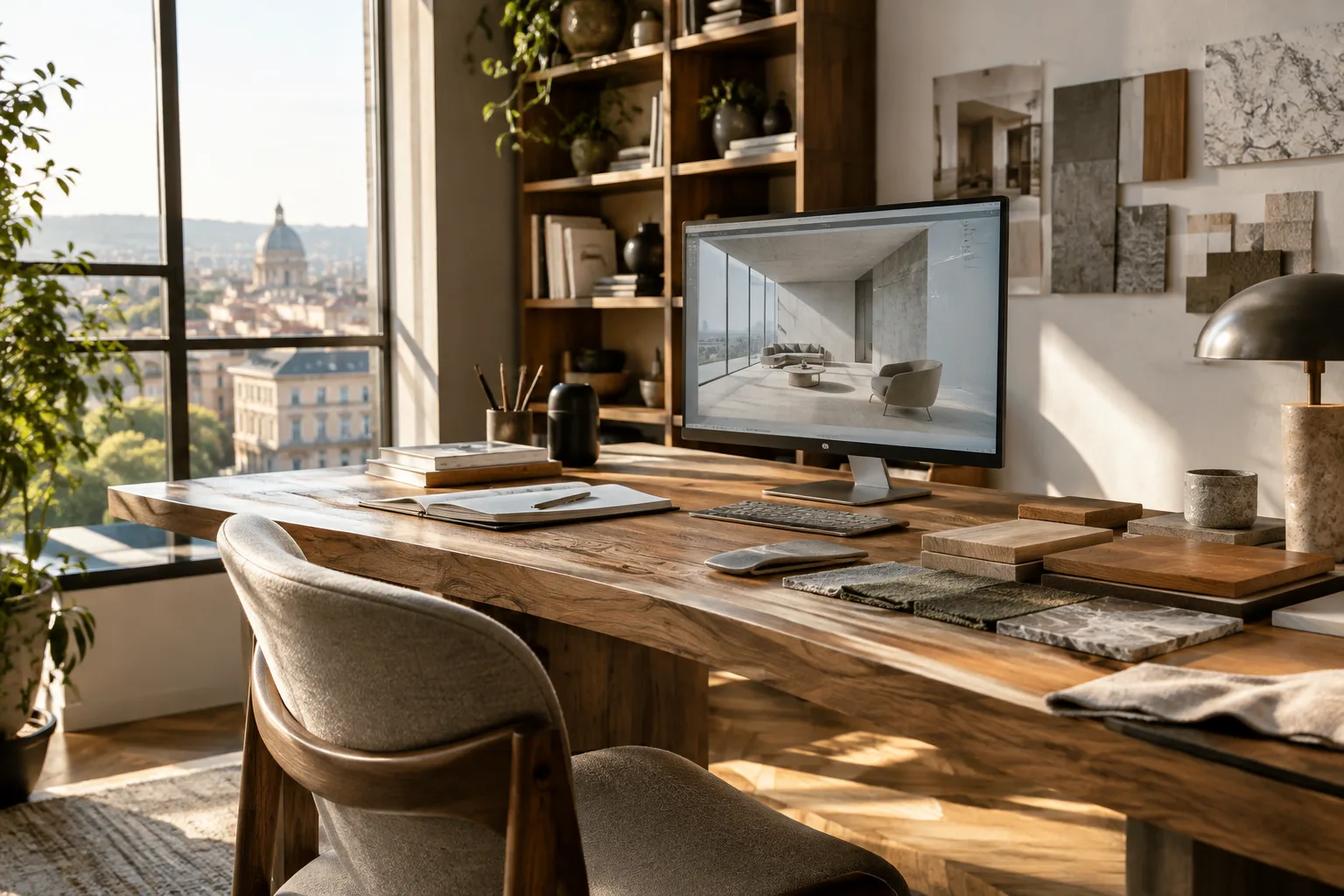
Blender Color Management: AgX, Linear Workflow, and Export
Setting AgX, the working color space, and image profiles correctly in Blender helps renders look more consistent across different screens. This guide covers the essential color management steps.
 AI image
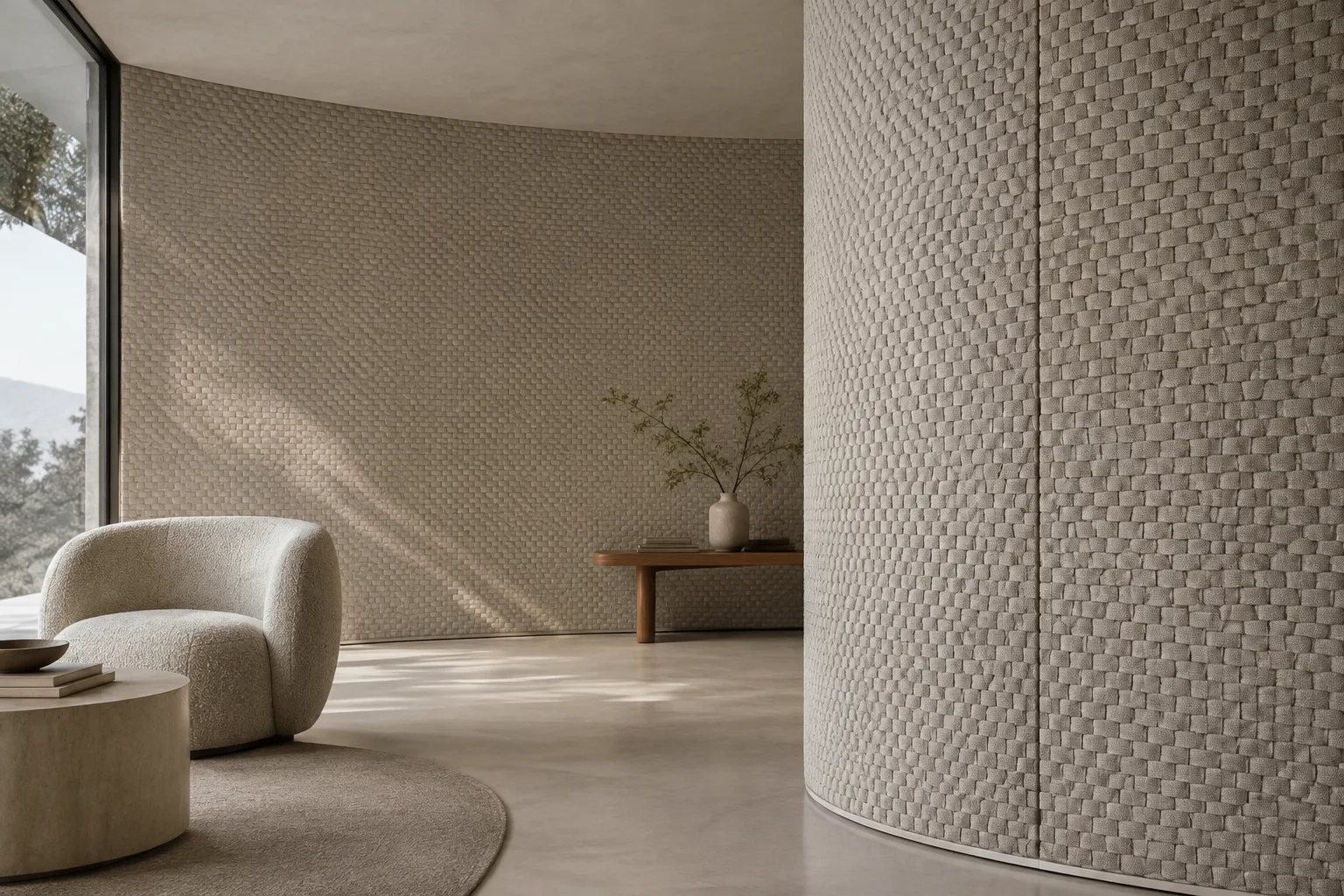
Using V-Ray Enmesh in 3ds Max: Create Repeating Surface Patterns
V-Ray Enmesh creates repeating geometric patterns across a surface at render time. This guide covers the core workflow in 3ds Max, from adding source geometry to fixing UV mapping and adjusting texture variations.
 AI image
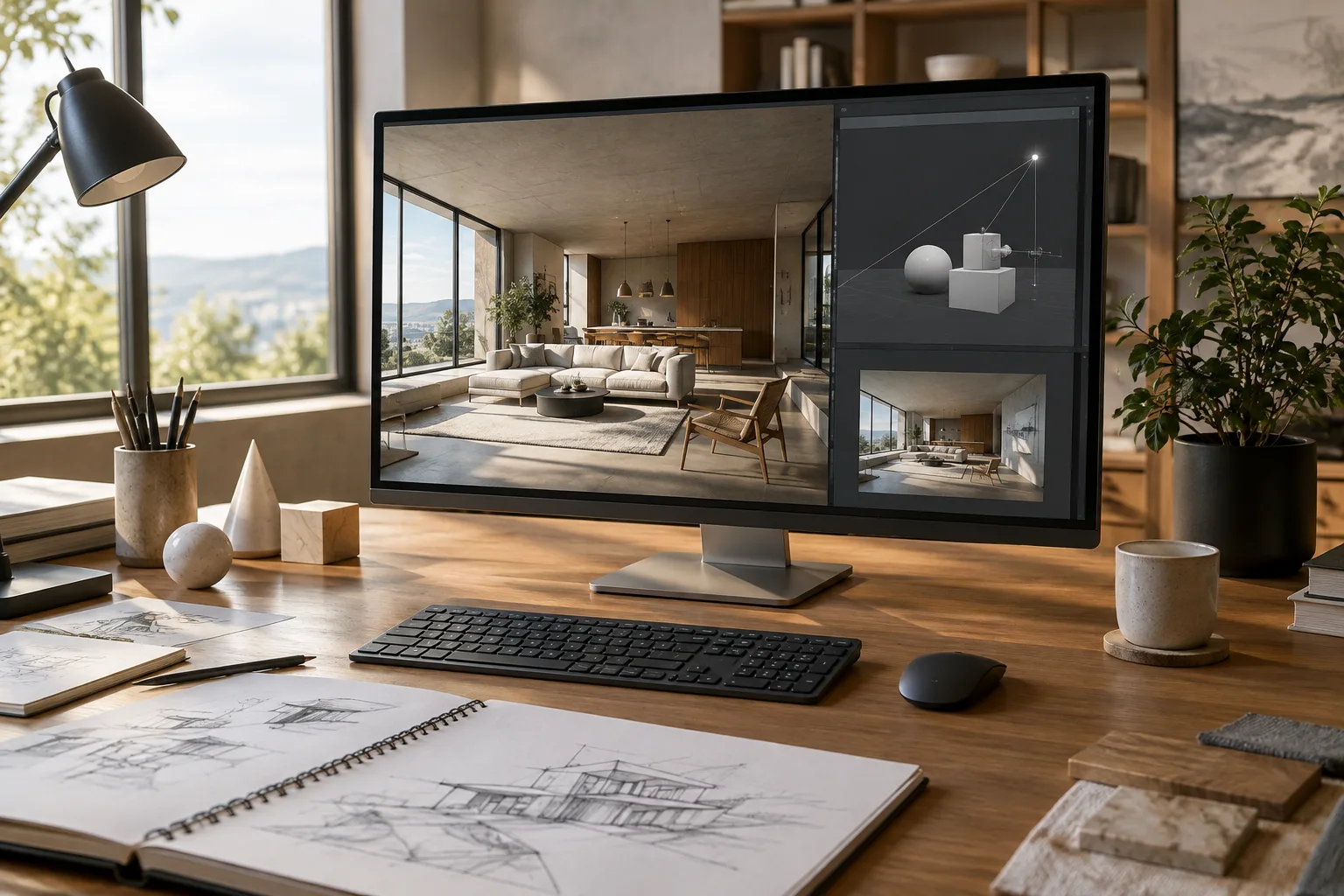
A Guide to Quickly Editing Scene Objects with the Blender Python Console
The Blender Python Console can be used to try out short snippets and explore the Blender API. This guide covers how to inspect the selected object, change its location, and add a light to the scene.
 AI image
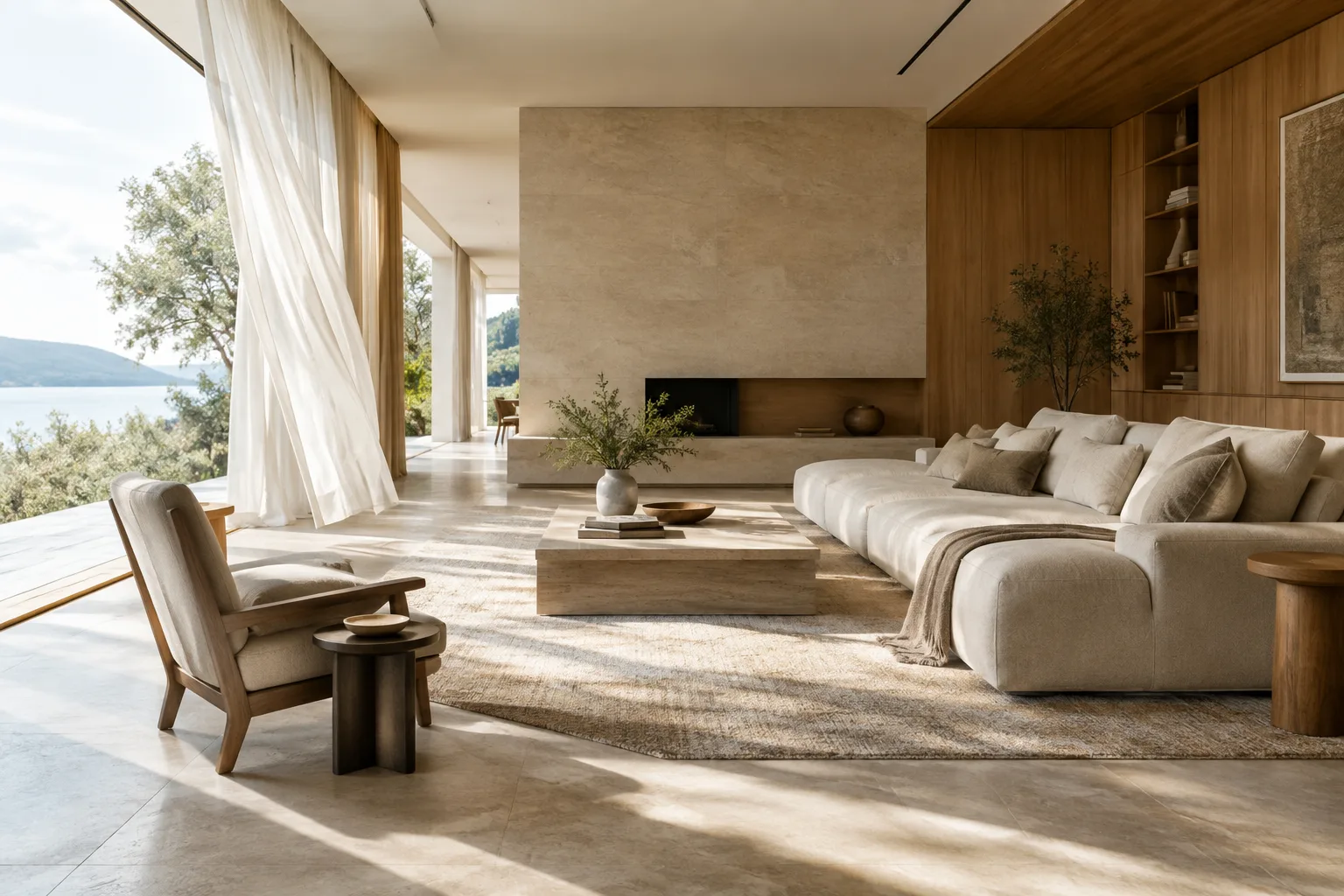
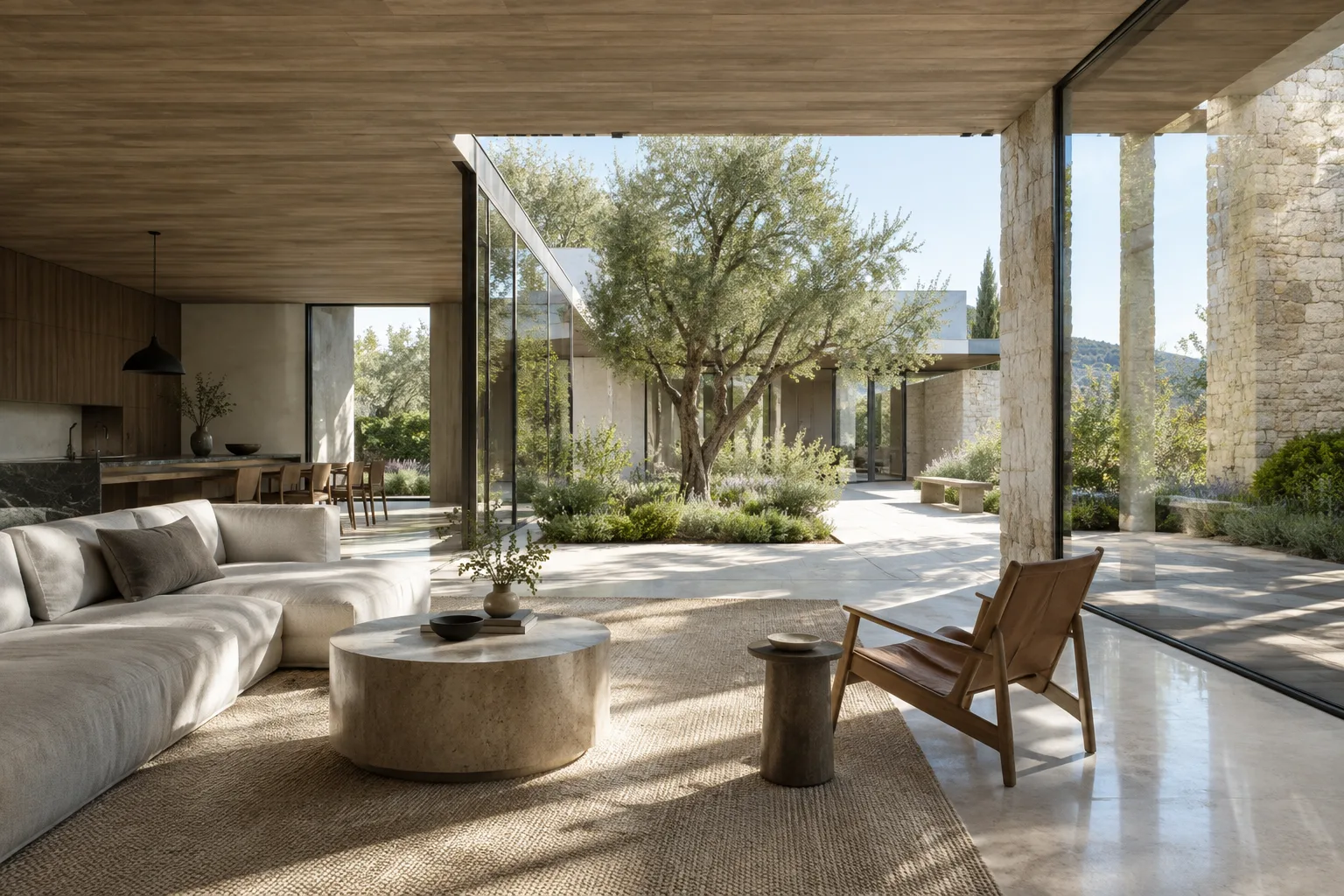
Turn an Architectural Image into a Video: A Step-by-Step Guide to Gemini Omni
Gemini Omni and Veo can use an existing image as the first frame of a video. This guide walks through the process using architectural image selection, motion prompts, and basic API settings.
 AI image
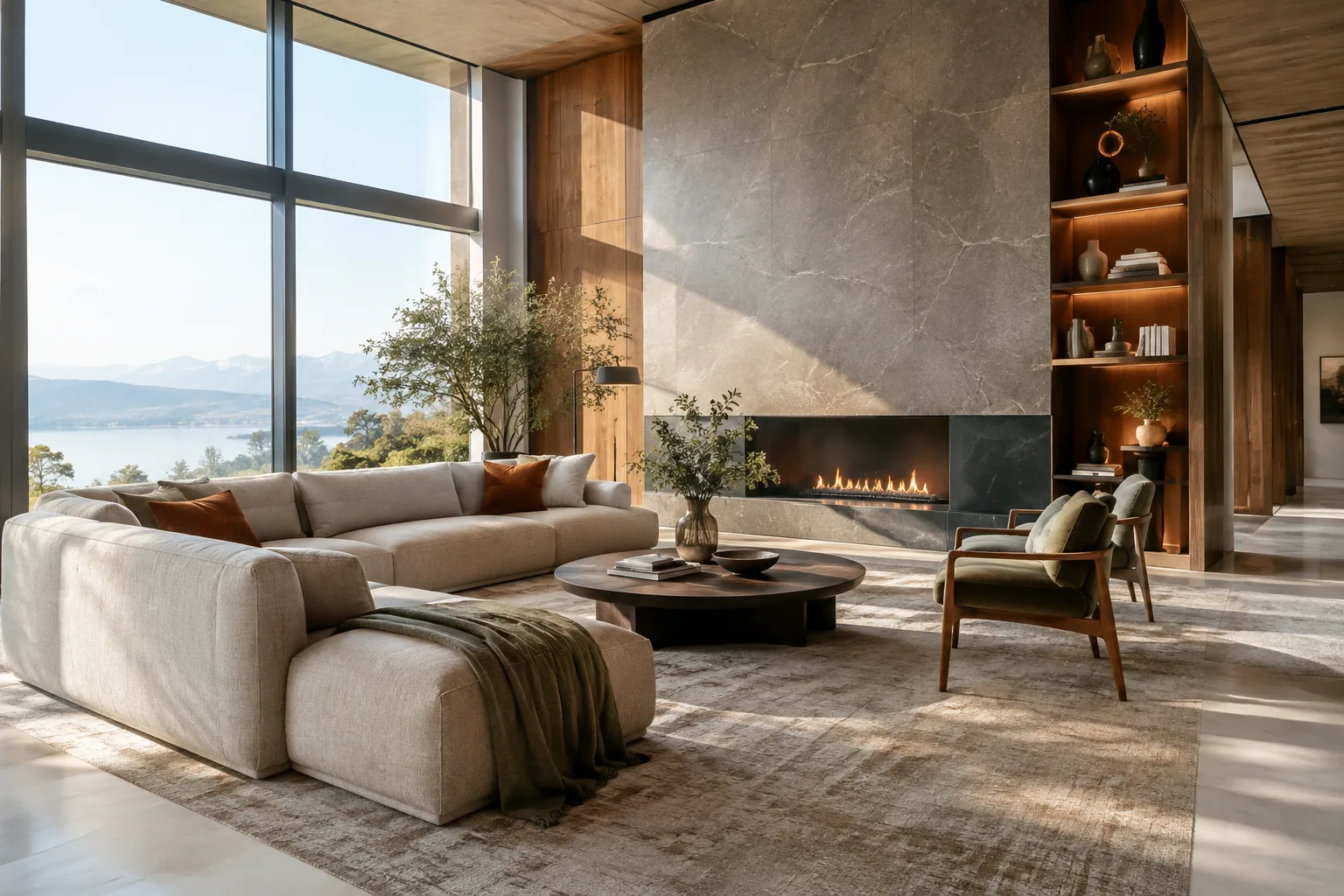
Architectural Visualization in Unreal Engine 5.0: Lumen, Nanite and Shadows
This guide explains how to evaluate Lumen for dynamic lighting and reflections, Nanite for detailed geometry, and beta Virtual Shadow Maps in architectural scenes in Unreal Engine 5.0.
 AI image
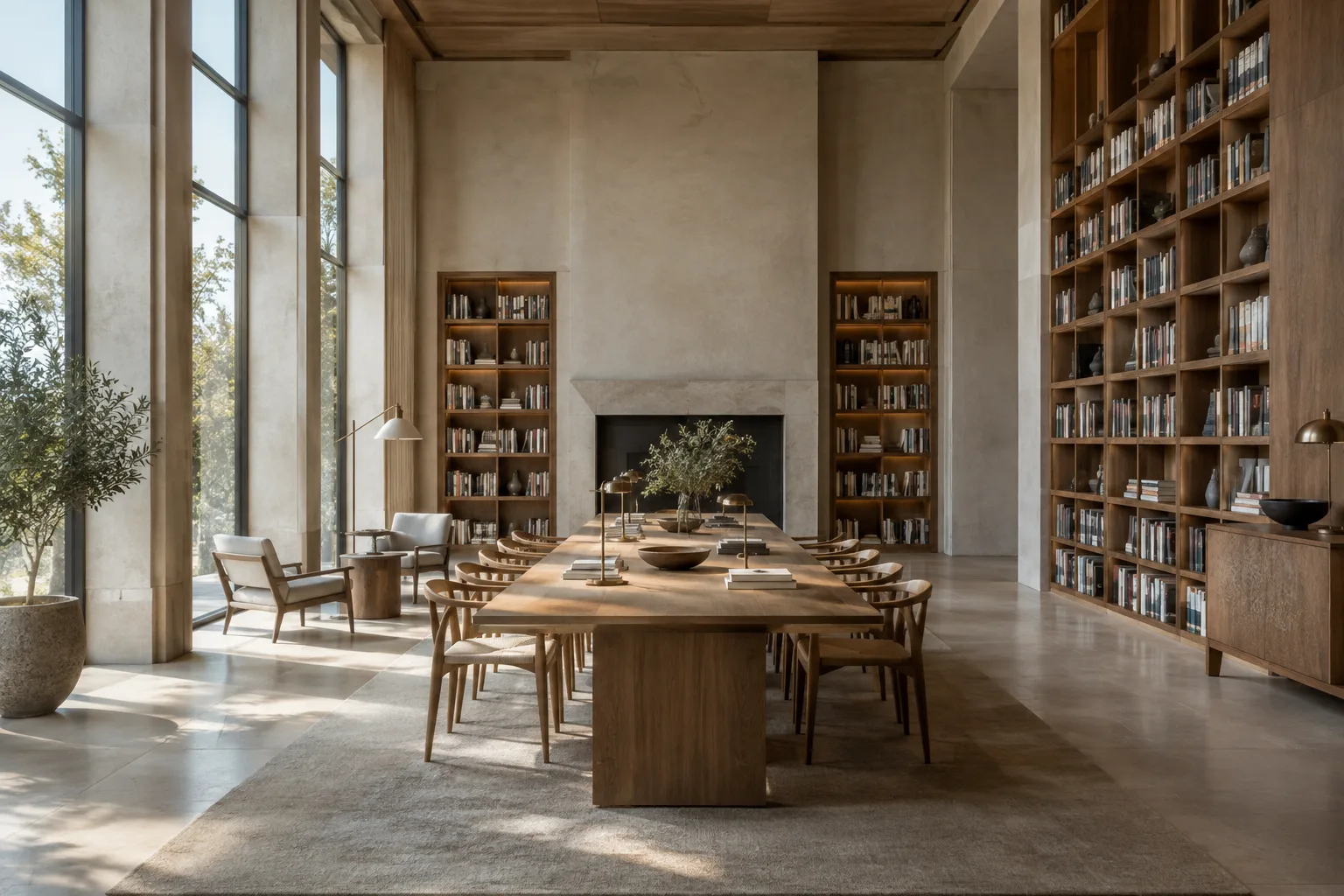
High-Quality Architectural Rendering with Unreal Engine Movie Render Graph
Unreal Engine’s Movie Render Graph system lets you prepare high-quality image sequences and animation output through Movie Render Queue. This guide covers the core workflow, from enabling the plugin to building a render graph and configuring output settings.
 AI image
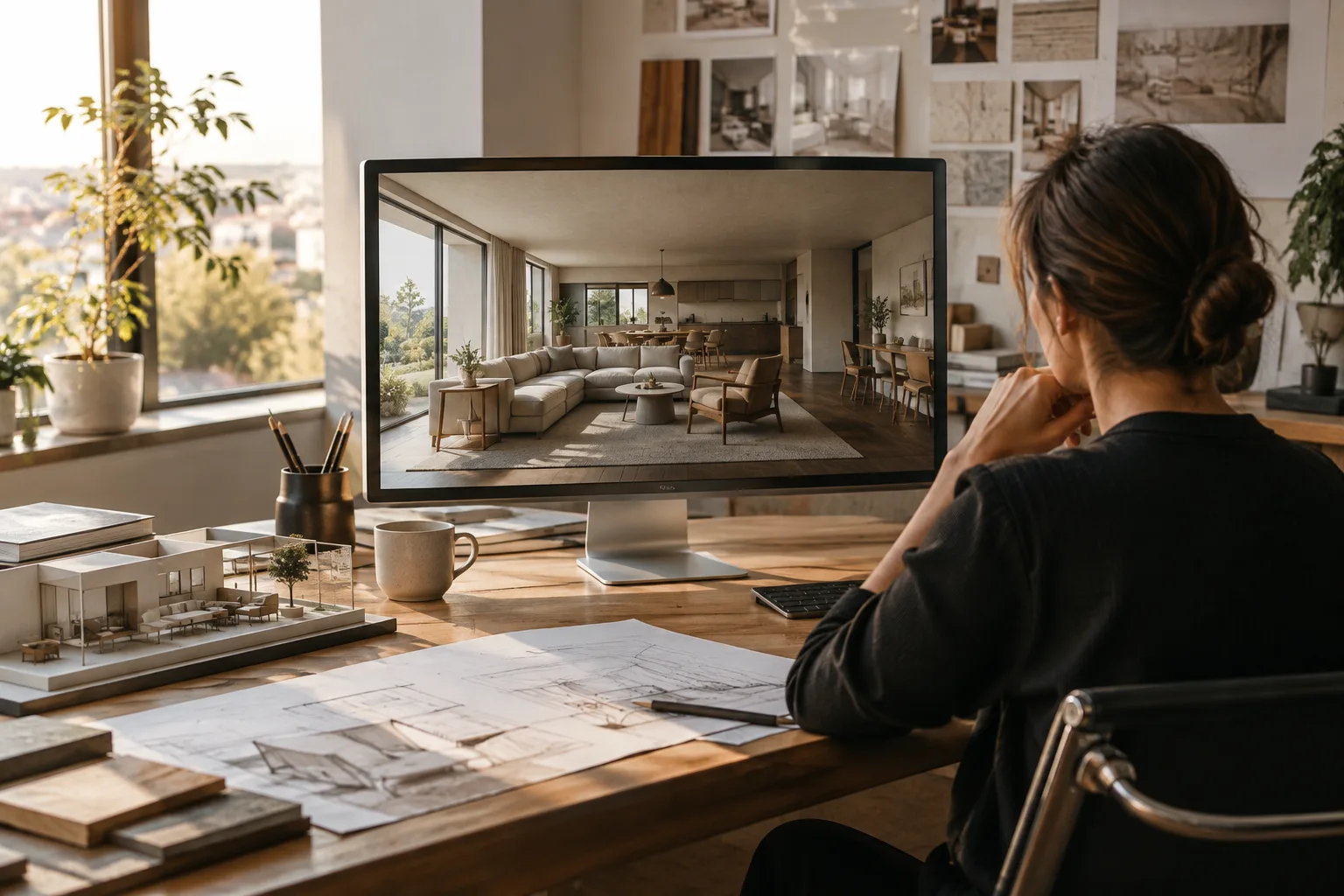
Architectural Video Generation with Gemini Omni Flash: A Step-by-Step Guide
Gemini Omni Flash can generate short videos from text and images, then refine the results through a conversational workflow. This guide covers prompt writing and video workflows for architectural and interior visualization.
 AI image
3ds Max MCP Connector guide: Scene workflows with an AI agent
AUTOM8LABS MCP Connector lets AI agents inspect 3ds Max scenes and, with a license, assist with geometry, materials, UVs, and rendering. This guide covers requirements and example prompts.