Tutorials · Page 5
 AI image
Blender Boolean Modifier Guide: Cut, Join, and Intersect Meshes
Blender Boolean Modifier lets you non-destructively cut meshes, join them, or isolate their shared volume. This guide covers operation types, solver options, and troubleshooting steps.
 AI image
Architectural Video Generation with Gemini Omni Flash and Veo 3.1: A Step-by-Step Guide
The Gemini API offers Gemini Omni Flash for short videos and conversational editing, and Veo 3.1 for tasks such as extending scenes and generating from specific frames. This guide walks through two workflows for architectural visualization.
 AI image
Add Controlled Thickness to Mesh Surfaces with Blender Solidify Modifier
Blender Solidify Modifier adds thickness and depth to mesh surfaces. This guide walks through the differences between Simple and Complex modes, key settings, and considerations for architectural modeling.
 AI image
Tool Calling and Structured Output in the Gemini API: An Architecture Guide
The Gemini API can connect to external tools and services through function calling, while structured output formats responses according to a JSON Schema. This guide explains how to use both approaches in architecture workflows.
 AI image
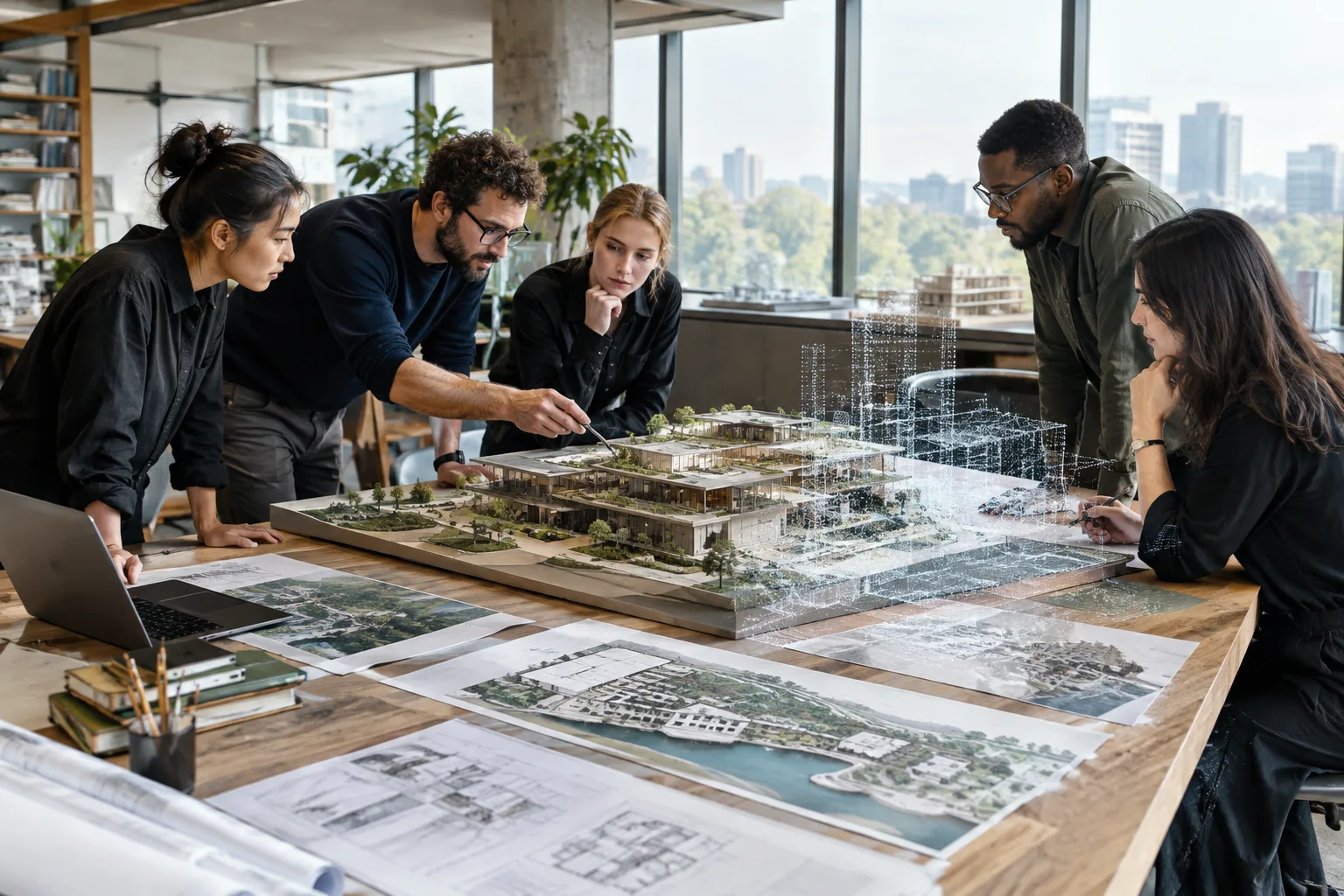
Preparing for Teamwork in Revit: File Paths and Point Clouds
Revit’s official 2026 help explains paths for project templates, family templates, and point cloud files. This guide covers reviewing the relevant settings before beginning team collaboration and managing point cloud links consistently across the team.
 AI image
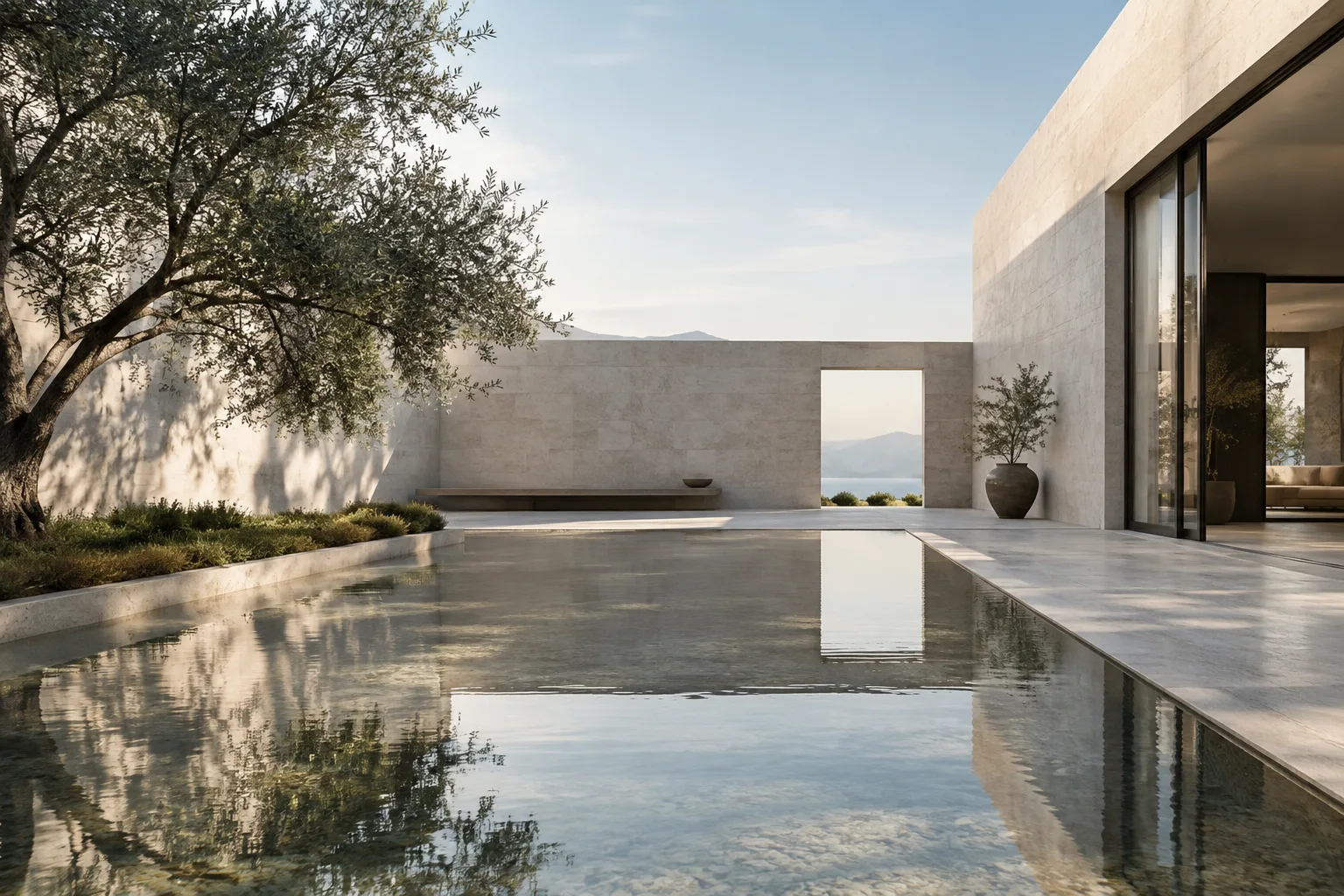
Architectural Video Generation with Gemini Omni Flash: Prompt and Editing Guide
Gemini Omni Flash in the Gemini API is designed to generate short videos from text and images, then refine the results through multi-turn conversational editing. This guide explains how to prepare prompts for architectural and interior visualization.
 AI image
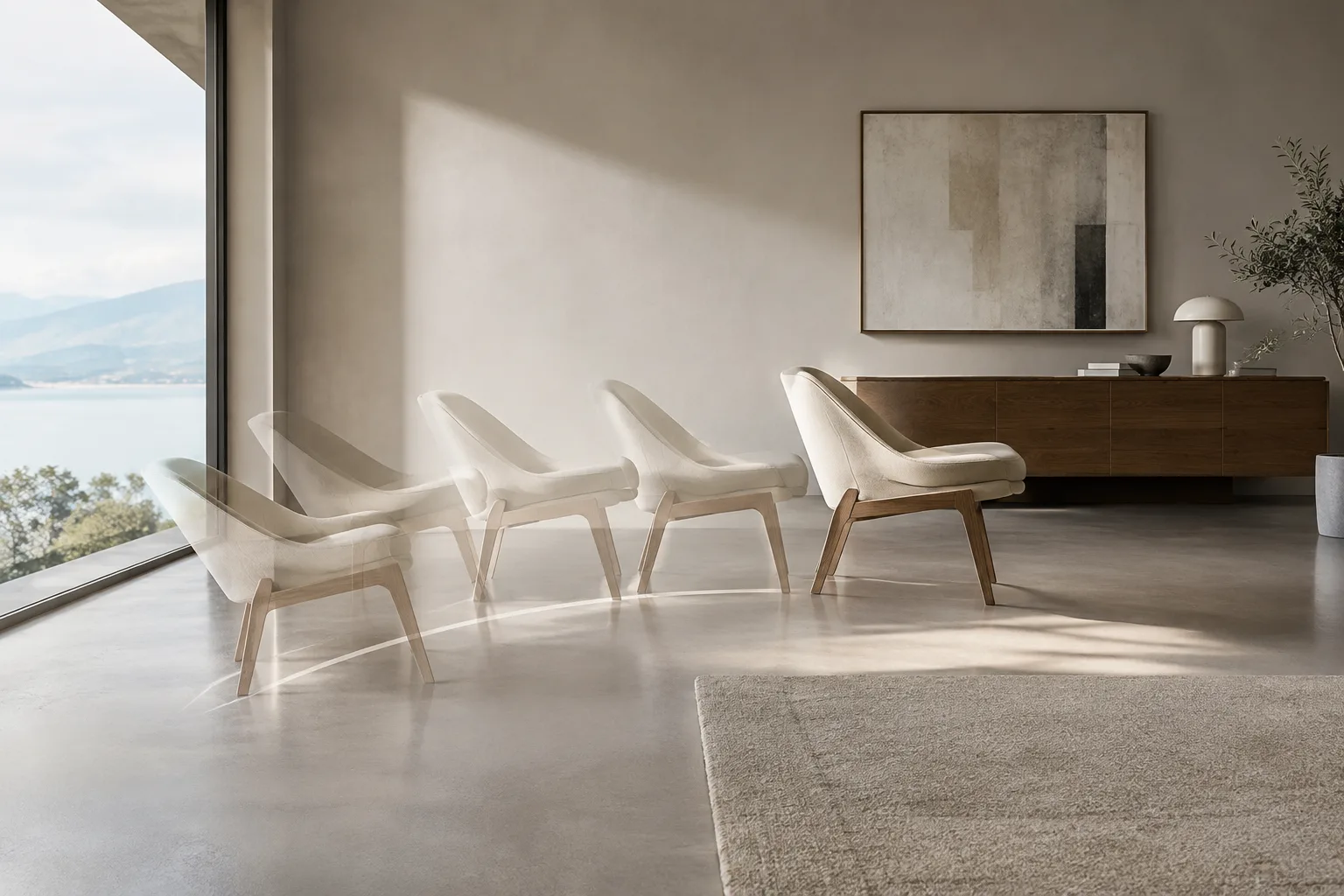
How to Use Blender Motion Paths: Show an Animation Path Step by Step
Blender’s Motion Paths tool displays the paths animated objects and bones follow across frames. This guide walks through creating keyframes, calculating a path, and adjusting its range and display settings.
 AI image
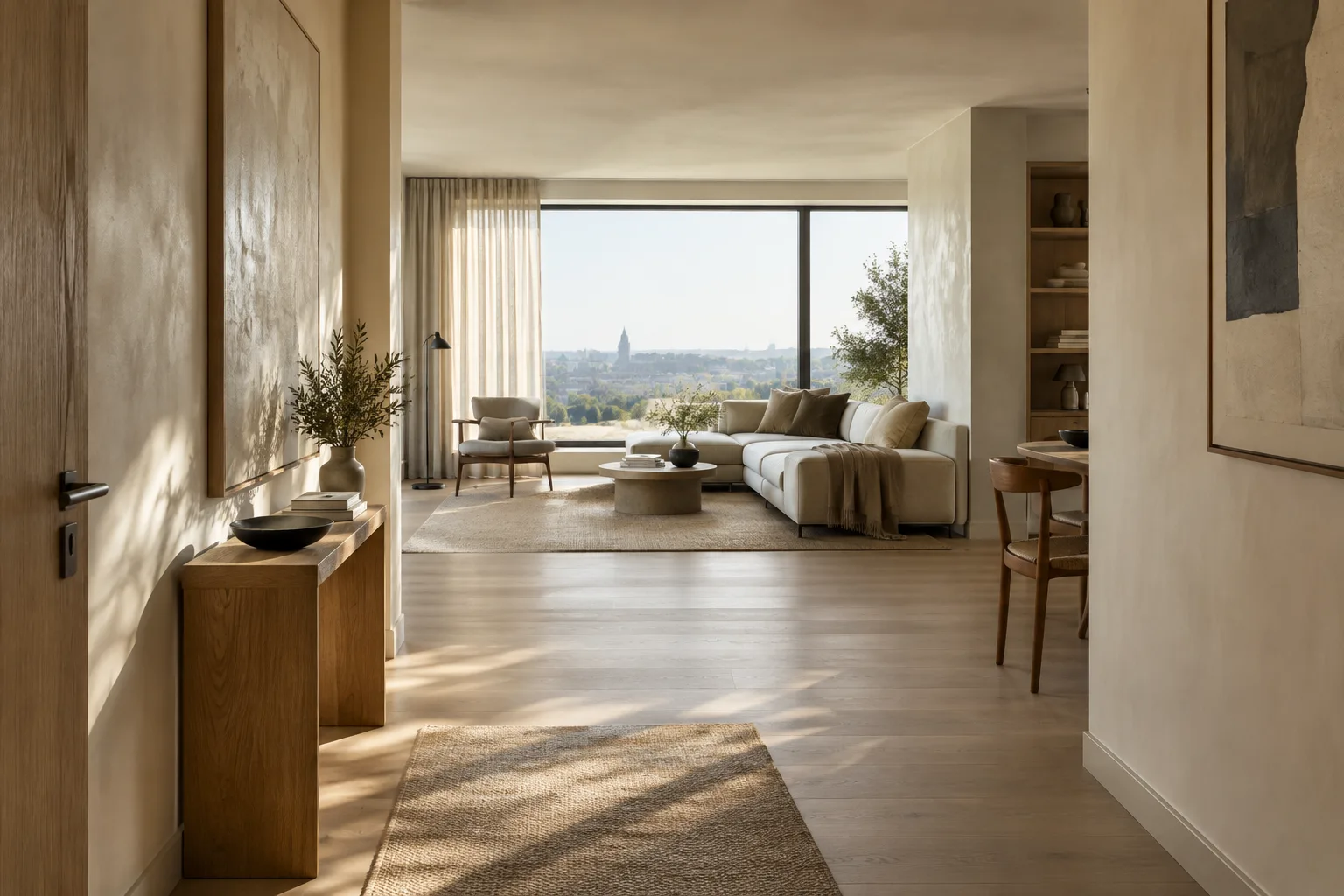
Architectural Image Generation with Nano Banana 2.1: Prompt and Editing Guide
Nano Banana 2.1 lets you generate images from text and edit images conversationally through the Gemini API. This guide explains how to prepare prompts for architectural concepts and interior design work.
 AI image
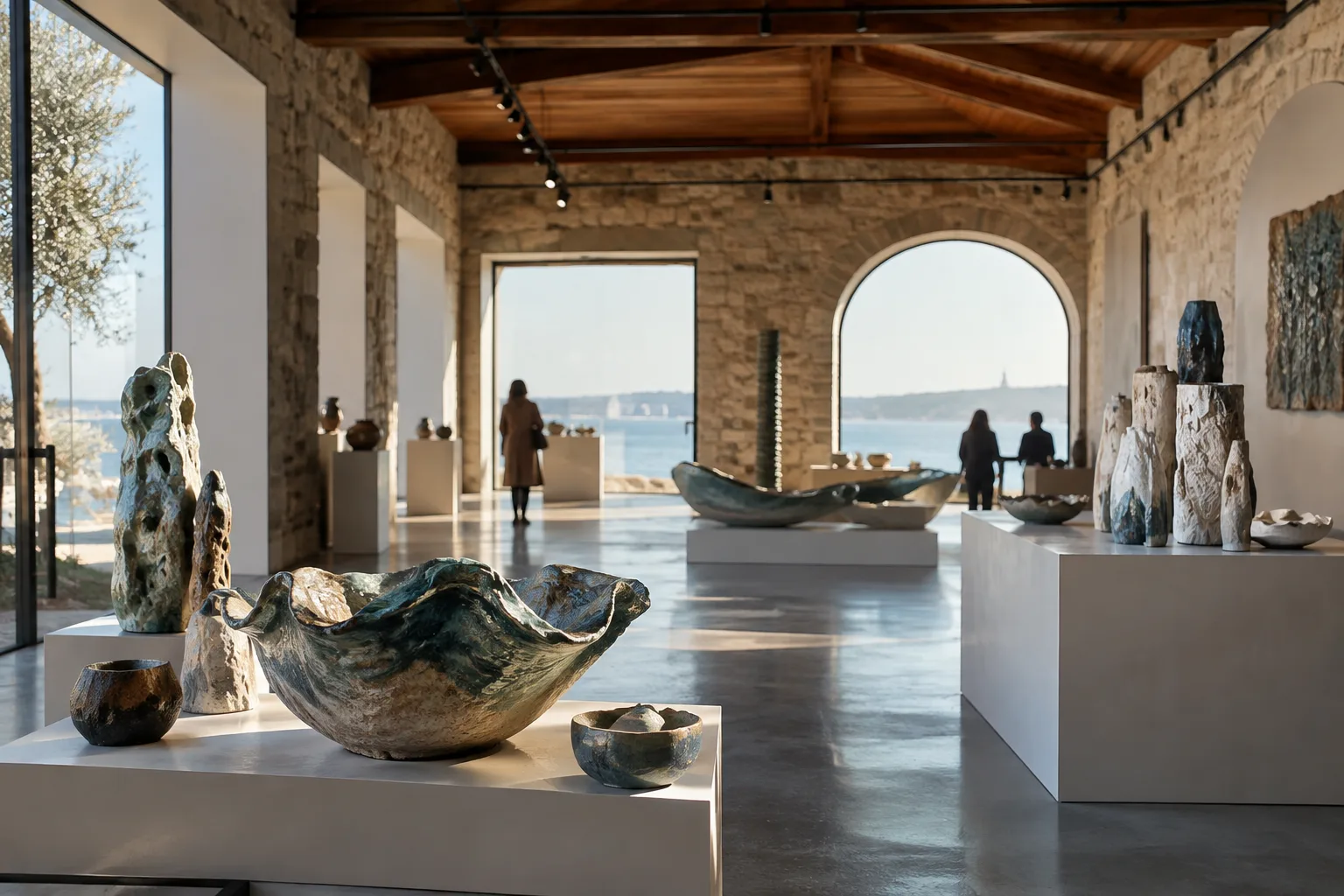
10th Çanakkale Biennial Focuses on Ceramics, with Events Through November 20
The 10th Çanakkale Biennial, which began on October 10, has a special focus on ceramics. Events across Çanakkale include a children’s ceramics workshop scheduled for October 31.
 AI image
Blender Render Output Settings: Resolution, Framing, and FPS
The resolution, scale, pixel aspect ratio, render region, and frame rate settings in Blender’s Format panel help you prepare architectural visuals and animation output for their intended use. This guide explains the key steps.
 AI image
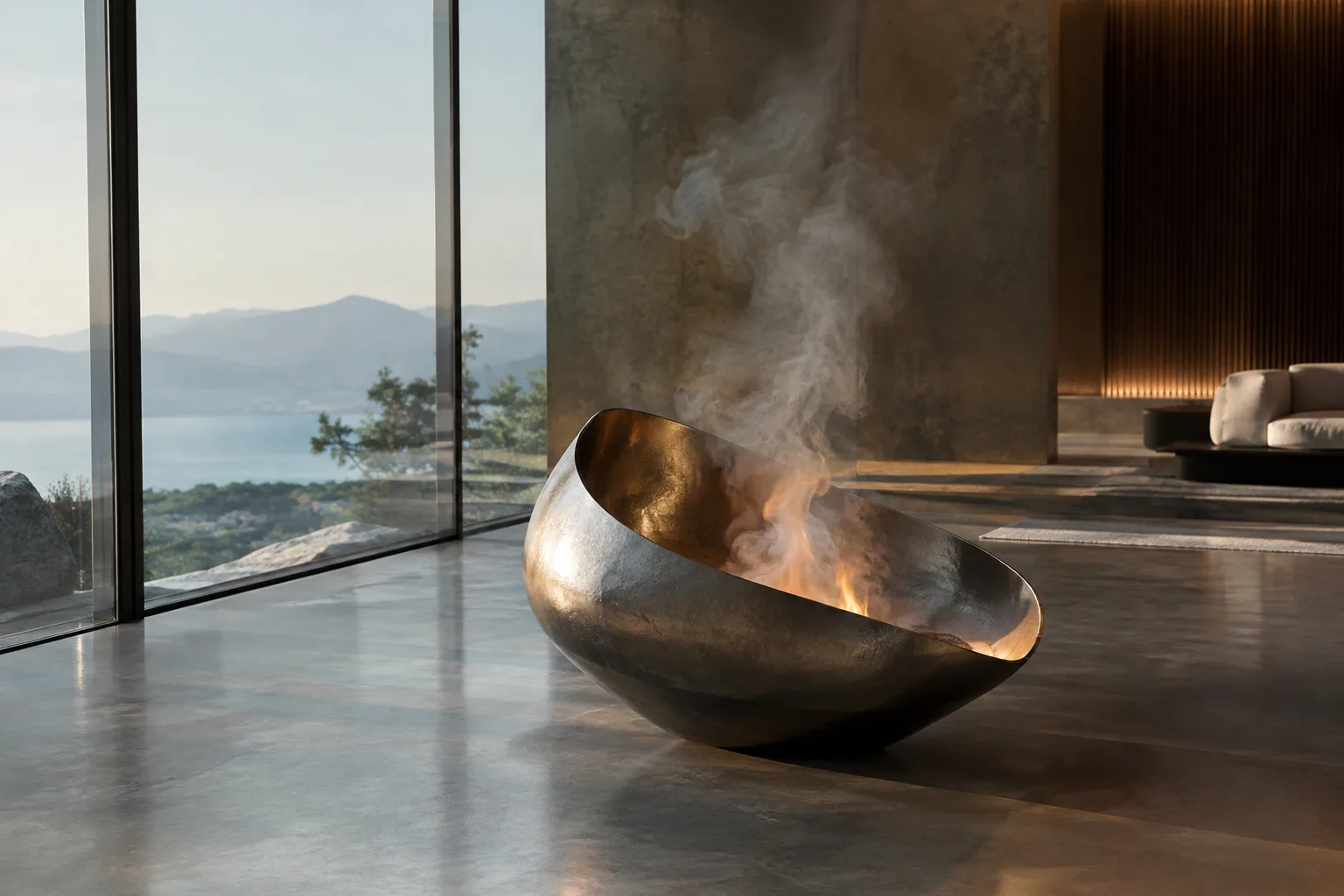
Blender Smoke and Fire Simulation: How to Set Up a Flow Source
Blender’s Flow object defines source behavior in liquid, smoke, and fire simulations. This guide explains the key settings, from source type and flow behavior to emission controls.
 AI image
Unreal Engine Android Packaging: A Guide to Preparing Projects as APKs
Learn how to configure the SDK, connect a device and package an Unreal Engine project for testing on Android devices or preparing for distribution. The guide also covers the AAB option alongside APKs.
 AI image
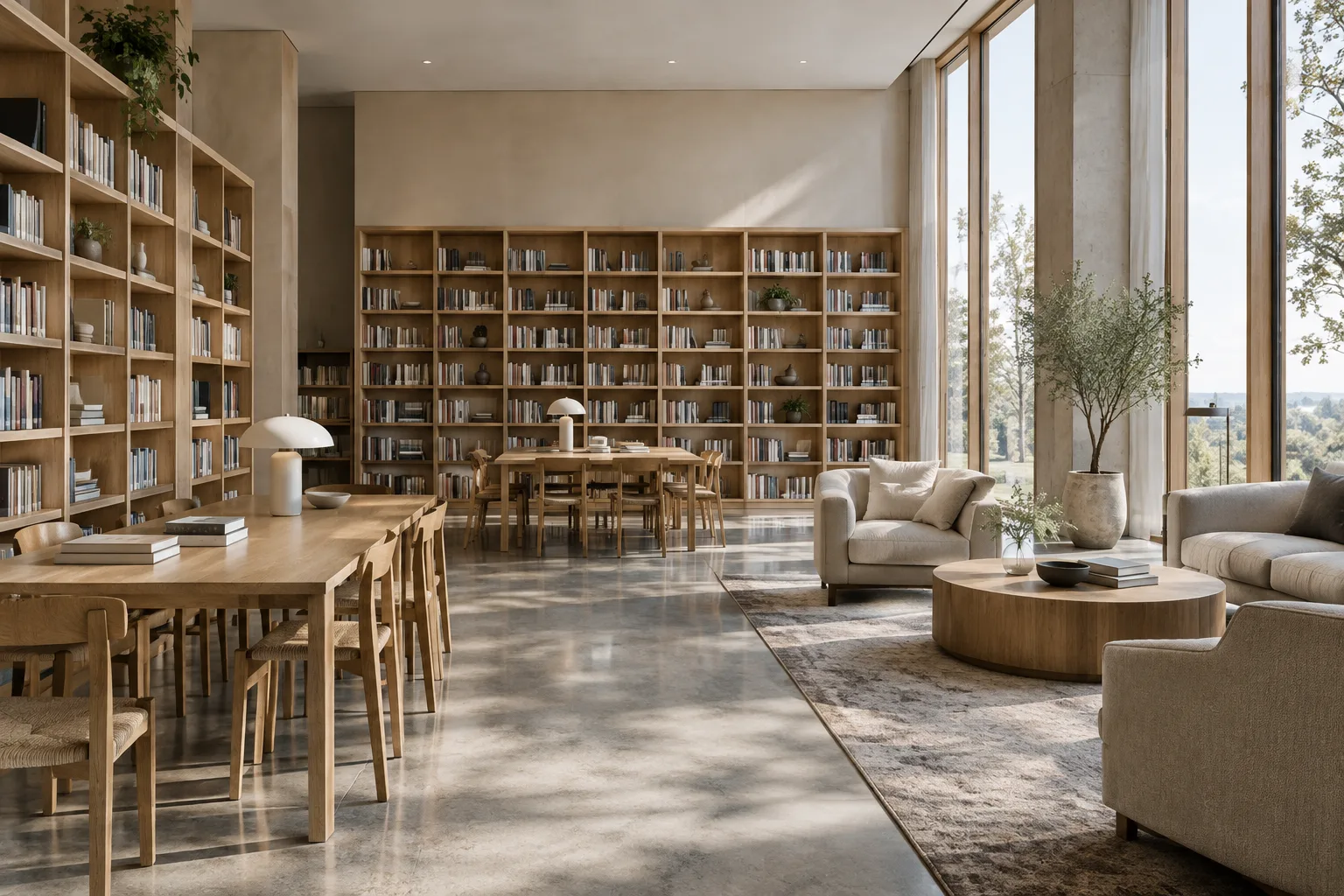
Architectural Image Generation with Nano Banana 2.1: A Prompting Guide
This guide explains how to prepare prompts to generate architectural and interior images—or edit existing ones—with Nano Banana 2.1 in the Gemini API. The examples focus on describing visual decisions clearly.
 AI image
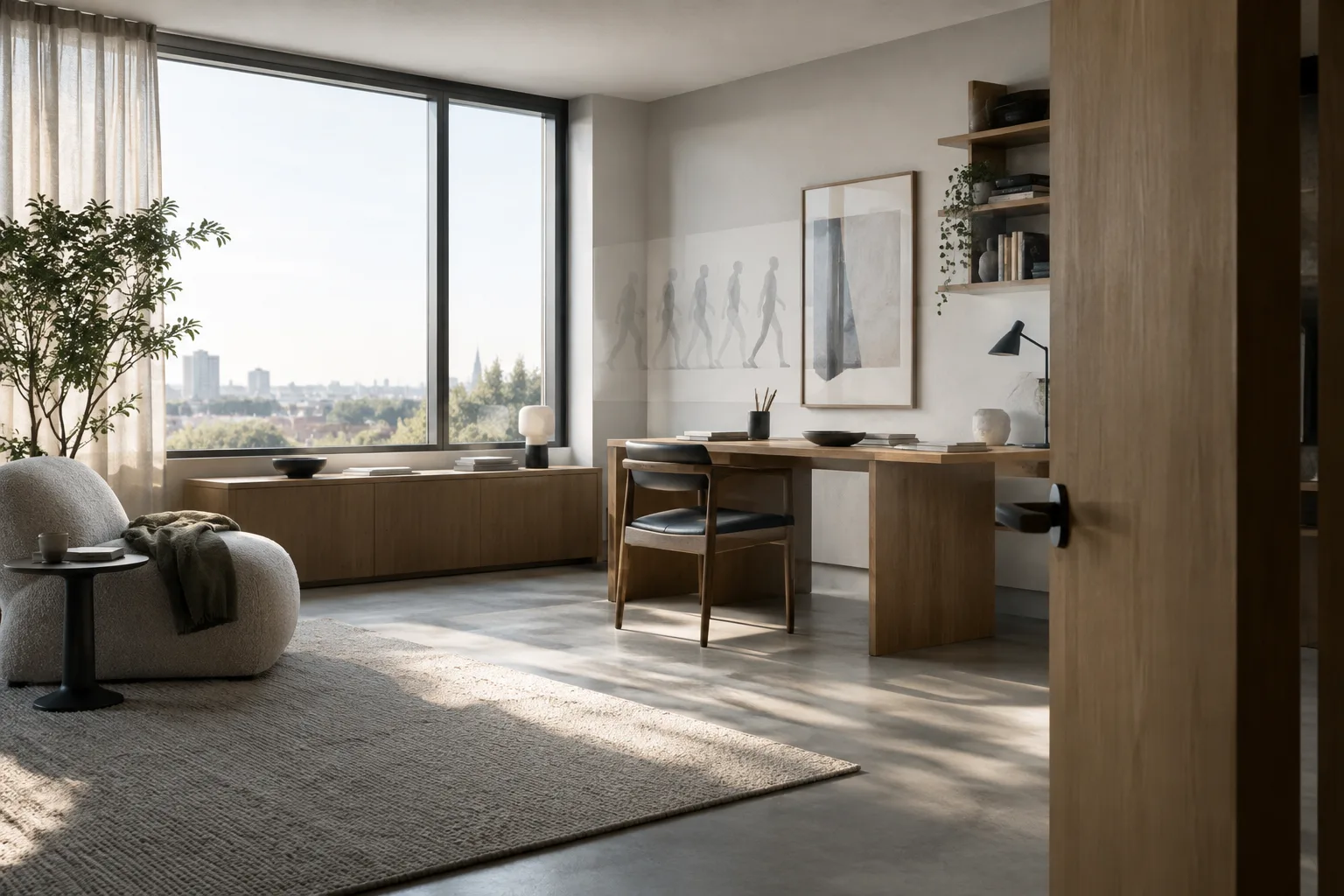
Architectural Animation in Blender: Object Origins and Keyframes
Blender’s official manual explains how origins define an object’s rotation and scaling center, and how animation curves can be edited with greater control in architectural scenes.
 AI image
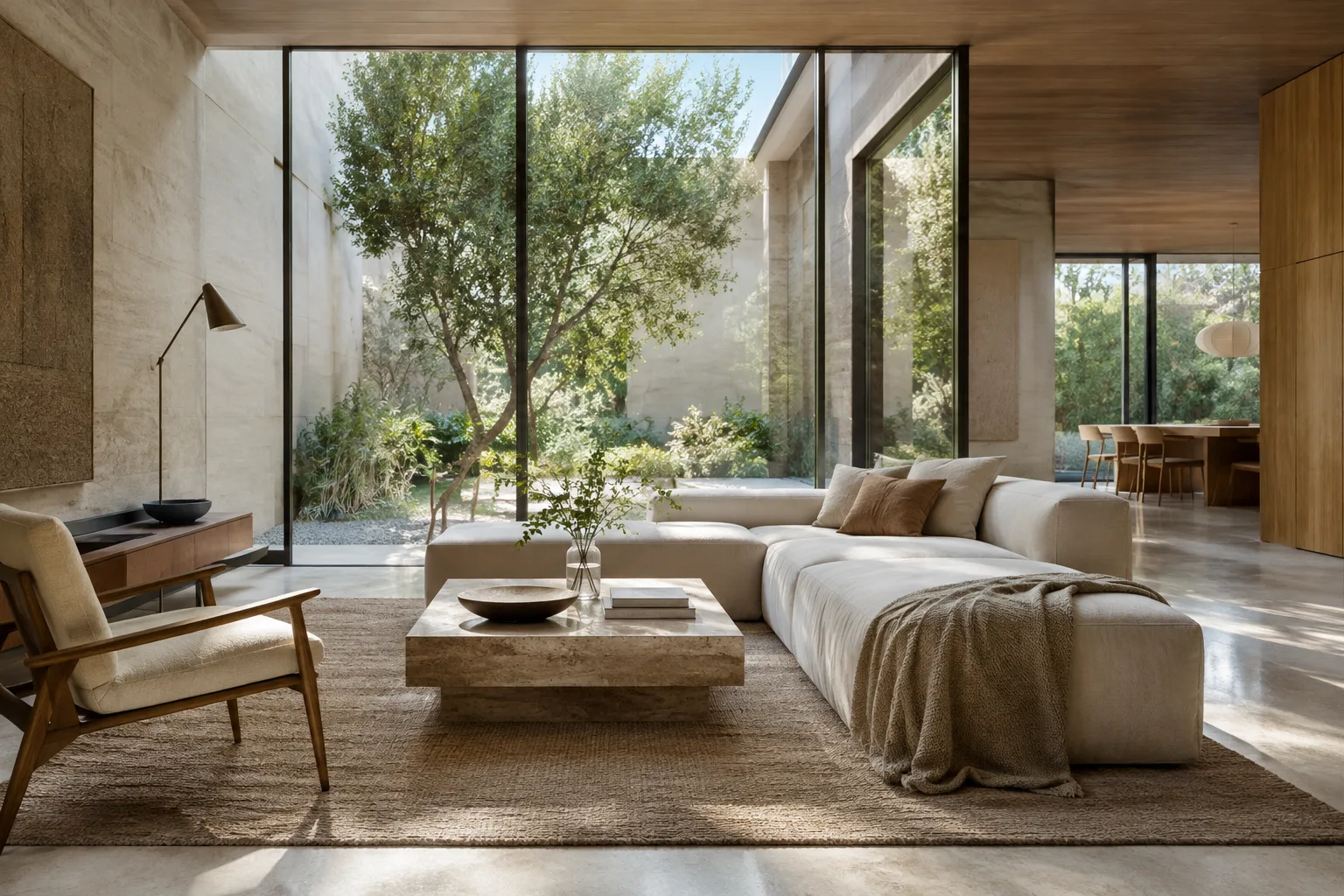
A Guide to Enhancing Architectural Renders with D5 Render AI Post-Processing
D5 Render’s AI Post-Processing tools let you enhance specific areas of renders, transfer styles, and edit sky, water, or vegetation. This guide explains the workflow and the 6,200-pixel limit.
 AI image
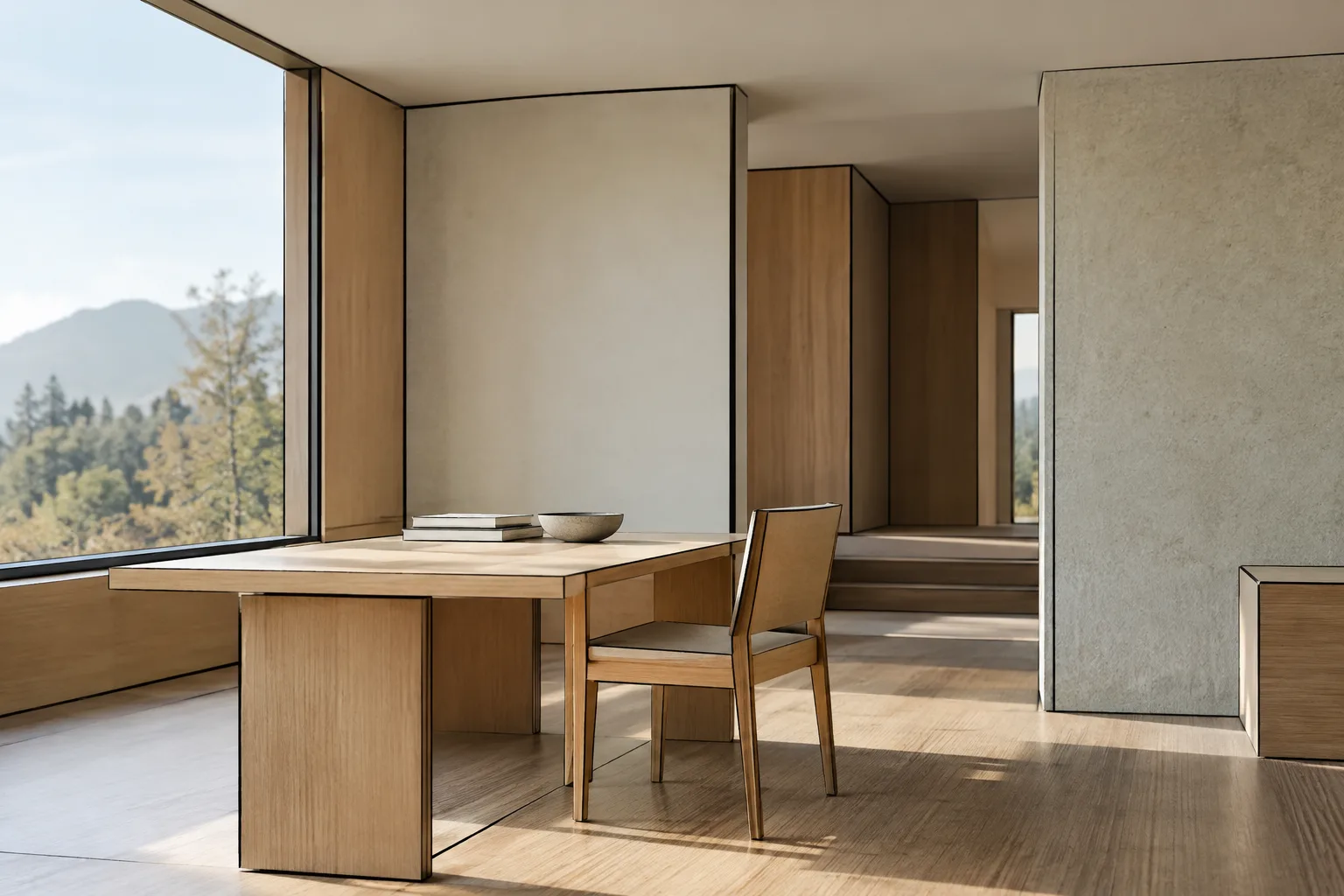
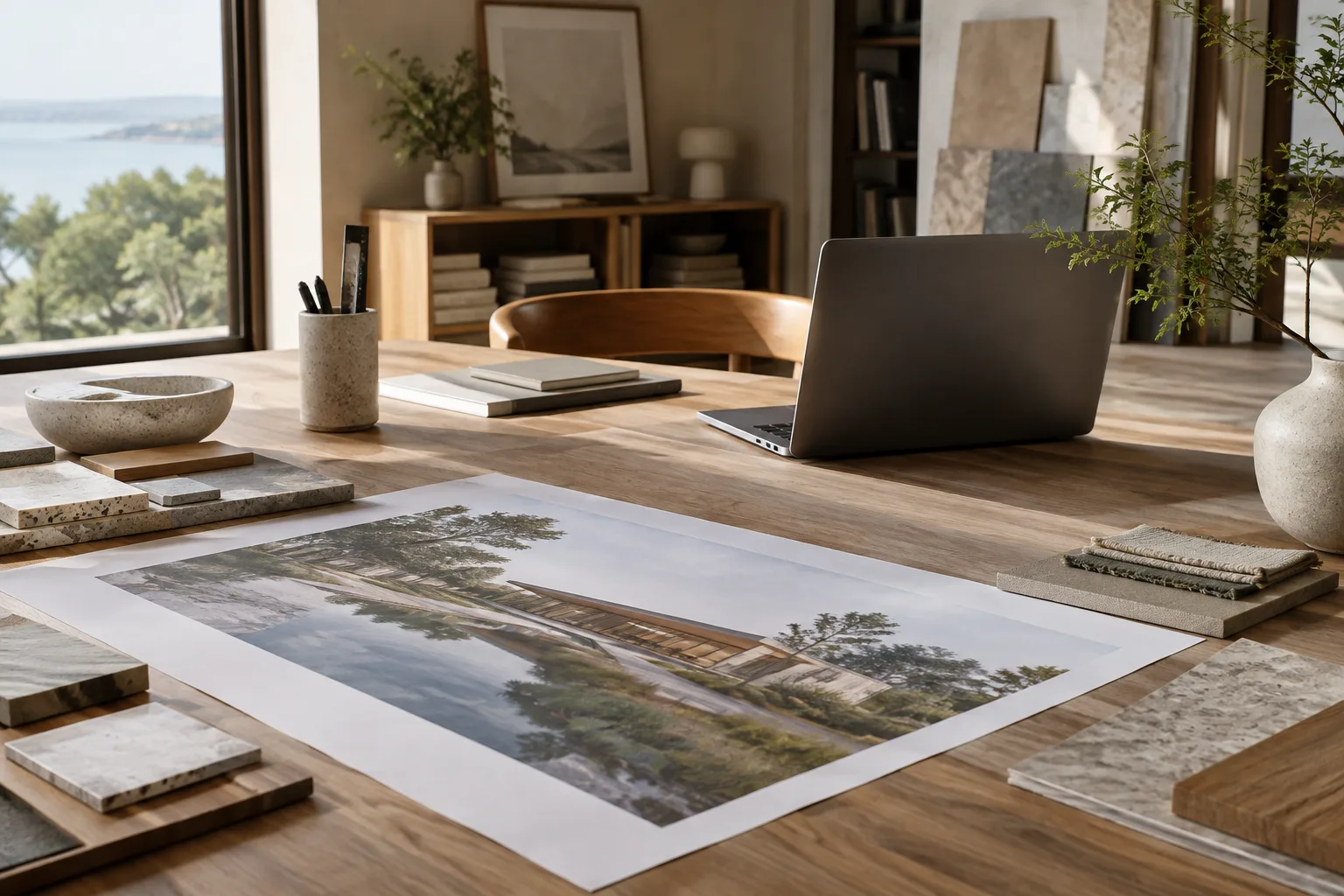
Blender Grease Pencil Line Art: A Guide to Drawing Lines in Architectural Scenes
Blender Grease Pencil Line Art creates a line-based look by evaluating a 3D scene from the selected camera’s perspective. This guide covers setting sources and edge types for architectural scenes, editing lines, and baking the result.
 AI image
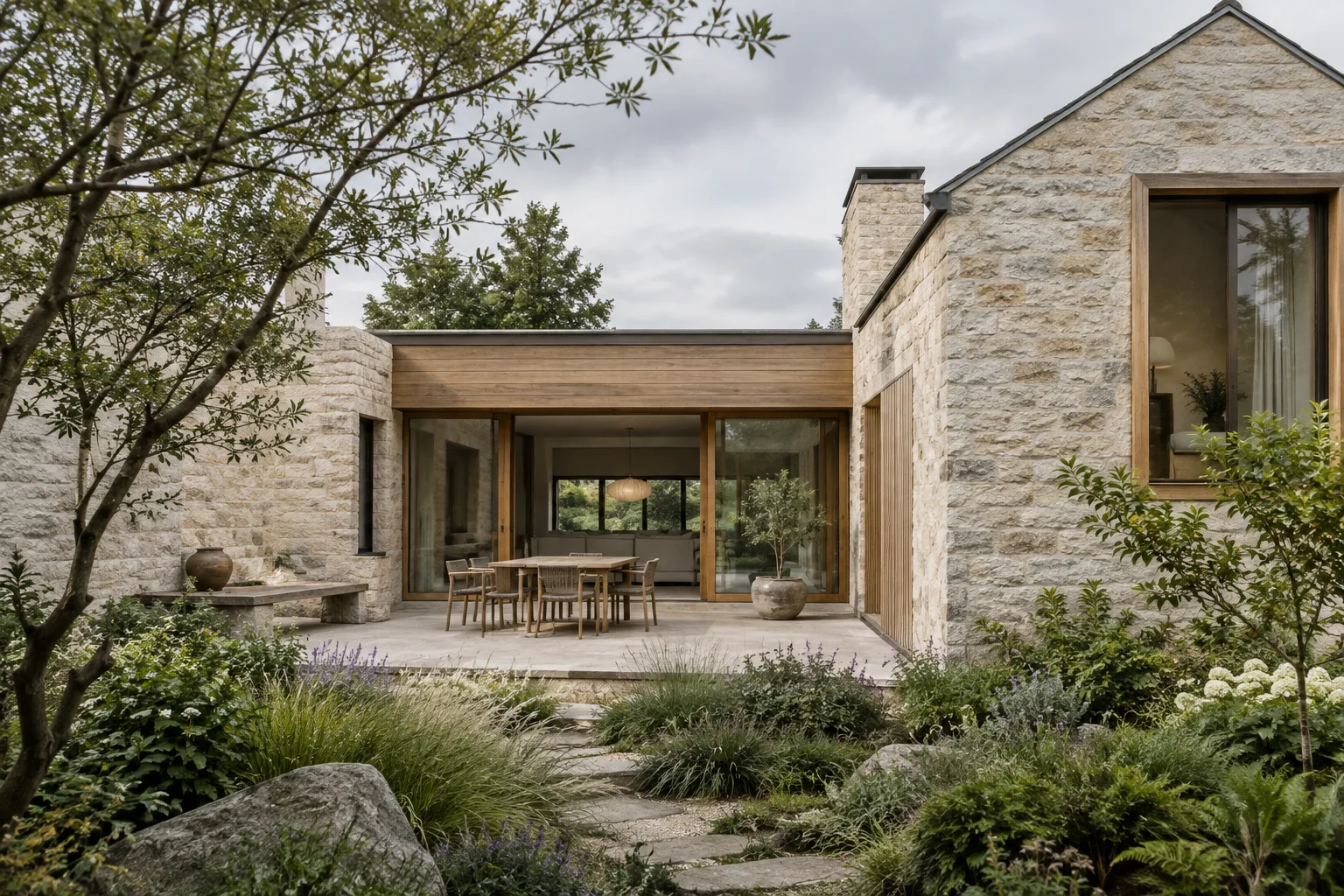
Architectural Image Analysis with the Gemini API: 5 Prompts and a Workflow
The Gemini API can send images to a model alongside text for use cases such as description, classification, and visual question answering. This guide covers five prompts for architectural images and the basic ways to submit them.
 AI image
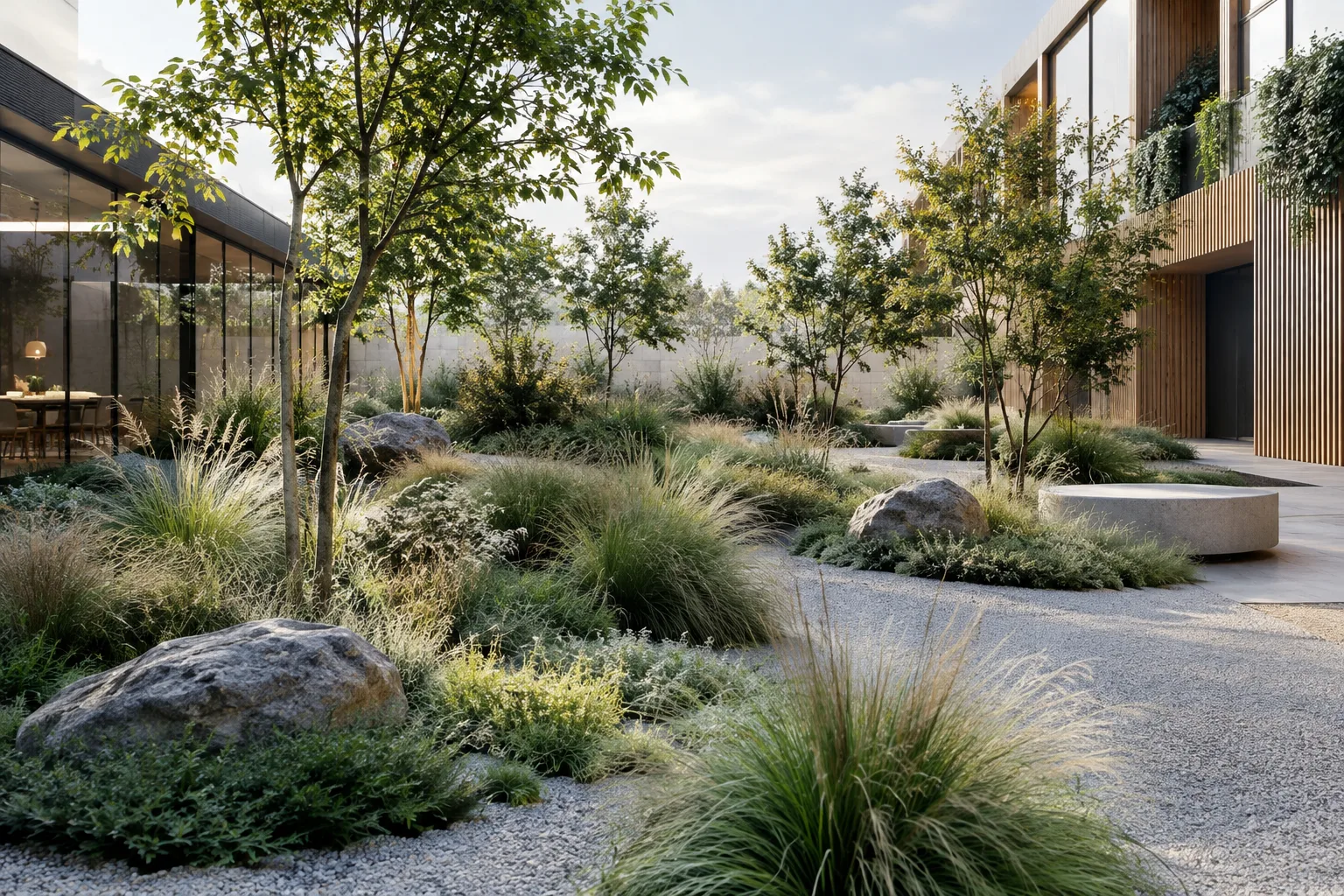
Architectural Image Generation with Nano Banana 2.1: A Step-by-Step Prompt Guide
We explore how to create architectural concept images and edit existing visuals using Nano Banana 2.1 and prompt design principles from Google’s Gemini API documentation.
 AI image
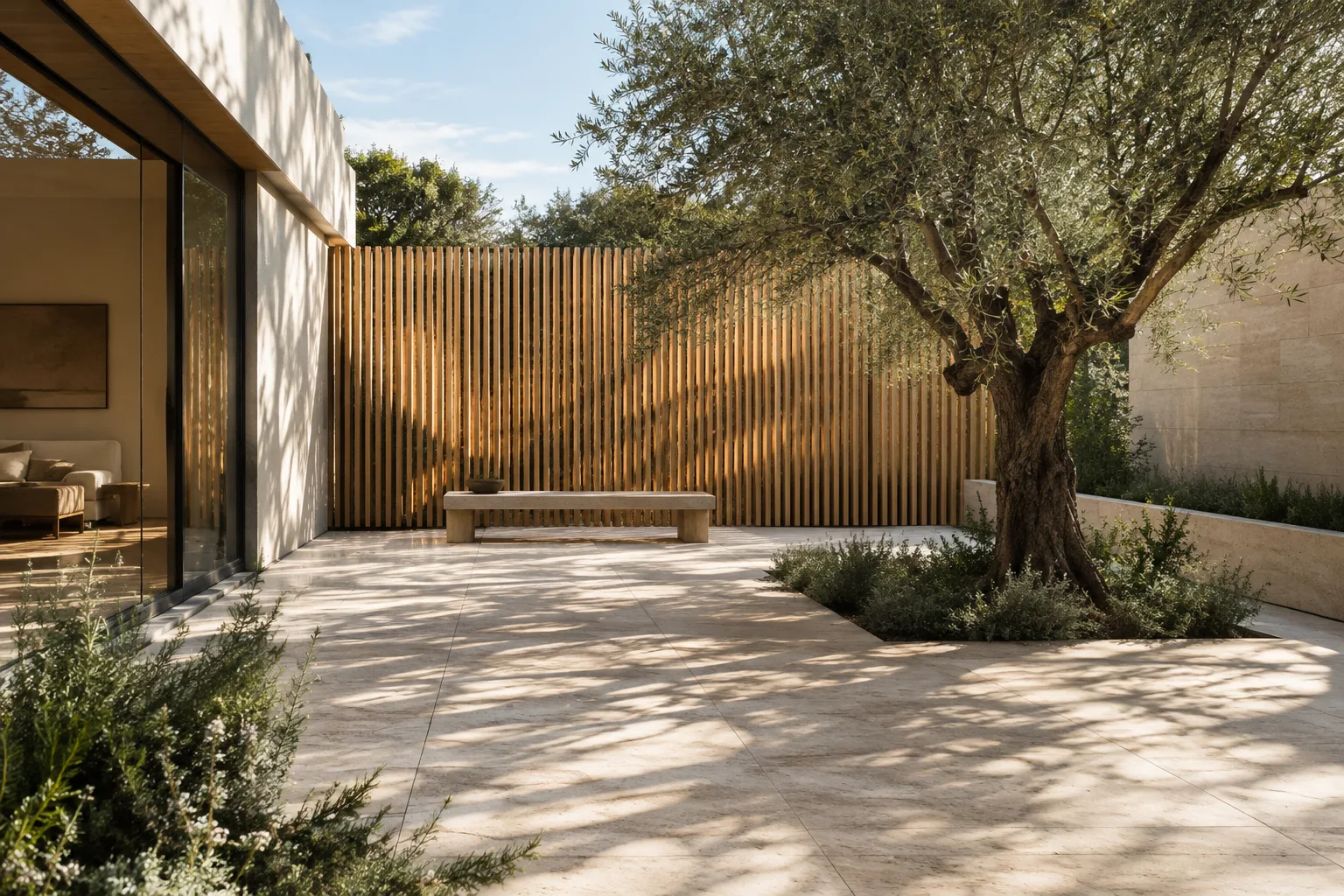
Distribute Plants and Objects Across Surfaces with Blender Geometry Nodes
Use the Distribute Points on Faces and Instance on Points nodes in Blender Geometry Nodes to place repeated objects across surfaces. This guide explains density, minimum distance, orientation, and stable ID settings.
 AI image
Architectural Video Generation with Gemini: Choosing a Model and Prompt
Gemini Omni Flash and Veo 3.1 support different workflows for architectural video generation with the Gemini API. This guide helps you choose a model, clarify scene descriptions, and refine prompts step by step.
 AI image
How to Place Textures in Blender with UV Project and UV Warp
Blender’s UV Project and UV Warp modifiers let you project image textures onto surfaces and transform existing UV coordinates. This guide also covers different coordinate options using the Texture Coordinate node.
 AI image
Architectural Image Generation with Nano Banana 2.1: A Prompt and Editing Guide
This guide explains how to create architectural concept images and edit reference images with Nano Banana 2.1 through the Gemini API. It covers model selection, prompt writing, and common mistakes.
 AI image
Texture Baking in Blender Cycles: A Step-by-Step Guide
Blender’s Cycles guide to texture baking covers the workflow from preparing a UV map, target image or Color Attribute to choosing a bake type and margin settings. It explains the essential steps and common issues.
 AI image
Gemini Omni Flash and Veo Prompt Guide for Architectural Video
We adapt the prompt components in the official guides for Gemini Omni Flash and Veo to architectural visualization. Clear descriptions of the subject, motion, setting, and camera can help you communicate short video ideas more effectively.