Tutorials · Page 18
 AI image
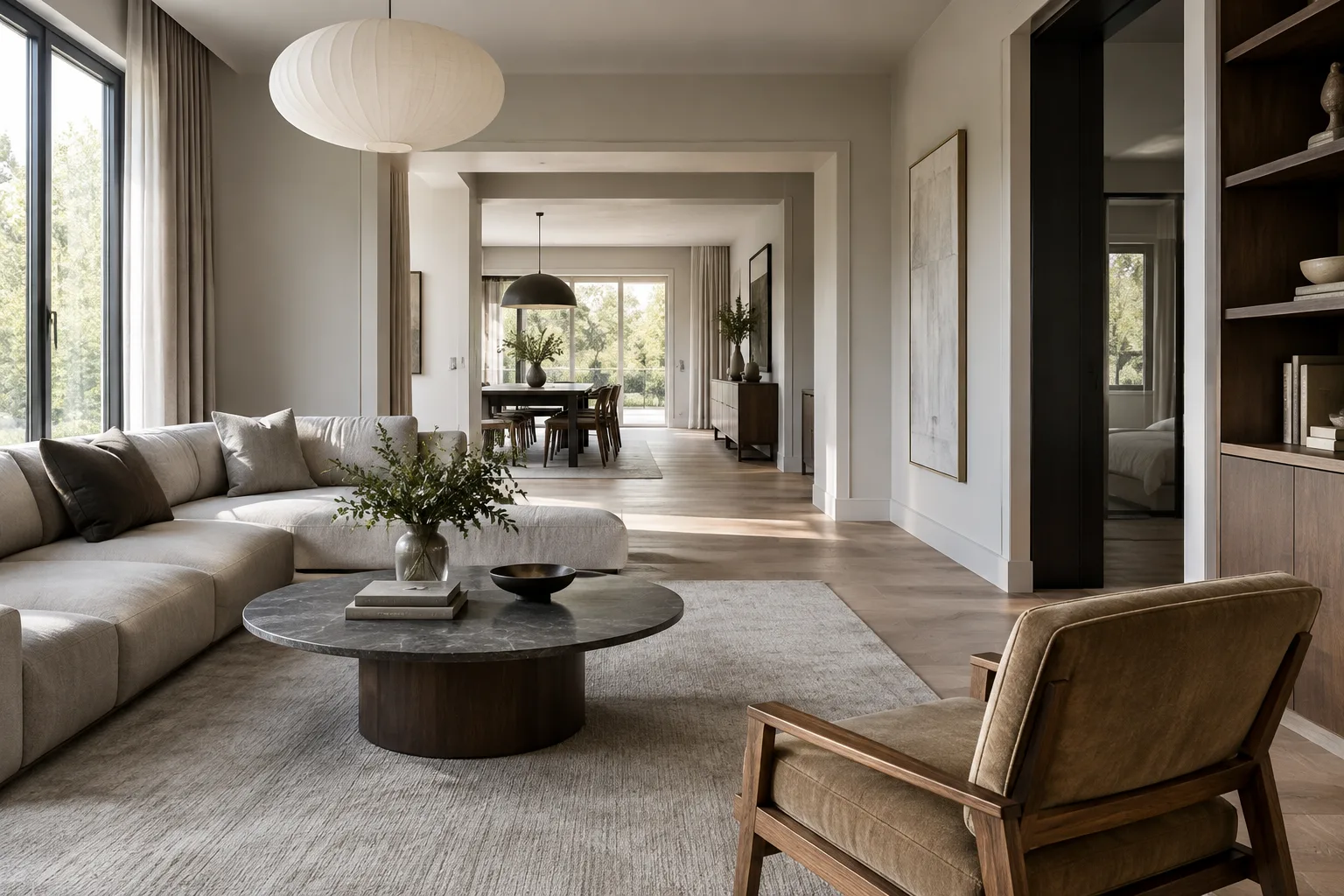
Analyze Architectural Videos with the Gemini API: A Step-by-Step Guide
The Gemini API can summarize videos, answer questions about their content, and provide information tied to timestamps. This guide explains how to process architectural and interior videos according to file size and verify the results.
 AI image
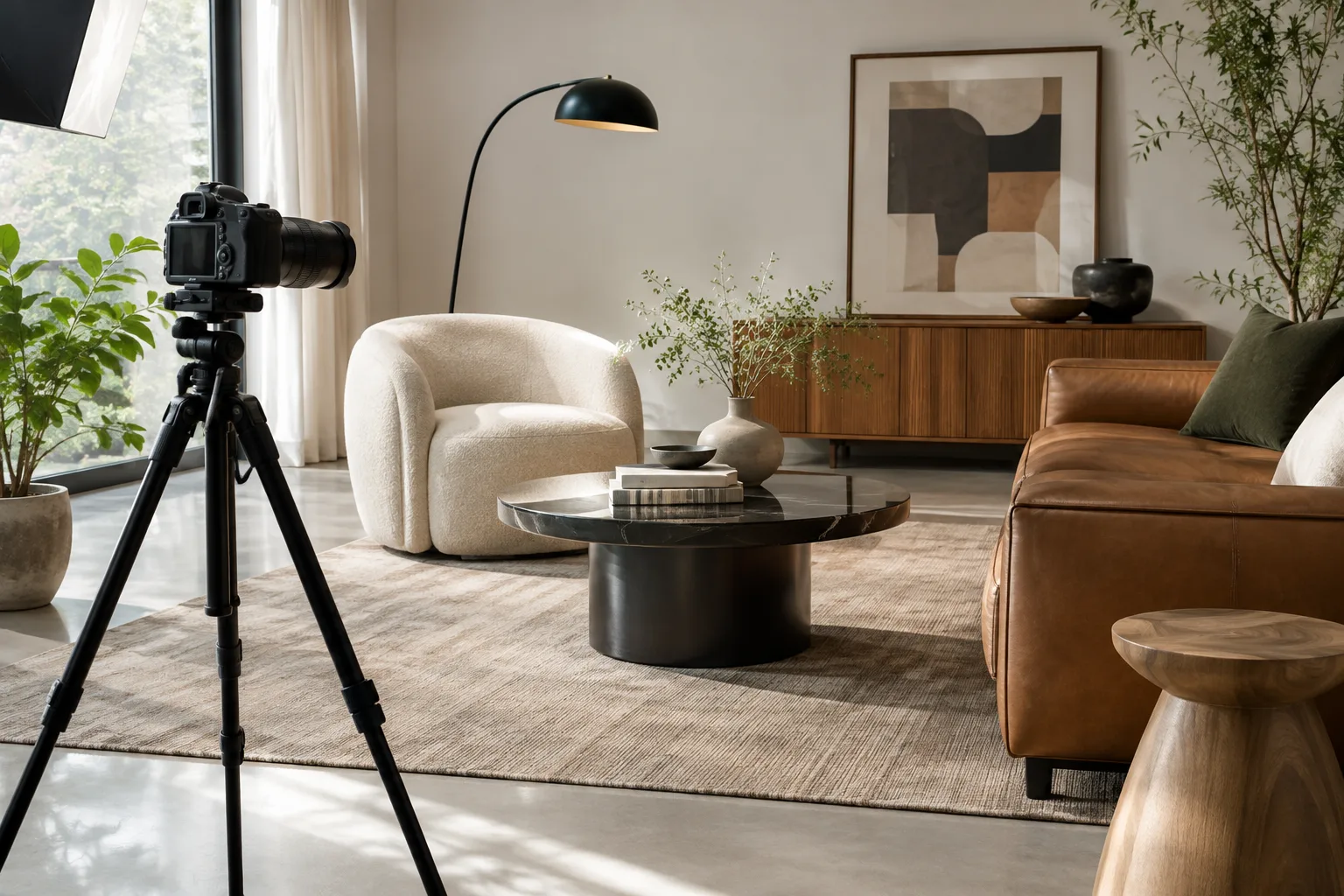
3ds Max'ta Shell, Kamera ve MassFX Rigid Body ile Sunum Sahnesi Hazırlama Rehberi
This guide explains step by step how to use the Shell modifier, the Create Camera From View command, and the MassFX_RBody modifier via MAXScript for architectural presentation scenes in 3ds Max.
 AI image
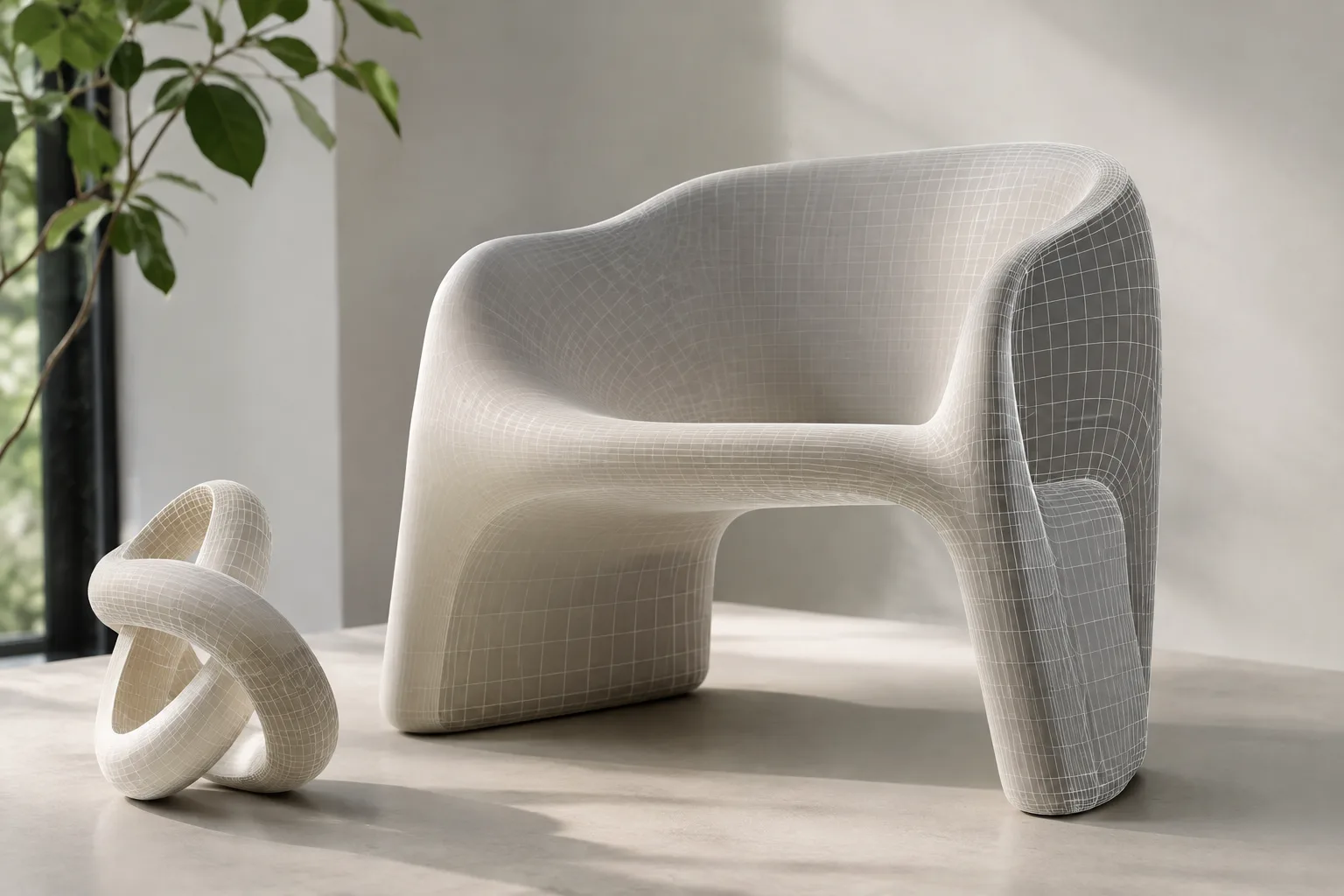
3D Model Generation from a Single Image with Hunyuan3D 2.1: Setup and Usage Guide
Tencent's open-source Hunyuan3D 2.1 model can generate a PBR-textured 3D mesh from a single image. This guide walks through the usage steps from installation to the Gradio interface.
 AI image
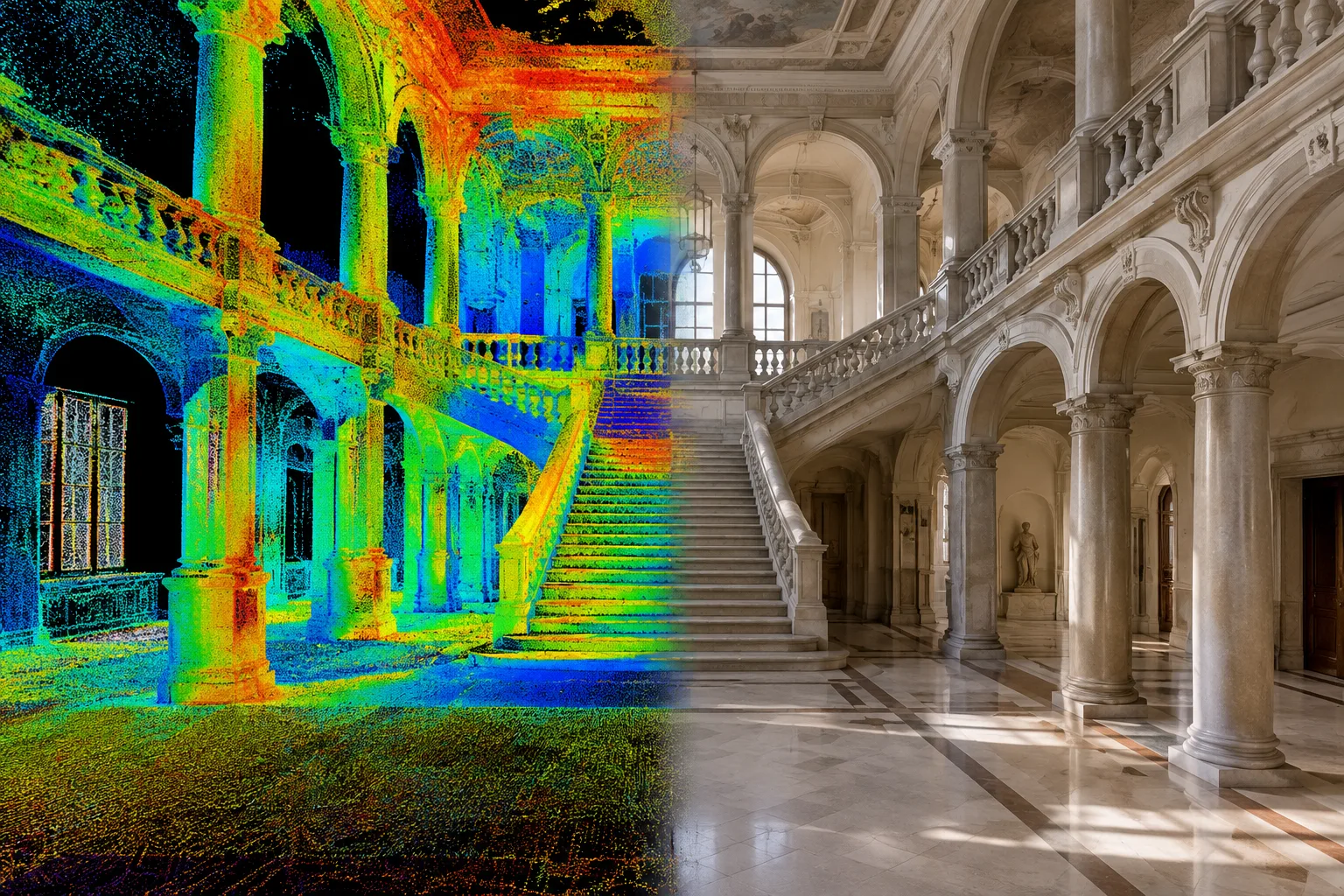
Using point clouds in Twinmotion: import and sharing guide
Twinmotion lets you import laser scan point clouds in .e57, .las/.laz, .xyz, .txt and .pts formats as scene objects, work with them using shadow-light and section tools, and share them through Twinmotion Cloud.
 AI image
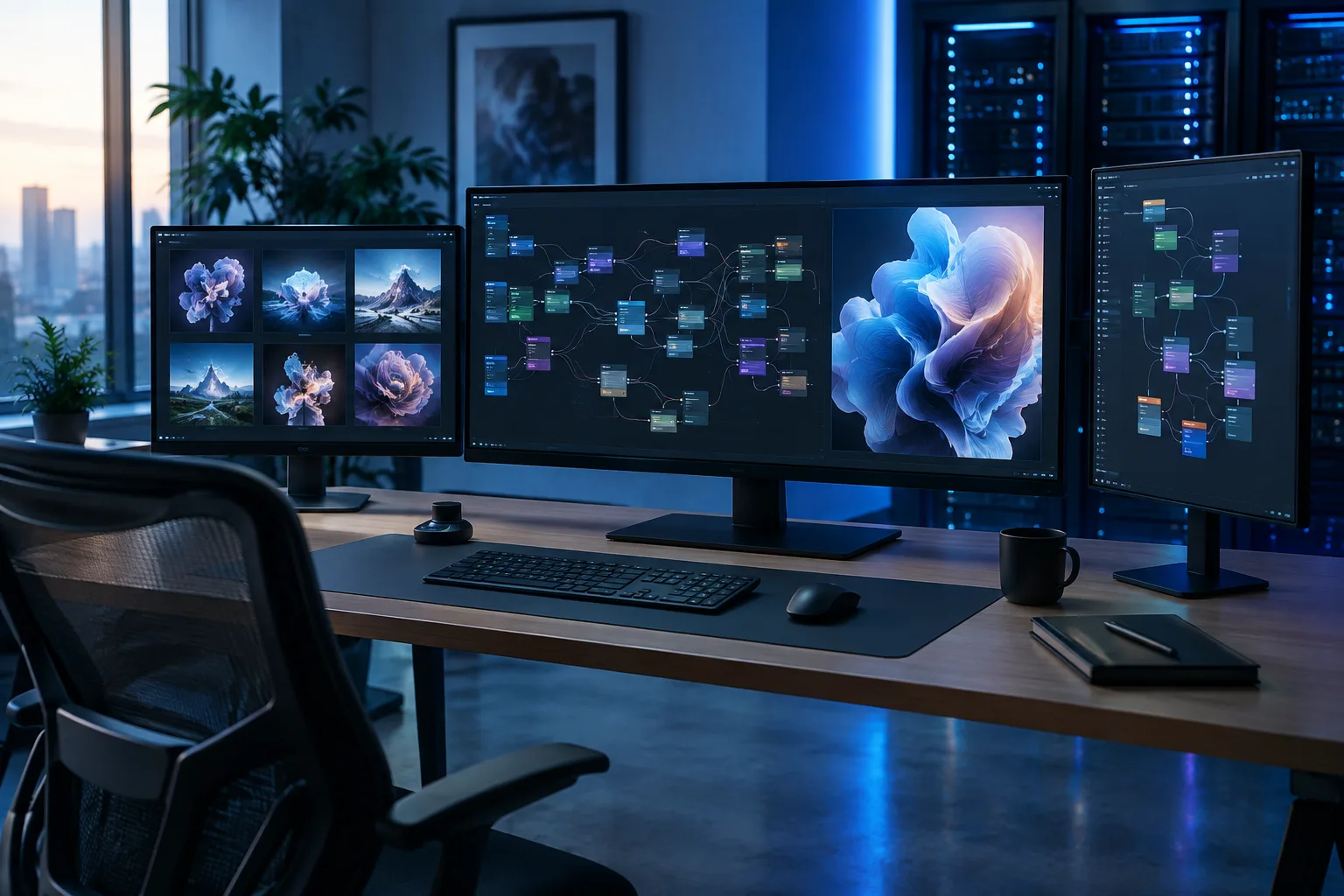
Setting up ComfyUI and SwarmUI with cloud GPUs: a RunPod and Massed Compute guide
For those whose local graphics card can't handle AI image/video generation models, this guide walks through setting up ComfyUI and SwarmUI on RunPod or Massed Compute cloud GPU services, downloading models, and using multiple GPUs.
 AI image
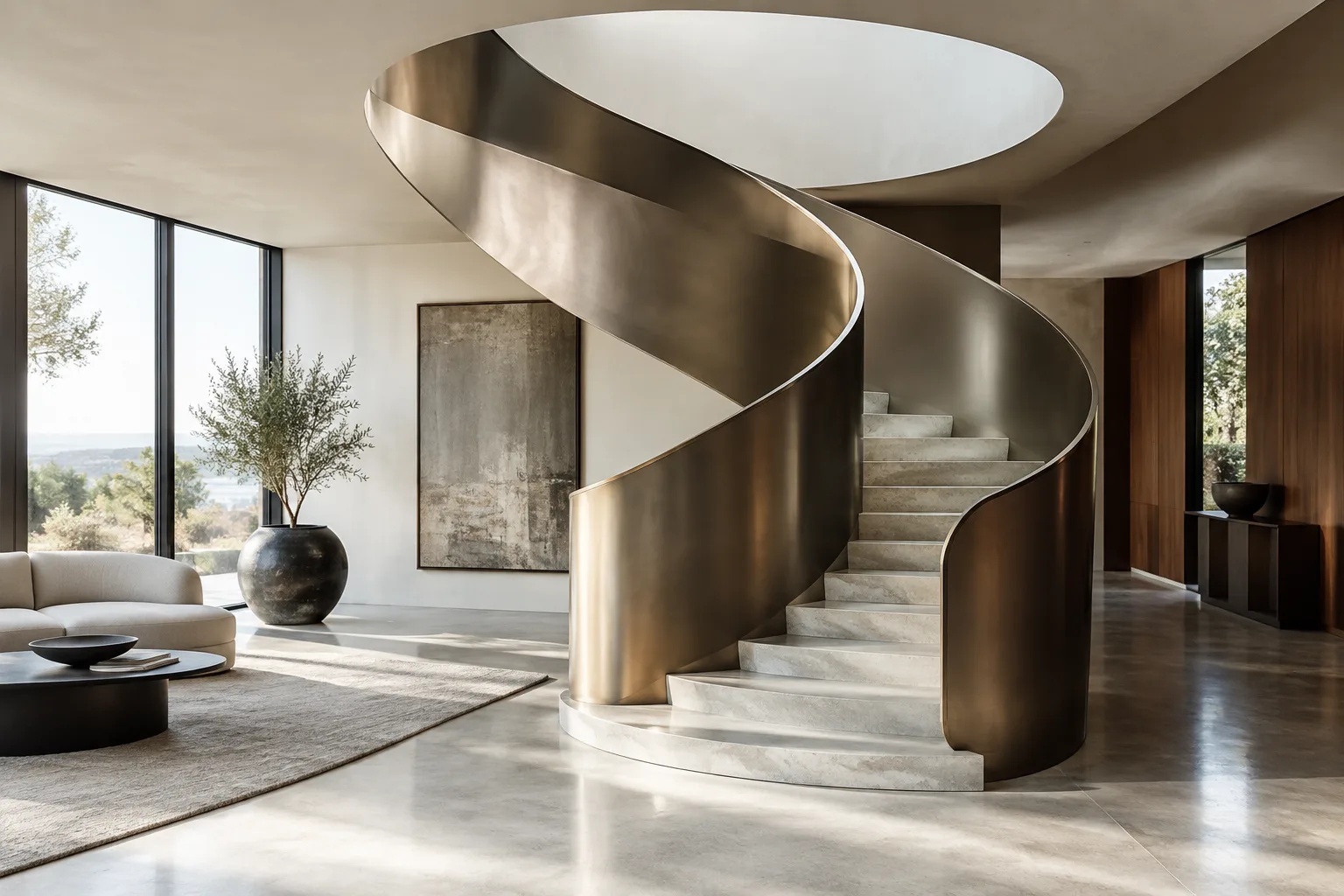
Creating Architectural Curve Objects in Blender with Add Curve: Extra Objects
The Add Curve: Extra Objects add-on bundled with Blender lets you add parametric curves like spirals, helices and torus knots with a single click; this guide walks through how to use the add-on in architectural visualization step by step.
 AI image
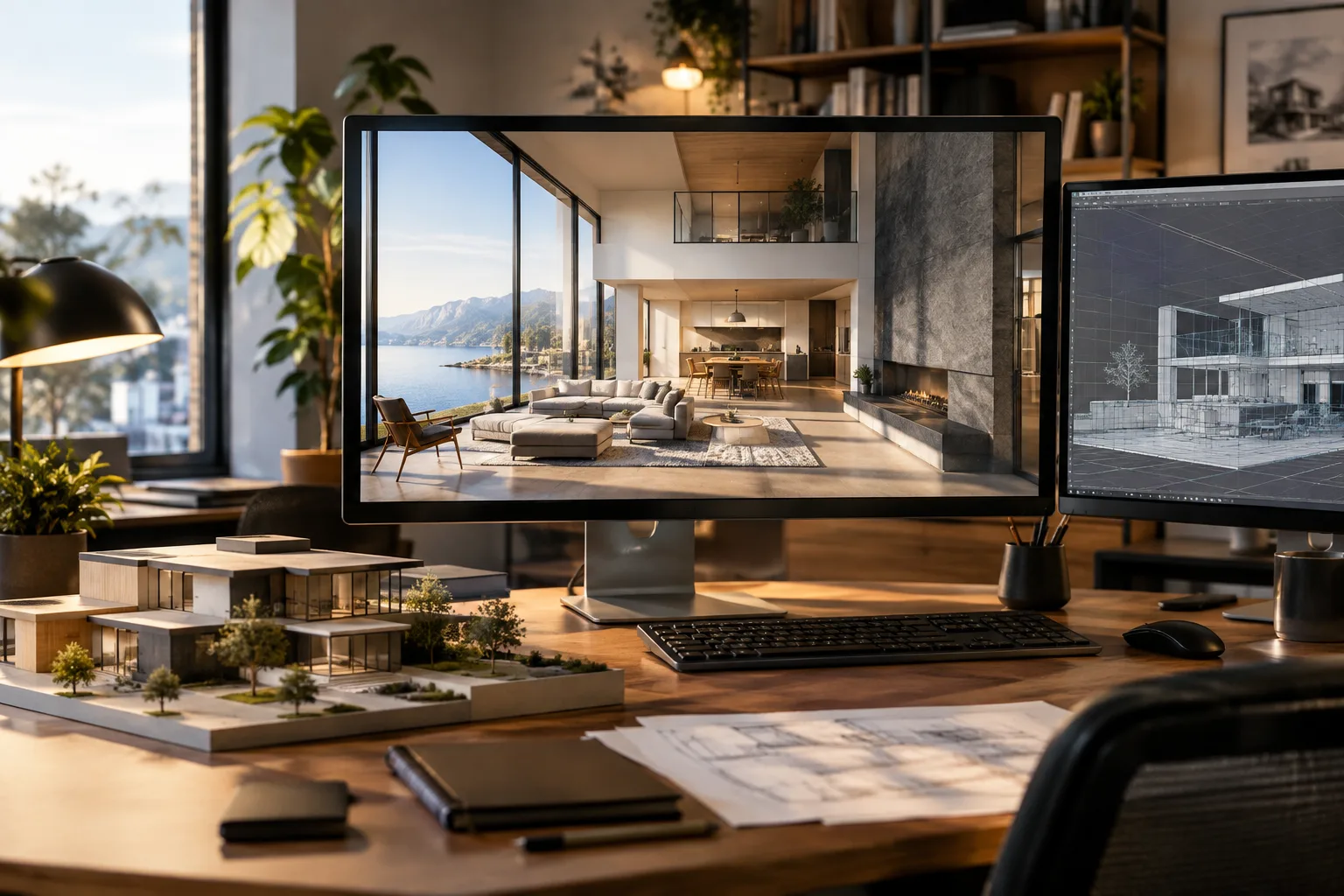
Transferring a 3ds Max model to D5 Render: a guide to live sync with D5 Converter
This tutorial walks step by step through moving 3ds Max scenes into D5 Render, both via direct file import and via live synchronization using the D5 Converter plugin.
 AI image
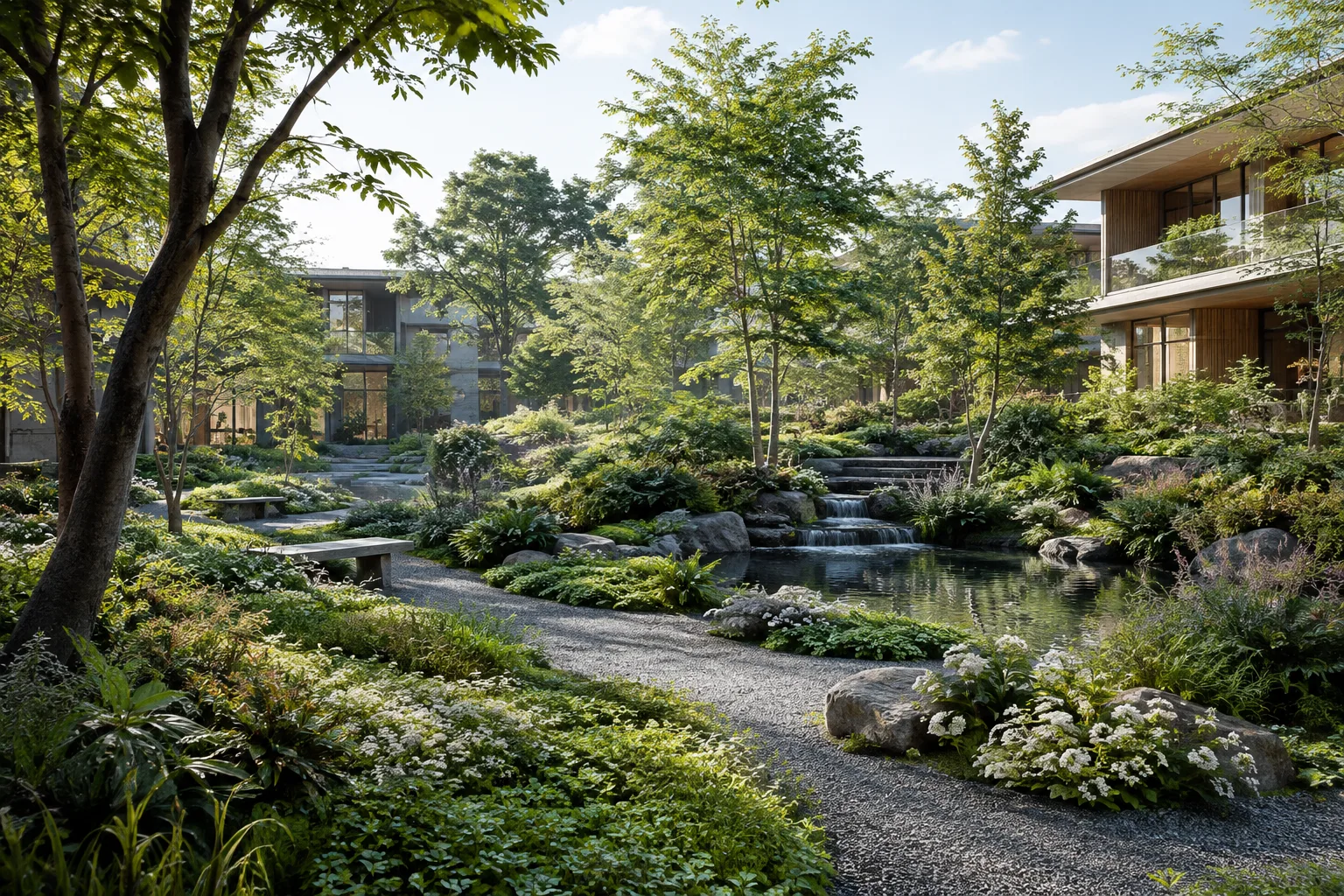
Creating landscapes in 3ds Max: a step-by-step guide to Forest Pack and Chaos Scatter
This guide walks 3ds Max users through scattering plants, objects and crowds with the Forest Pack and Chaos Scatter plugins, covering everything from installation to advanced clustering settings.
 AI image
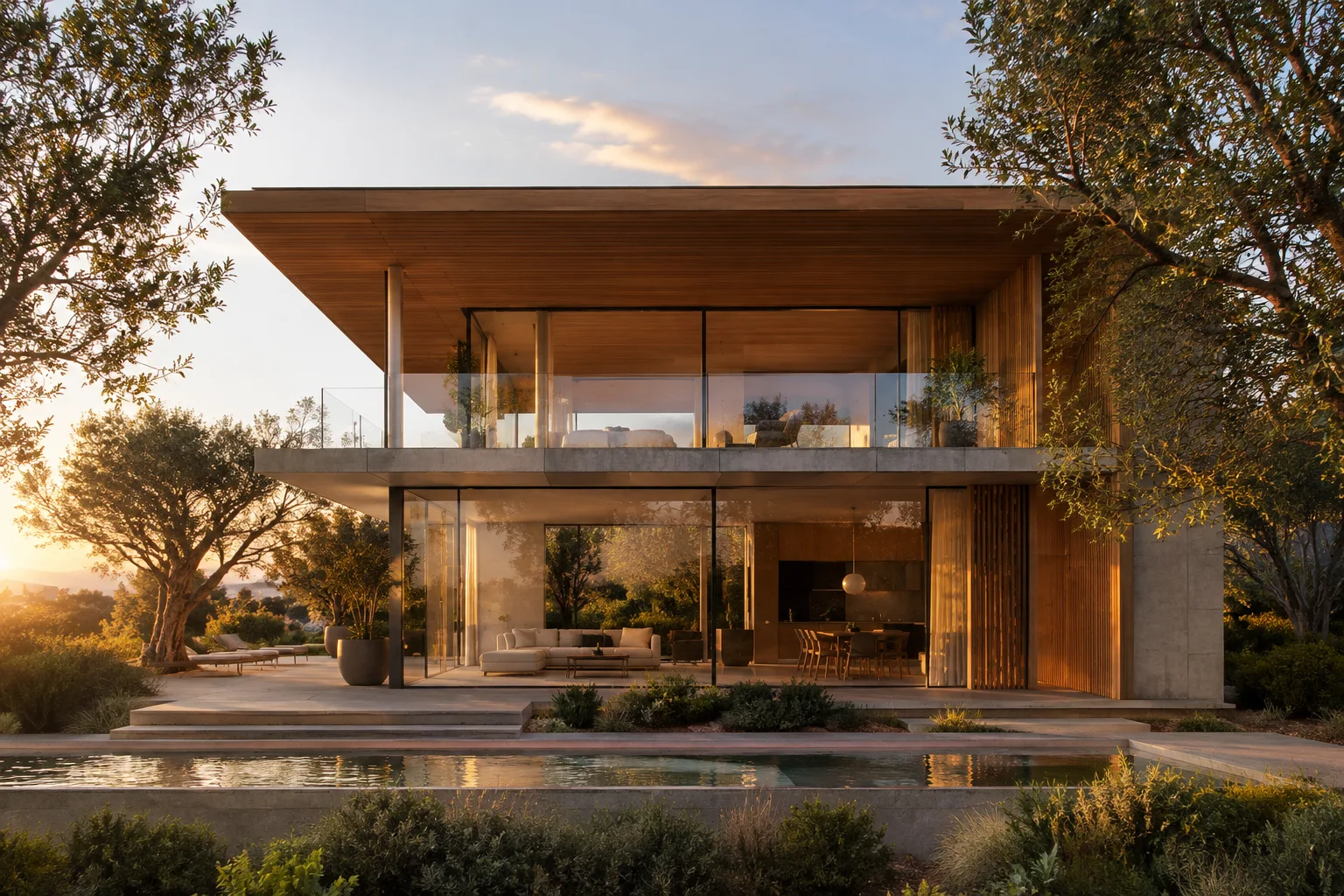
Architectural visualization with Nano Banana 2: best prompt techniques and tips
Google's Nano Banana image generation models, offered through the Gemini API, can be used to produce architectural exterior, interior and presentation visuals. This guide explains the differences between the four models and provides architecture-specific sample prompts with English explanations.
 AI image
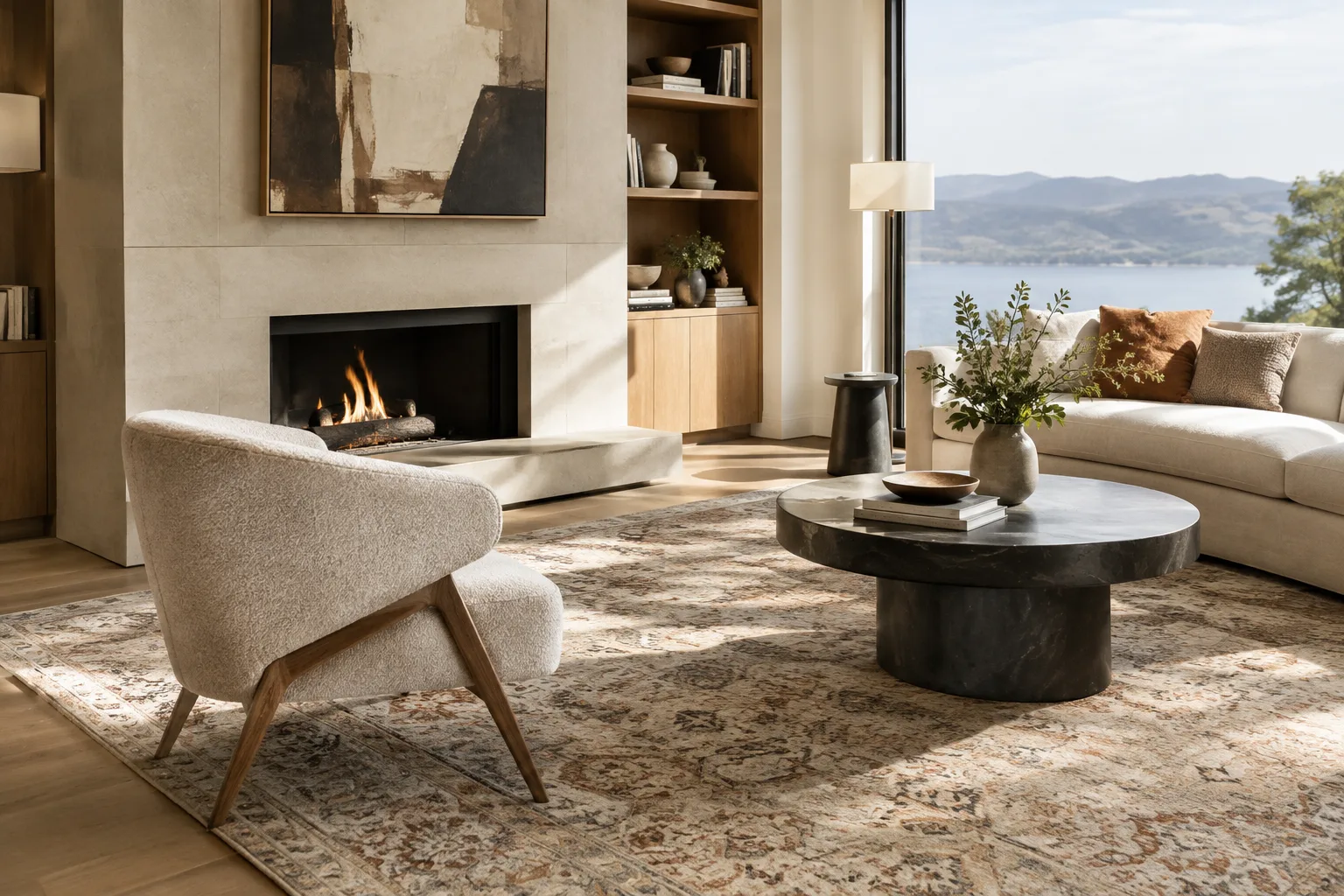
3D Space Scanning with Gaussian Splatting: Tools and Steps for SketchUp
SketchUp's Gaussian Splats extension is for viewing only; a third-party tool is needed to generate .ply, .splat, or .spz files. This guide walks through mobile, desktop, and AI-based options step by step.
 AI image
Interior design with Runway Gen-4 References: a step-by-step prompt guide
Runway's Gen-4 Image and References tools make it possible to add different furniture images to a single interior photo, producing realistic design alternatives.
 AI image
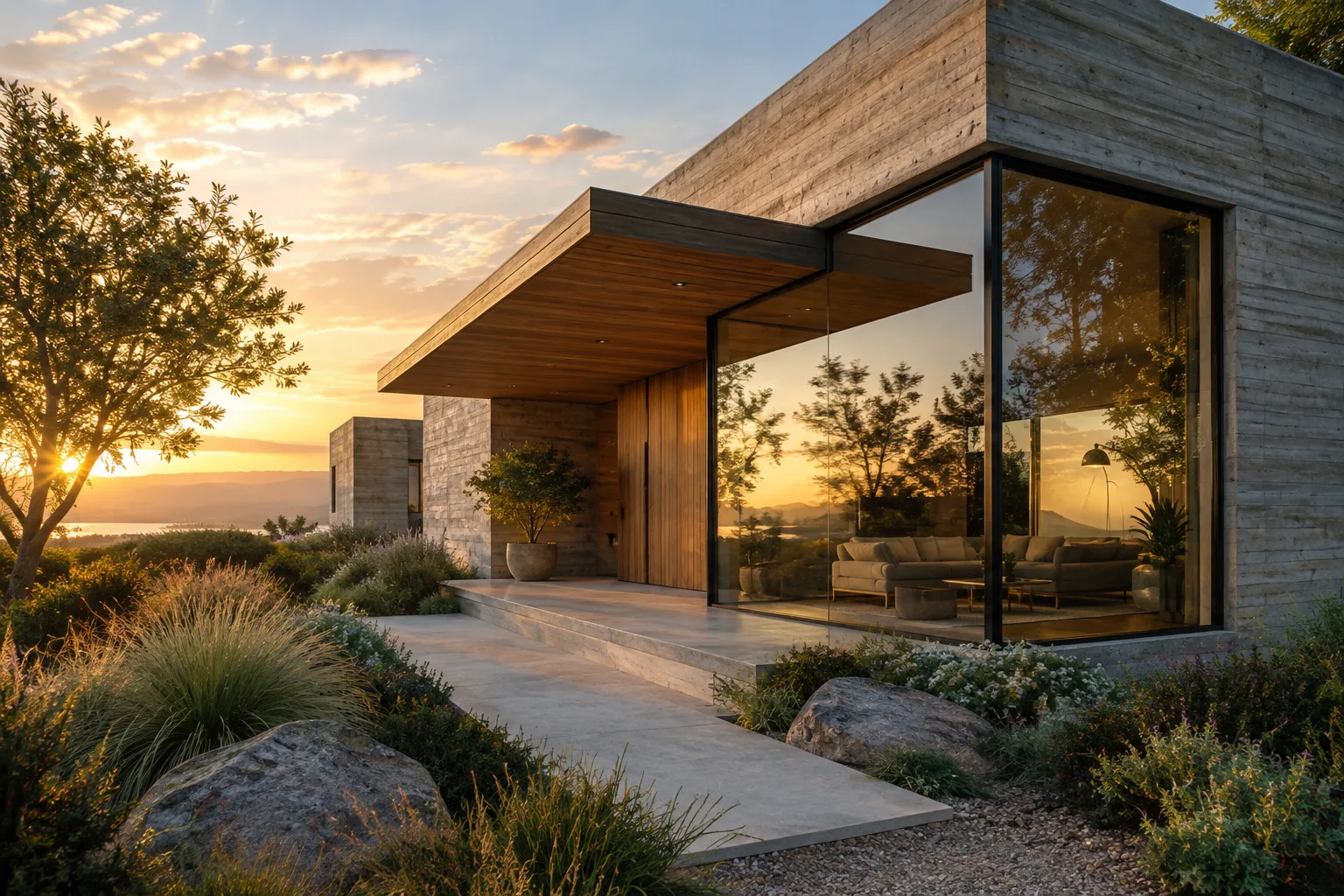
Architectural Rendering with FLUX 3 Image: Text-to-Image, Editing and Reference Techniques
Black Forest Labs' FLUX 3 Image API offers text-to-image generation, editing existing images, merging multiple references, and composition control via bounding boxes—all through a single endpoint. This guide walks through step-by-step usage with architectural and interior examples.
 AI image
Architectural visual generation with Wan 2.2 and FLUX Krea Dev: setup and prompt guide
The open-source Wan 2.2 video model and FLUX Krea Dev image model can be installed with one click via SwarmUI and ComfyUI to try out generating concept images and short animations for architectural presentations.
 AI image
A Guide to Organizing Collections and View Layers with Blender Python
The Blender Python API lets you add collections to a scene, group objects, and manage View Layer visibility. This guide explains the key steps and considerations for architectural visualization scenes.
 AI image
How to Create Light Glare in Architectural Renders with Blender’s Glare Node
Blender’s Glare node can add bloom, light beams, and other glow effects to bright areas. This guide explains how to configure the node for architectural renders and use it in a controlled way with layers.
 AI image
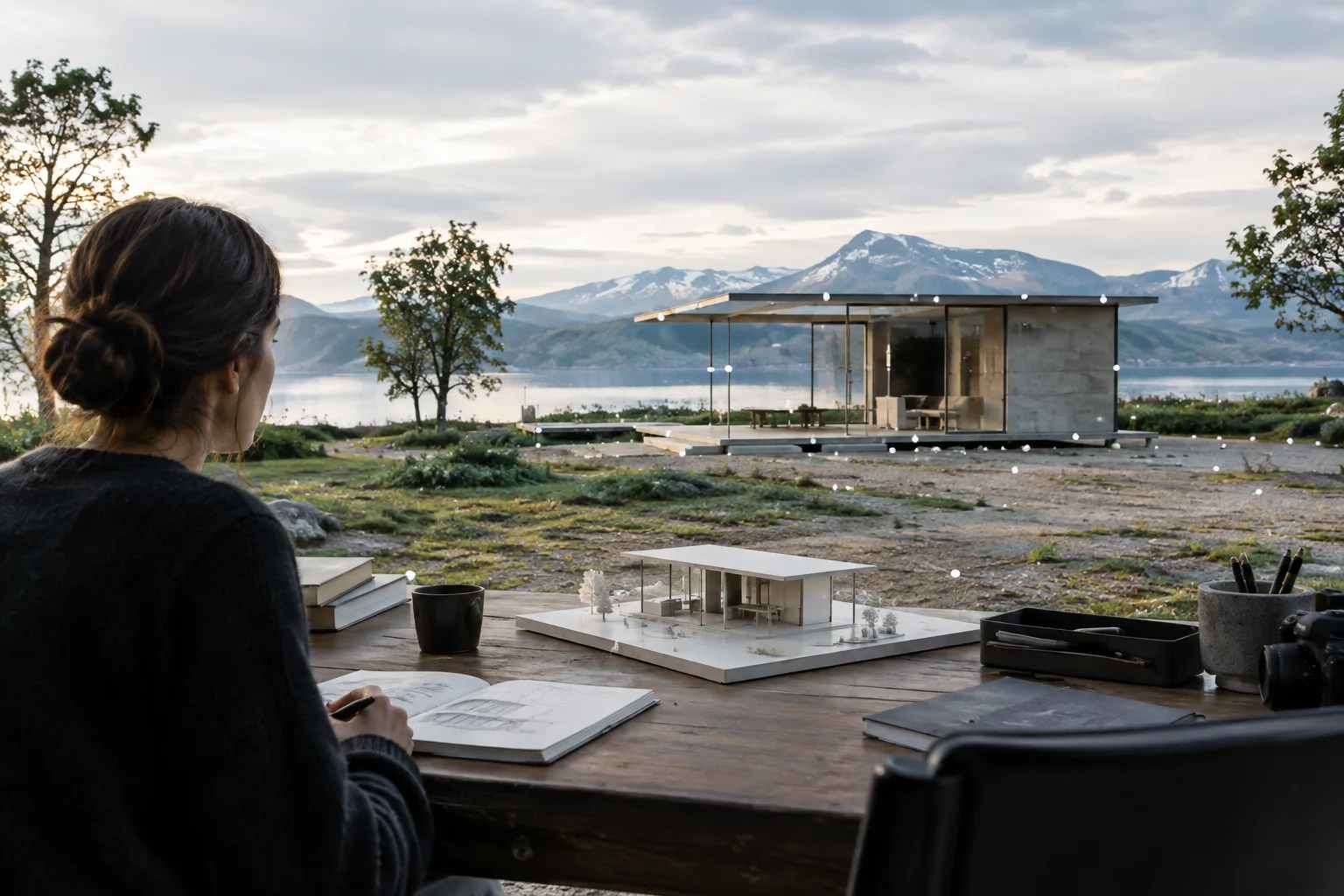
Architectural Camera Settings in Blender: Perspective, Framing, and Depth of Field
Blender’s camera tools help control framing in architectural visualization, from perspective and orthographic views to lens shift, depth of field, and panoramic shots. This guide walks through the essential settings step by step.
 AI image
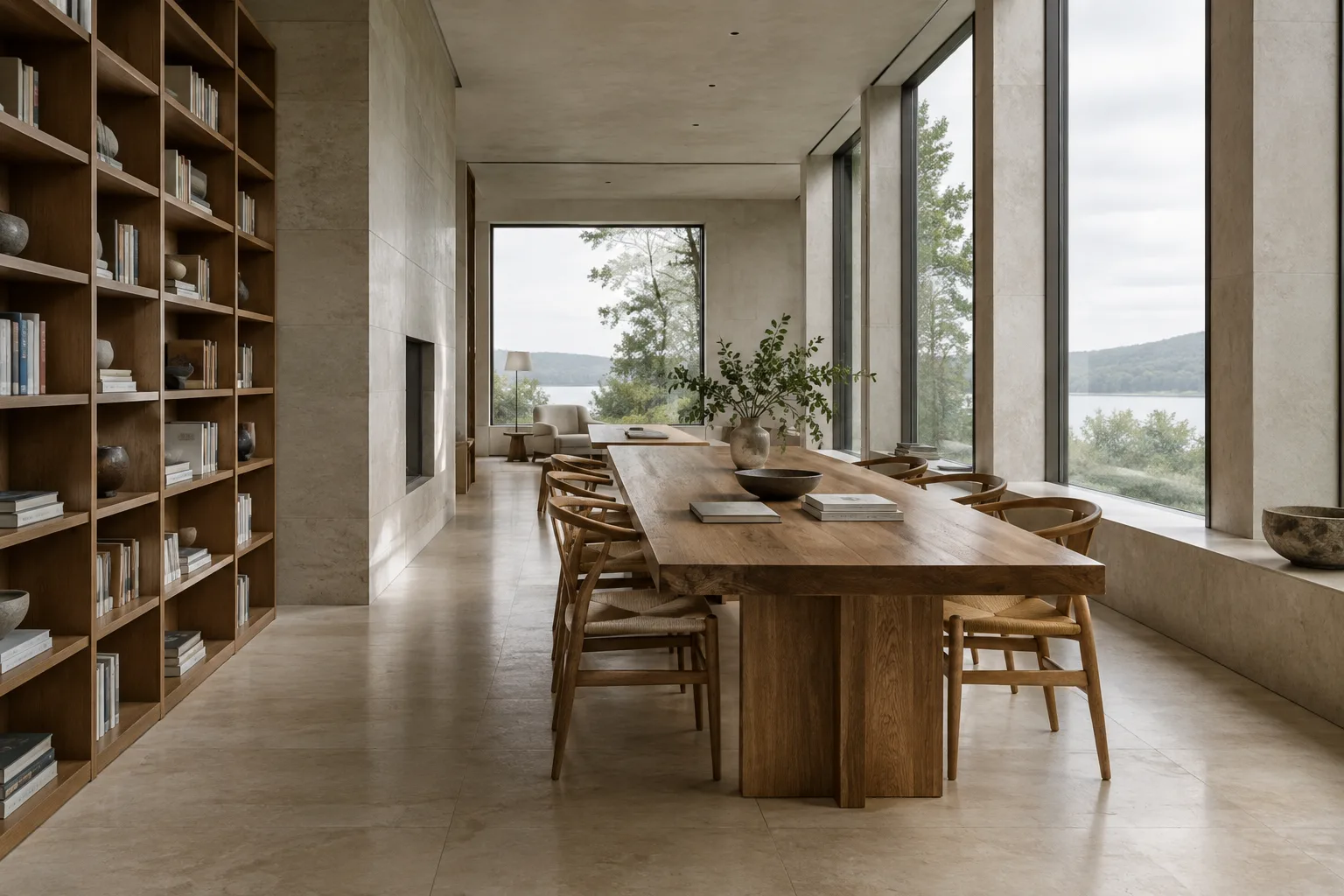
Camera Tracking in Blender: A Guide to Adding 3D Models to Video
Blender’s motion-tracking tools help match 3D elements to footage by solving camera or object movement. This guide covers tracking, scene orientation, and error checking.
 AI image
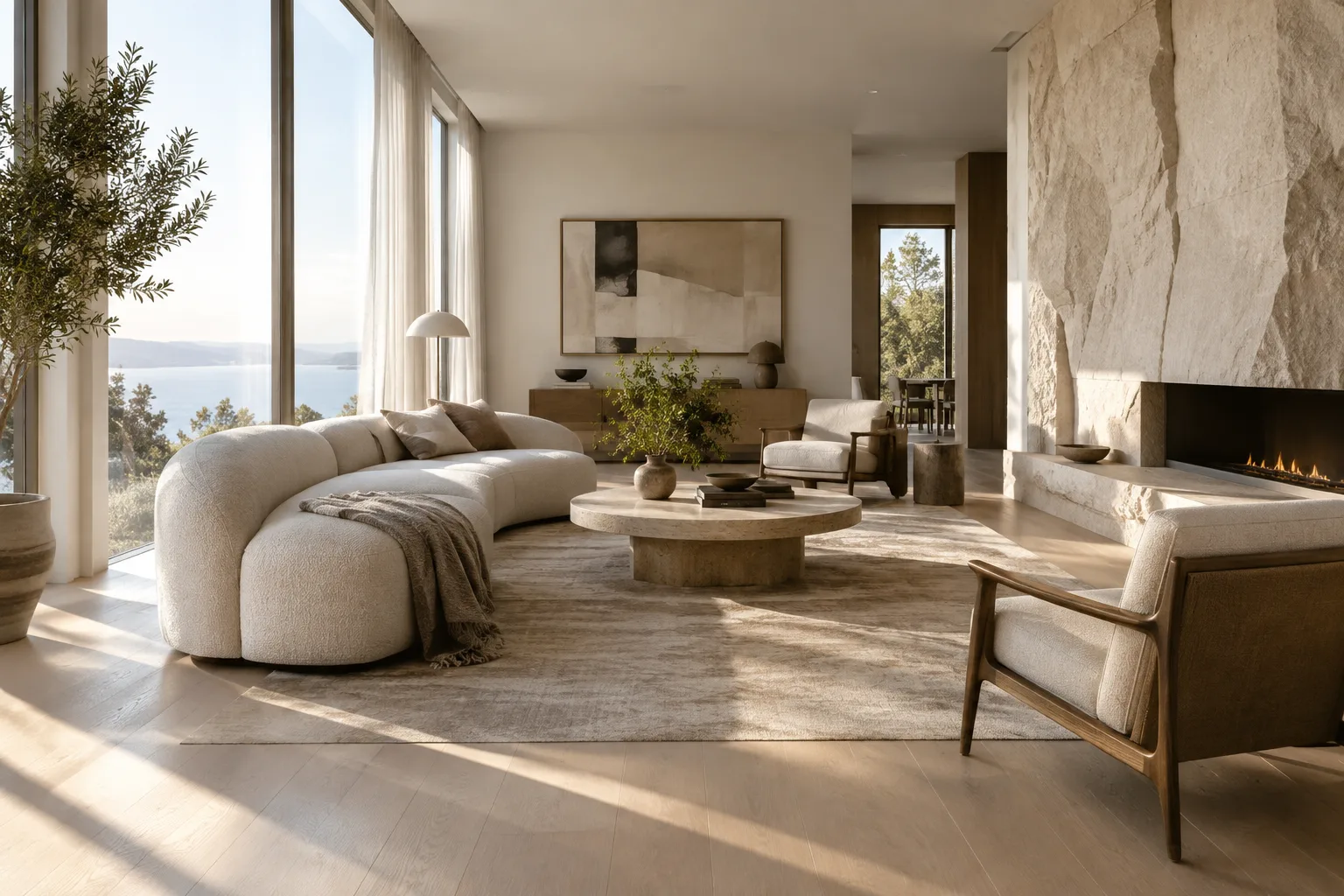
Architectural Image Generation with Nano Banana 2: Prompting and Editing Guide
Google’s Gemini API guide explains how to generate and edit images with Nano Banana 2 using text and image inputs. This tutorial covers writing prompts for architectural concept work and iteratively refining the results.
 AI image
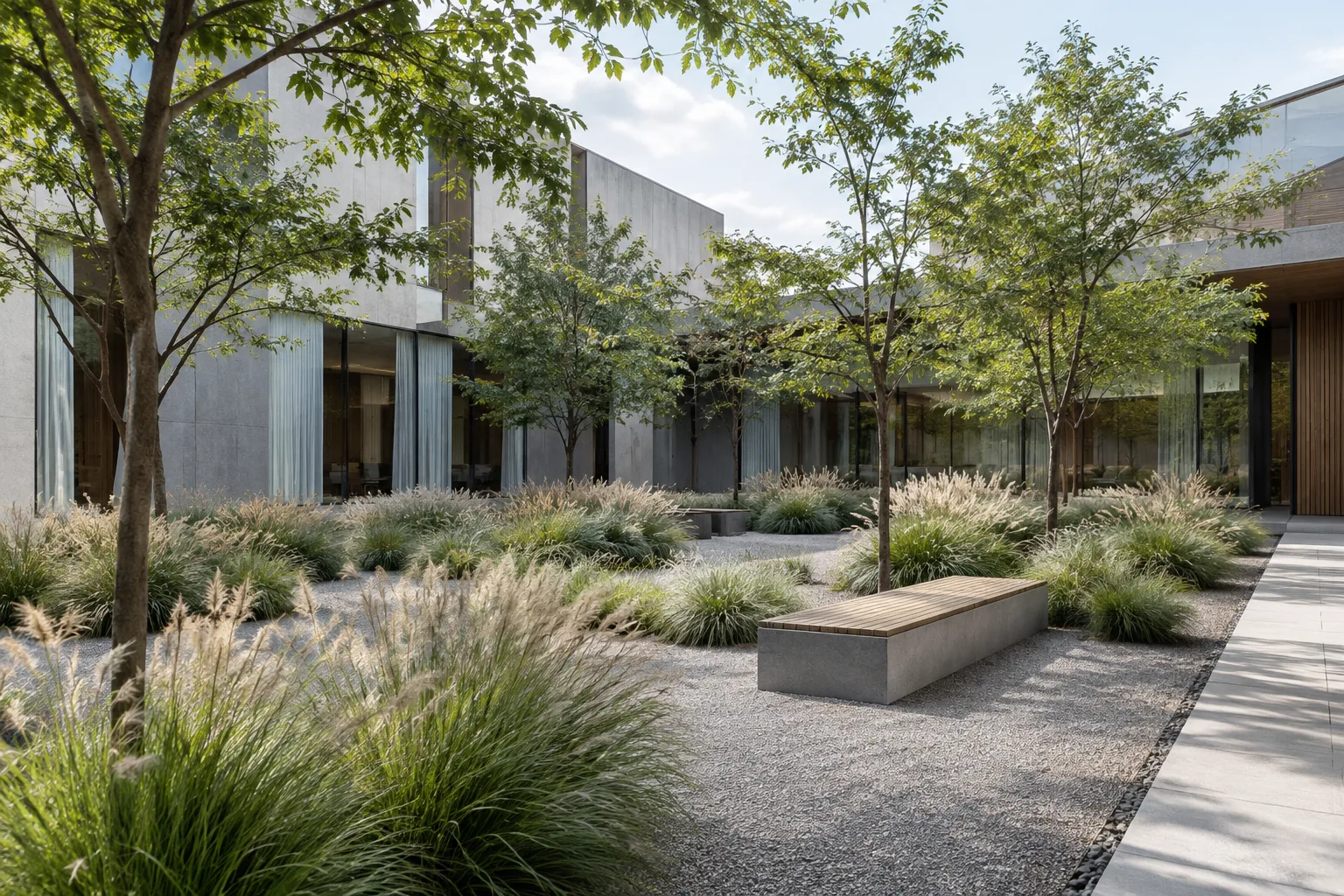
Architectural Video Creation with Gemini Omni Flash and Veo: A Step-by-Step Guide
Gemini API documentation positions Omni Flash and Veo for different video-generation needs. This guide explains how to write prompts for architectural scenes using clear instructions and iterative editing.
 AI image
How to Distribute Points and Objects on Surfaces with Blender Geometry Nodes
Blender Geometry Nodes lets you create points on a mesh surface and place geometry instances at those points. This guide covers the core workflow, from density and spacing settings to controlling orientation.
 AI image
Texture Baking in Blender Cycles: A Guide to UV, AO, and Normal Maps
We walk through preparing a UV map and bake target for texture baking in Blender Cycles, choosing the right bake type, and reducing seam issues. The method can be used to create textures and lightmaps.
 AI image
Blender Cryptomatte: A Guide to Creating Object and Material Masks
Blender Cryptomatte helps you select objects and materials in a render as separate masks. This guide covers the key steps, from enabling the necessary render passes to creating masks in the Compositor.
 AI image
Turn an Architectural Render into a Video: A Step-by-Step Guide to Gemini Omni
Google’s guides for Gemini Omni and Veo explain how to use an image as the first frame of a video and structure prompts with scene, motion, and camera details. This guide presents a practical workflow for architectural visuals.
 AI image
Rendering Architecture with Unreal Engine Path Tracer: A Step-by-Step Guide
Unreal Engine’s Path Tracer mode and Movie Render Queue can be used together to produce high-quality offline renders of architectural scenes. This guide explains the requirements and core workflow step by step.