Tutorials · Page 22
 AI image
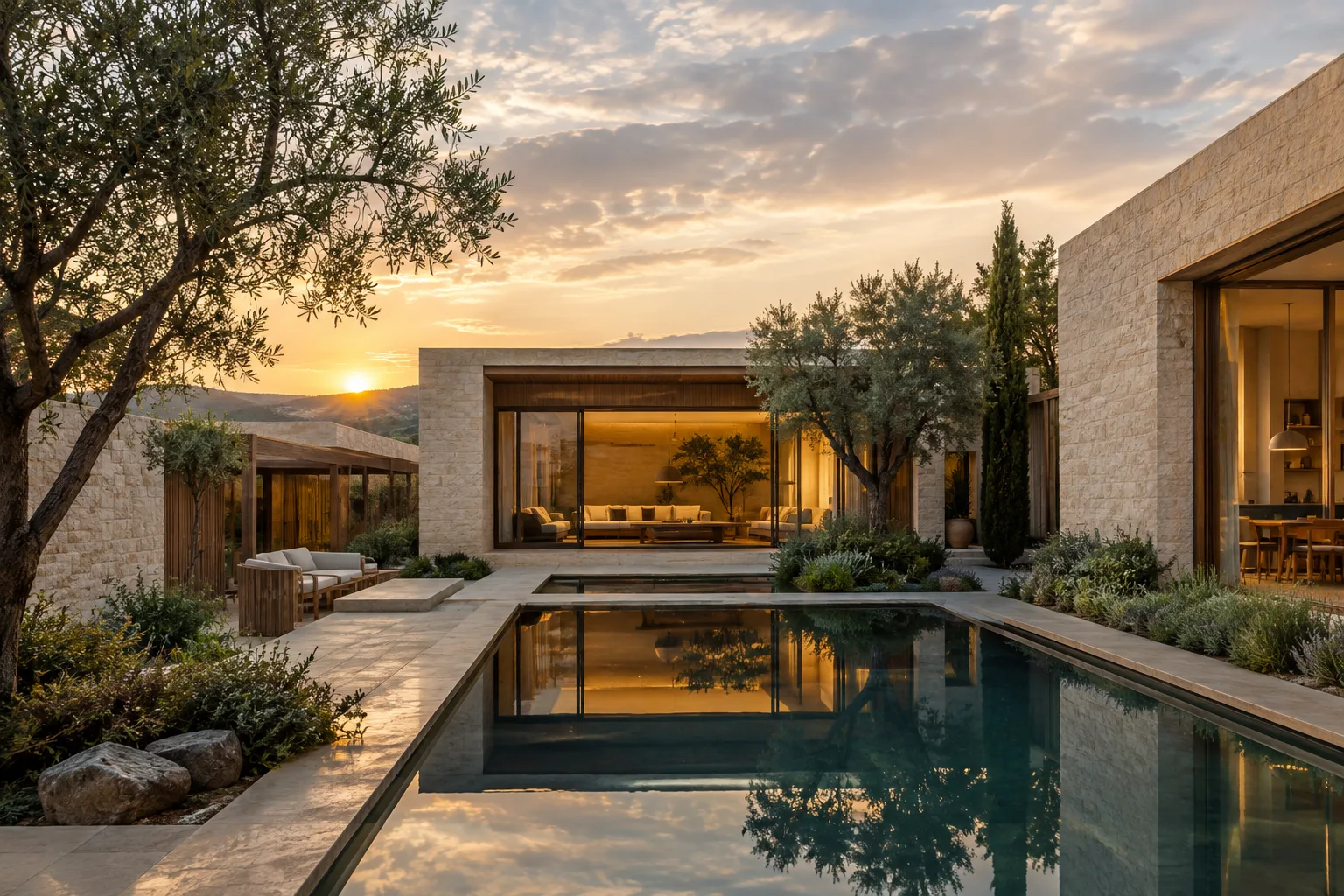
How to Write Architectural Video Prompts with Gemini Omni Flash and Veo 3.1
Gemini Omni Flash and Veo 3.1 offer different workflows for generating video from text prompts. This guide combines subject, action, context, and camera directions in prompts for architectural and interior scenes.
 AI image
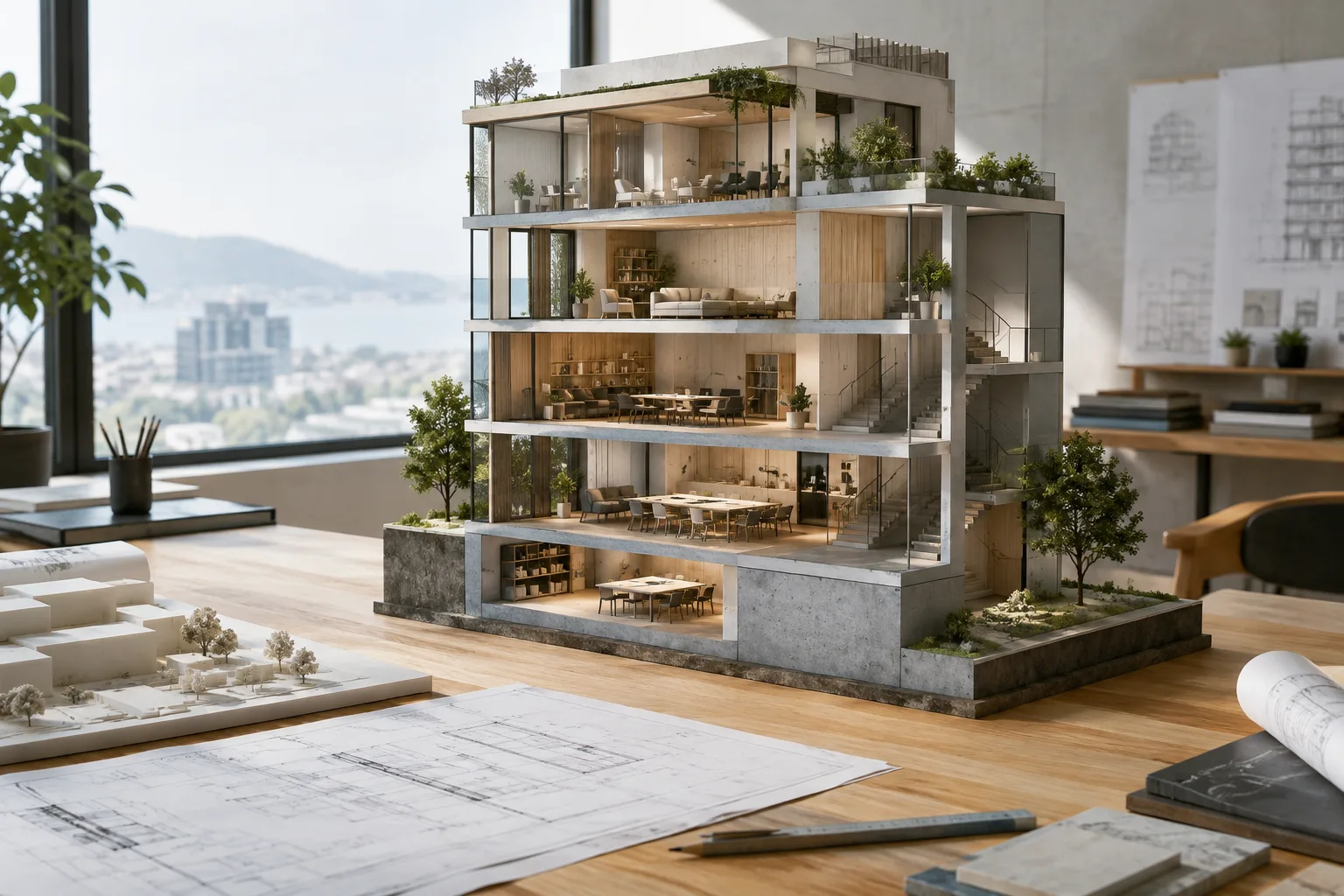
Autodesk Assistant and MCP in Revit: Querying models and creating sheets
Autodesk’s Revit help documents show how to query and edit models with Assistant. This guide brings together access details, sample prompts, sheet and PDF workflows, and version and privacy notes.
 AI image
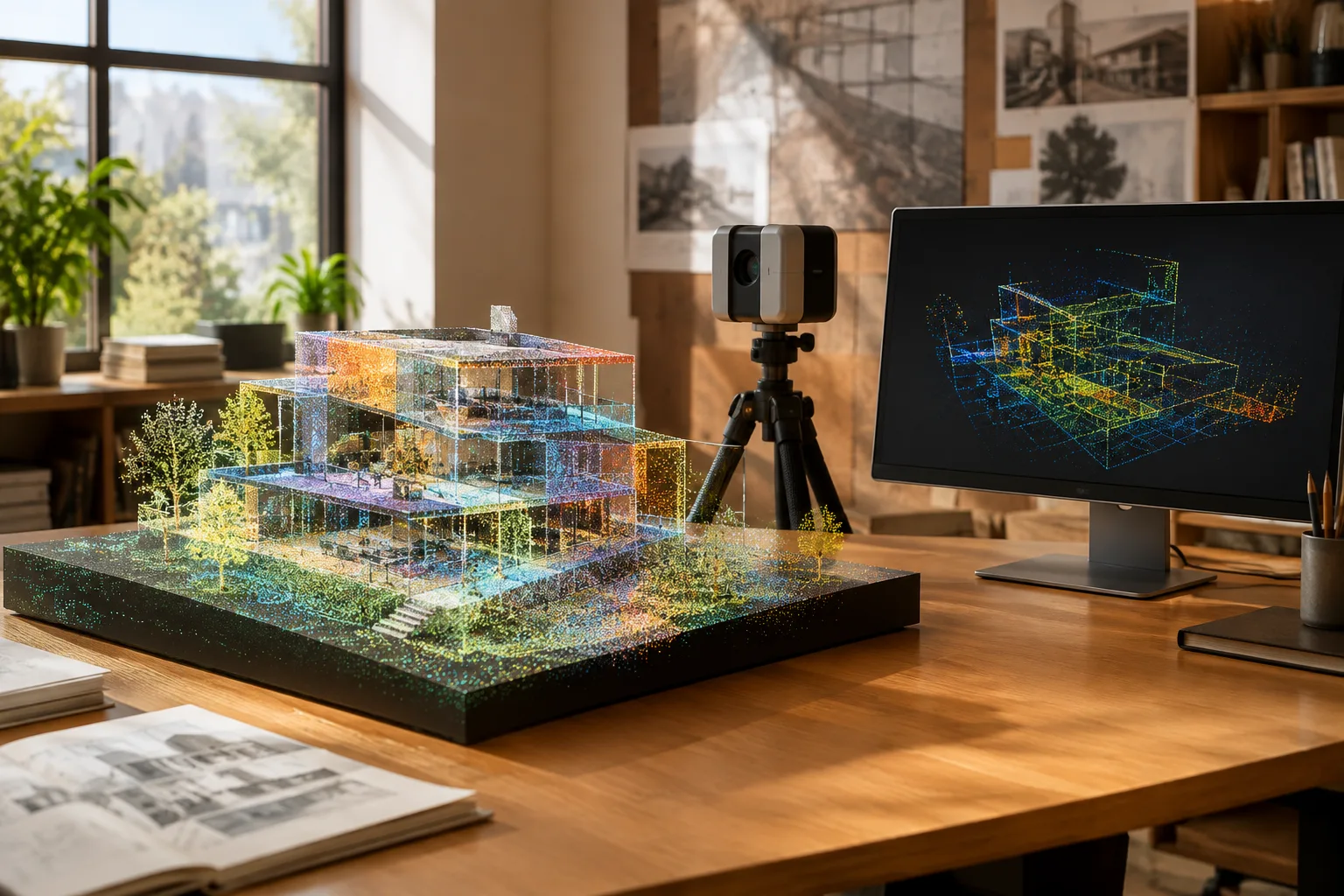
Importing Point Clouds in Blender: A Point Cloud I/O Guide
The Point Cloud I/O add-on for Blender can import point clouds in six file formats as native PointCloud objects. This guide covers installation, importing, checking attributes, and exporting.
 AI image
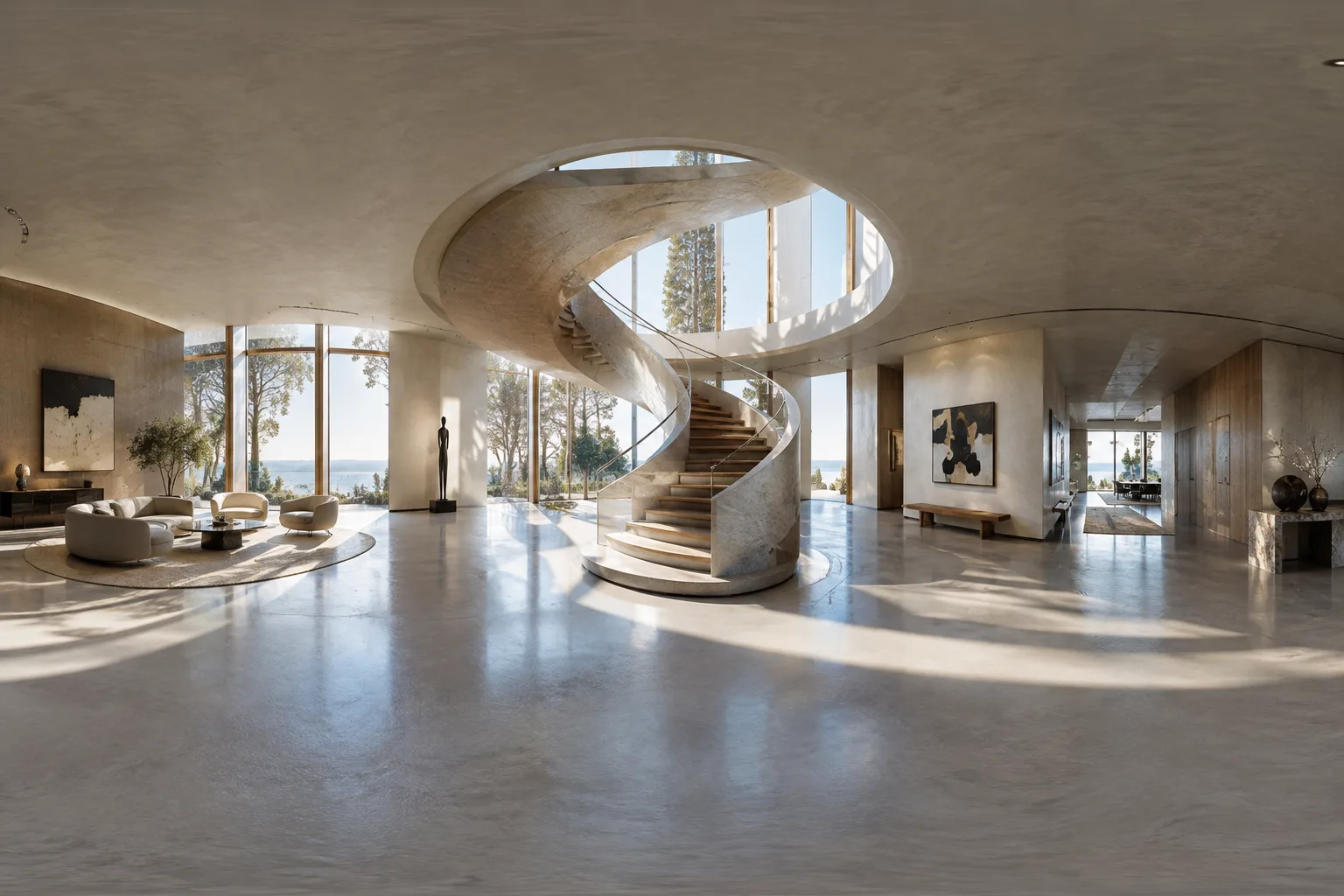
Create Panoramic Architectural Renders and Safely Save Animations in Blender
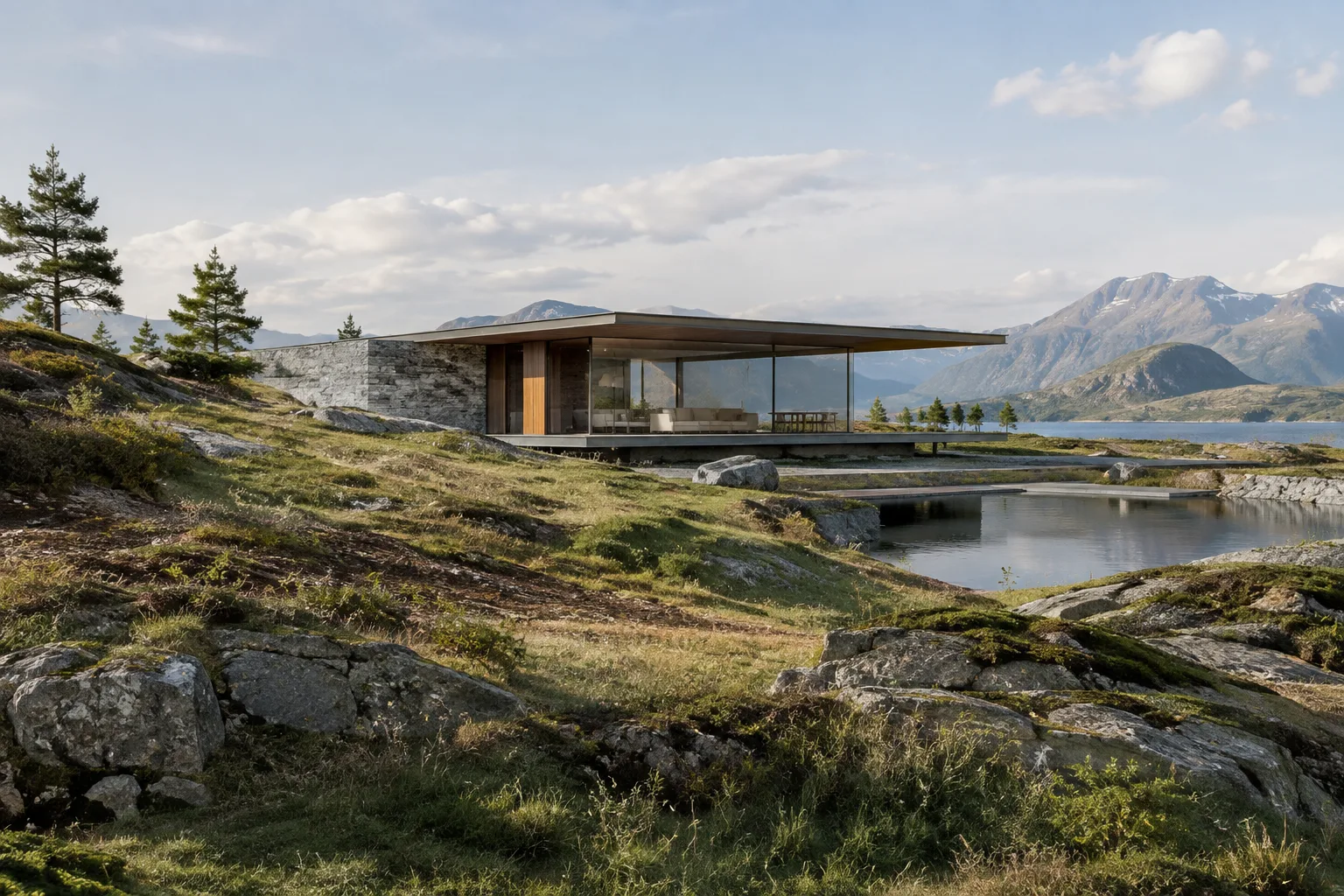
Learn how to create 360-degree scenes with Blender’s Cycles panoramic camera options and configure render output correctly. Using an image sequence can reduce the risk of having to re-render animation work.
 AI image
Unreal Engine Landscape Layers: A Guide to Creating and Painting Materials
In Unreal Engine, you can define layers for a Landscape material and assign a Layer Info asset to each paintable layer. This guide explains how to set up weight and height blending and edit terrain with the Paint tools.
 AI image
How to Use Blender’s NLA Editor: Actions and Animation
Blender’s NLA Editor lets you manage reusable Actions as strips and tracks instead of editing keyframes individually. This guide explains the basic workflow using architectural visualization examples.
 AI image
Using Volume Grids in Blender Geometry Nodes: A Step-by-Step Guide
Volume grid features in Geometry Nodes, introduced for Blender 5.0, let you create and sample volume data in node-based workflows. This guide explains the difference between fields and grids, and walks through SDF workflows step by step.
 AI image
Architectural Image Generation with Nano Banana 2: 4 Prompts and a Workflow
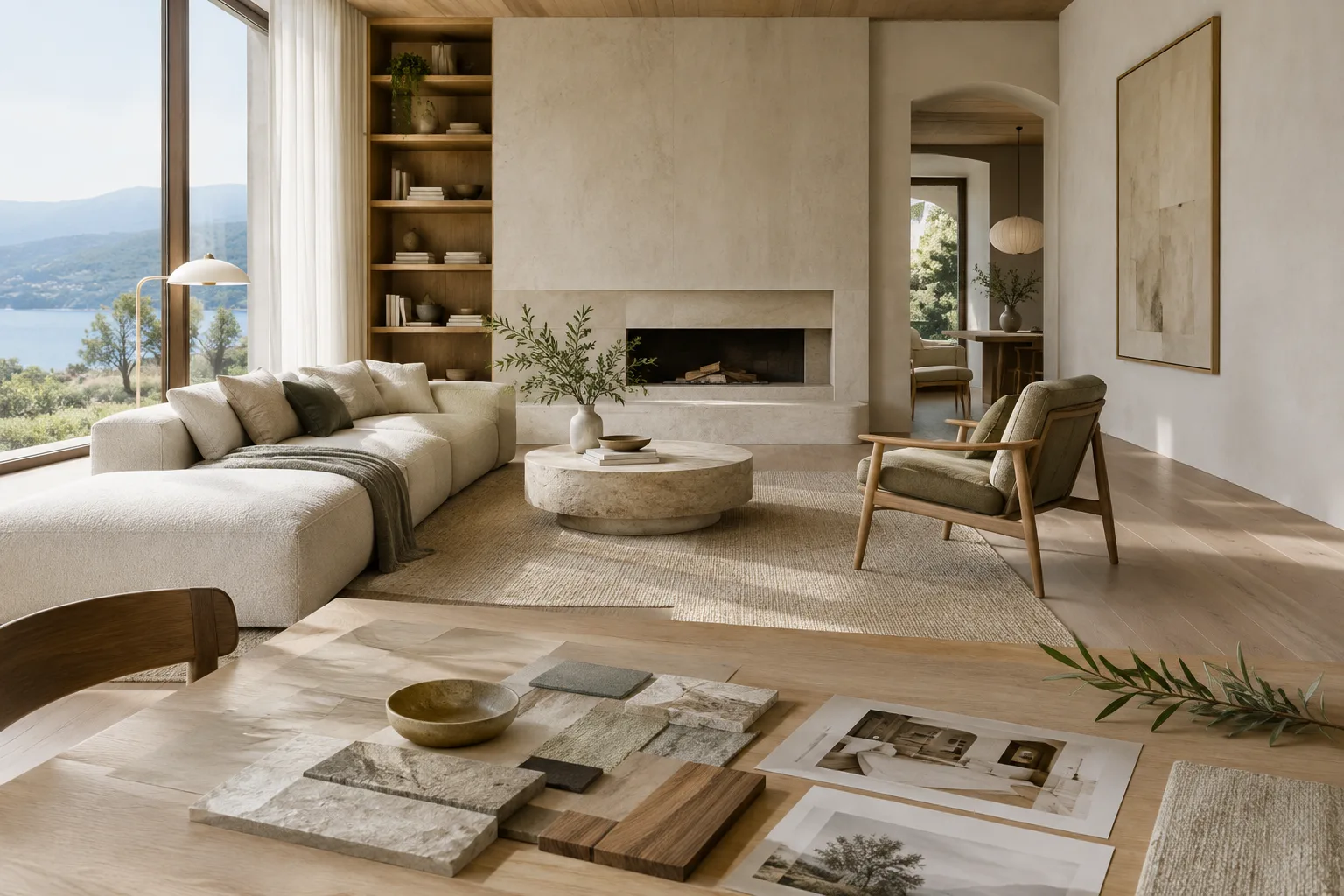
Nano Banana 2 lets you generate images from text and edit reference images through the Gemini API. This guide covers four original prompts for architectural concepts and interiors, along with a basic workflow.
 AI image
Architectural Image Generation with Nano Banana 2: 4 Prompts and a Workflow
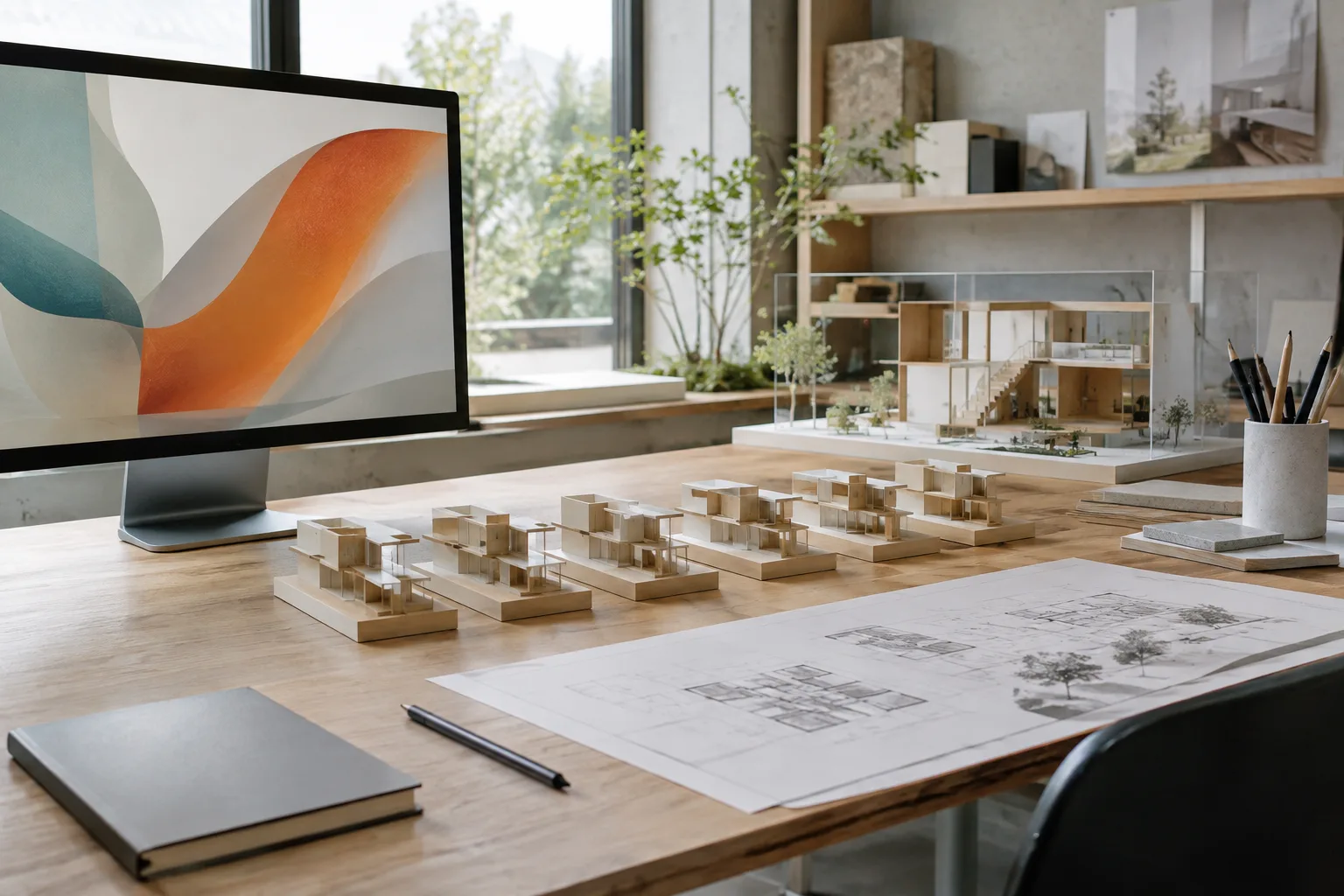
This guide explains how to write clearer prompts, use reference images, and iteratively refine results when generating architectural and interior images with Nano Banana 2.
 AI image
How to Write a Python Add-on for Blender: Your First Operator
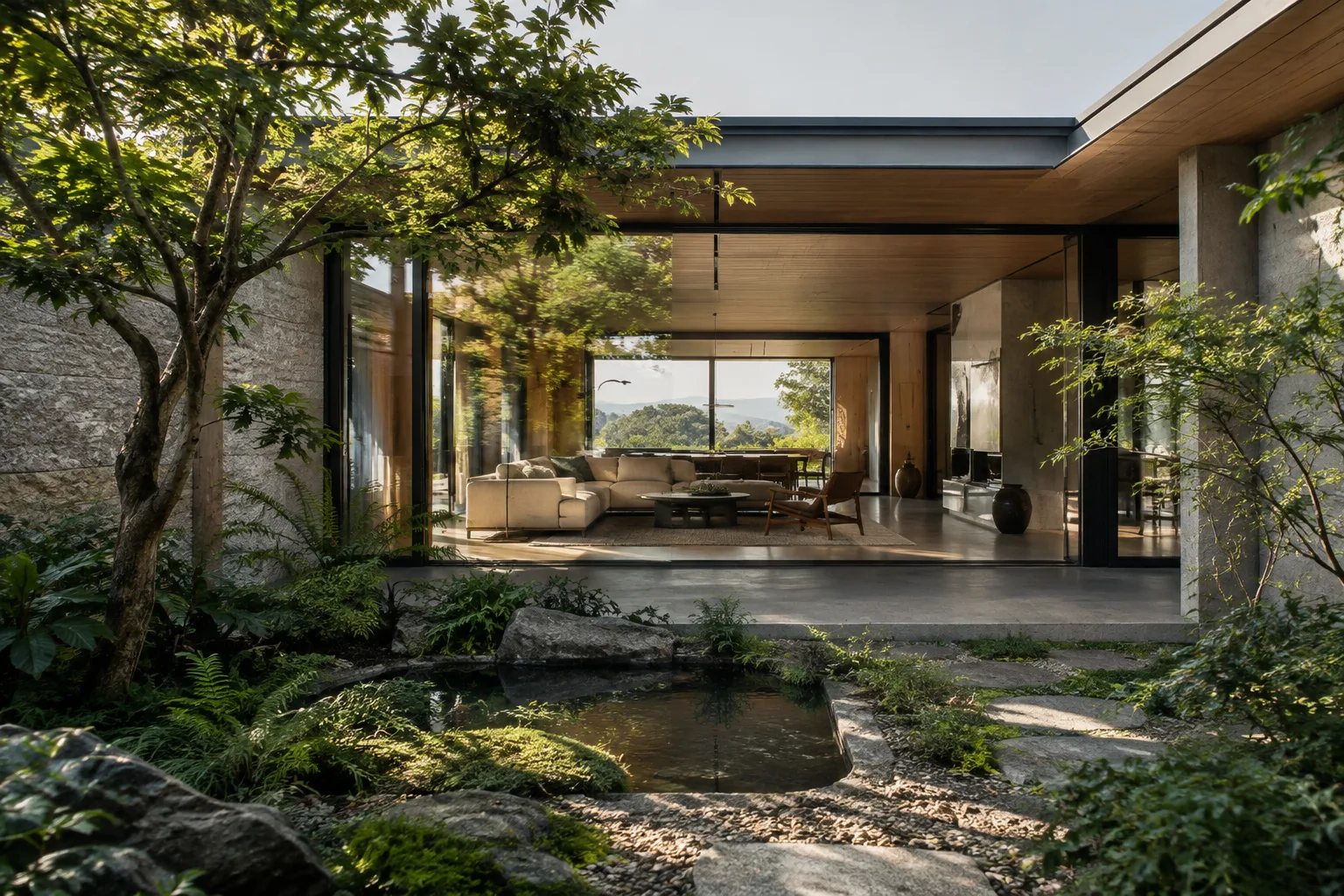
Blender’s official guides demonstrate how to turn Python scripts into operators and add-ons. This guide covers creating and installing a simple tool that moves scene objects, as well as rendering from the command line.
 AI image
Create an Architectural Concept Video with Gemini: A Step-by-Step Prompt Guide
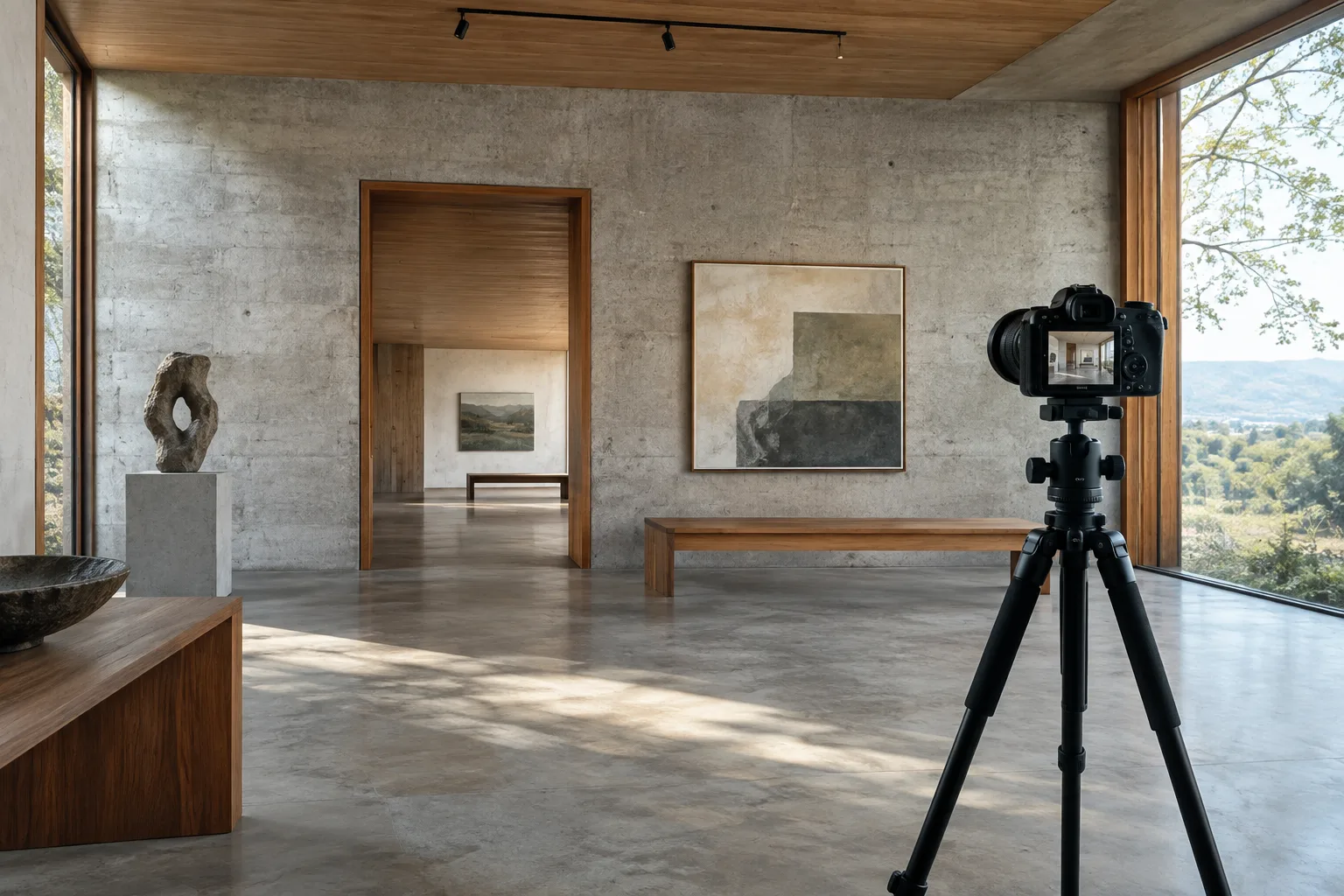
Gemini Omni Flash and Veo 3.1 in the Gemini API offer options for different video-generation workflows. This guide explains how to choose a model for architectural visualization and refine prompts in stages.
 AI image
RealityScan command-line guide: From photos to a 3D model
RealityScan’s official command-line documentation explains how to automate adding photos, alignment, saving projects and exporting models. This guide sets up a basic workflow using architectural and interior photos.
 AI image
Light Linking in Blender: Selective Lighting for Architectural Scenes
Blender’s light linking lets you choose which objects a light illuminates, while shadow linking determines which objects block it. This guide explains how to set up and test the feature in architectural scenes.
 AI image
Create Architectural Profiles and Pipe Geometry with Blender Curves
Blender’s curve settings let you turn a simple line into strip or pipe geometry and customize its cross-section. This guide covers the essential steps for architectural modeling and common issues.
 AI image
A Guide to Time-Based Simulations with Blender Geometry Nodes Simulation Zone
Simulation Zone in Blender Geometry Nodes lets you build systems that change over time by passing the result of one frame to the next. This guide covers its setup, caching, and the bake process before rendering.
 AI image
Architectural Image Generation with Nano Banana 2: 4 Prompts and a Workflow
This guide explains how to create architectural and interior concept images with Nano Banana 2, and how to edit existing images. The model is available in the Gemini API as gemini-3.1-flash-image.
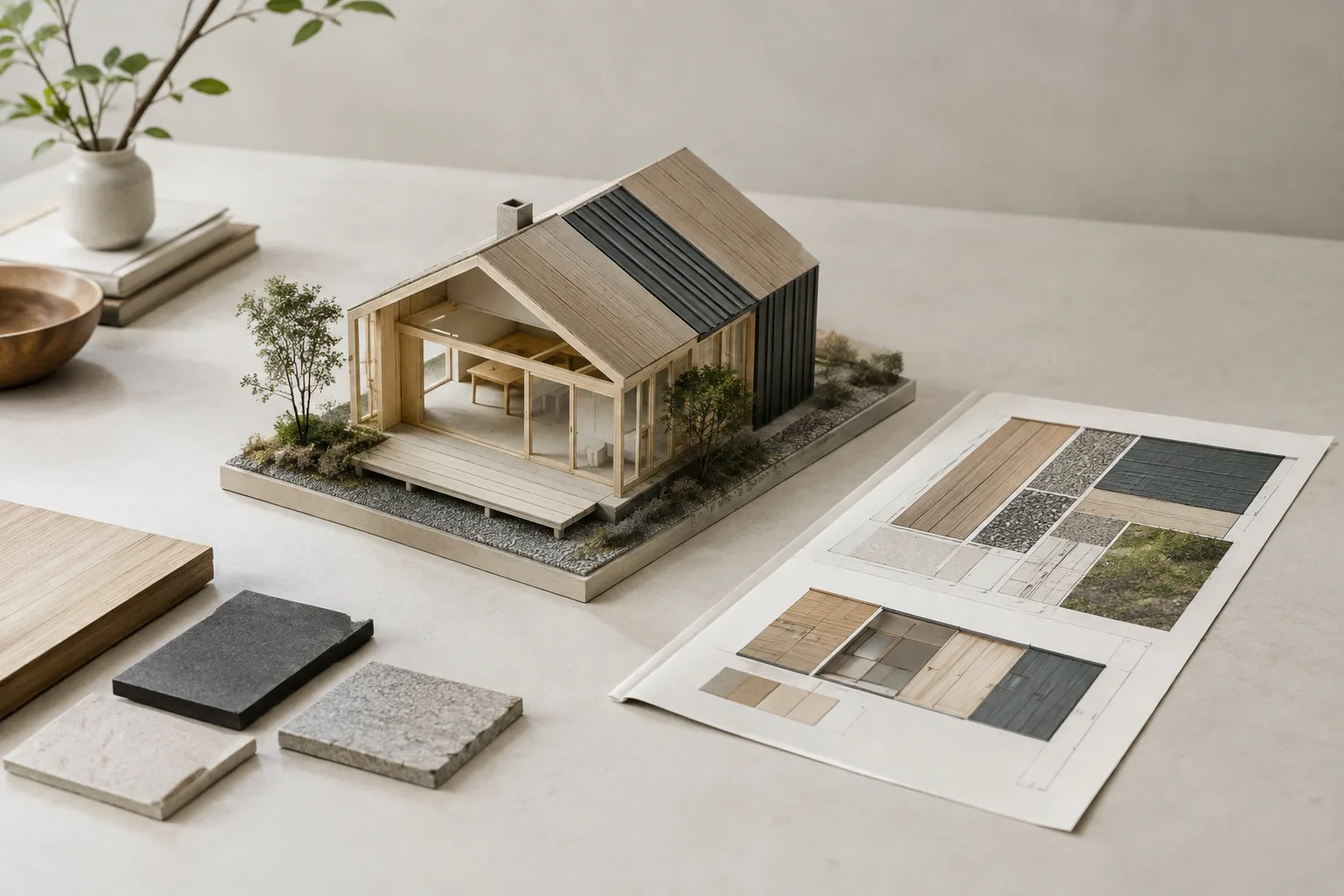 AI image
Blender UV Unwrapping: A Guide to Seams and Texturing for Architectural Models
UV unwrapping in Blender defines the correspondence between 3D model surfaces and 2D images or textures. This guide walks through planning seams, checking the unwrap, and editing UVs for architectural models.
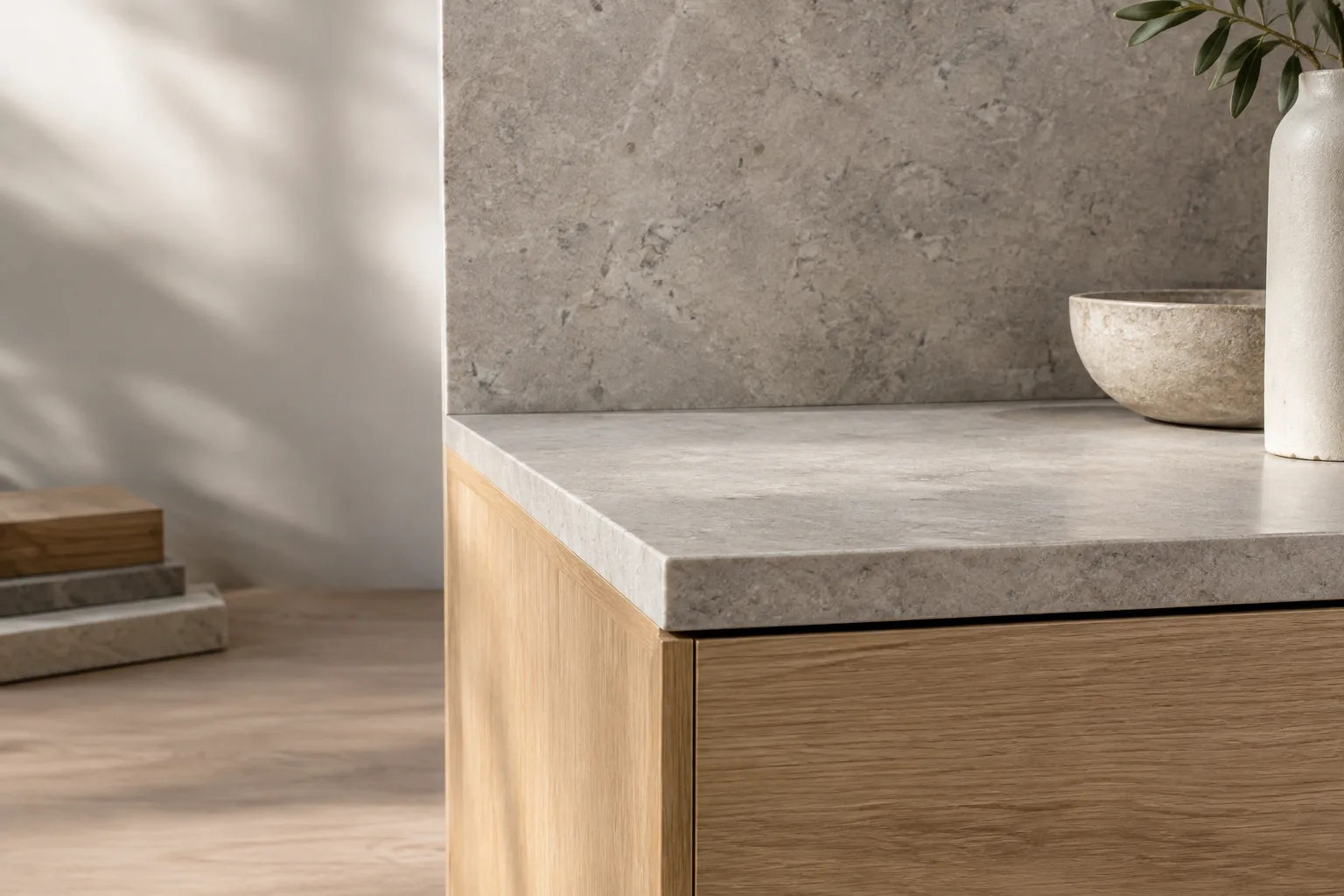 AI image
Clean Edge Shading in Blender with Bevel and Weighted Normal
Blender’s Bevel and Weighted Normal modifiers help add controlled bevels to model edges and adjust surface normals. This guide explains how to use both tools together through architectural modeling examples.
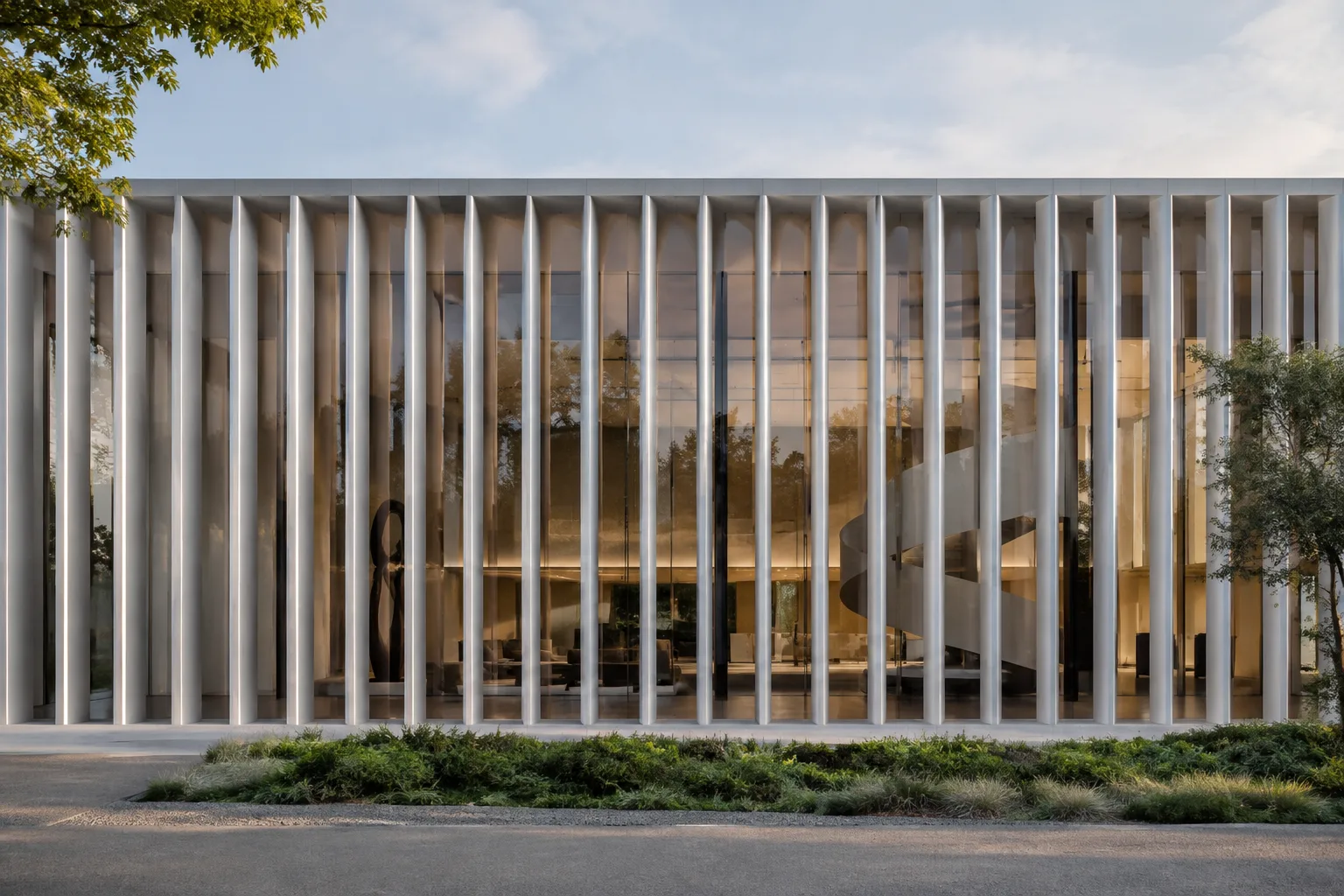 AI image
Distribute Architectural Elements with Blender Geometry Nodes
With Instance on Points in Blender Geometry Nodes, you can place geometry on points, while Duplicate Elements and Duplicate Index let you create repeated arrays. This guide explains how to use both nodes through architectural examples.
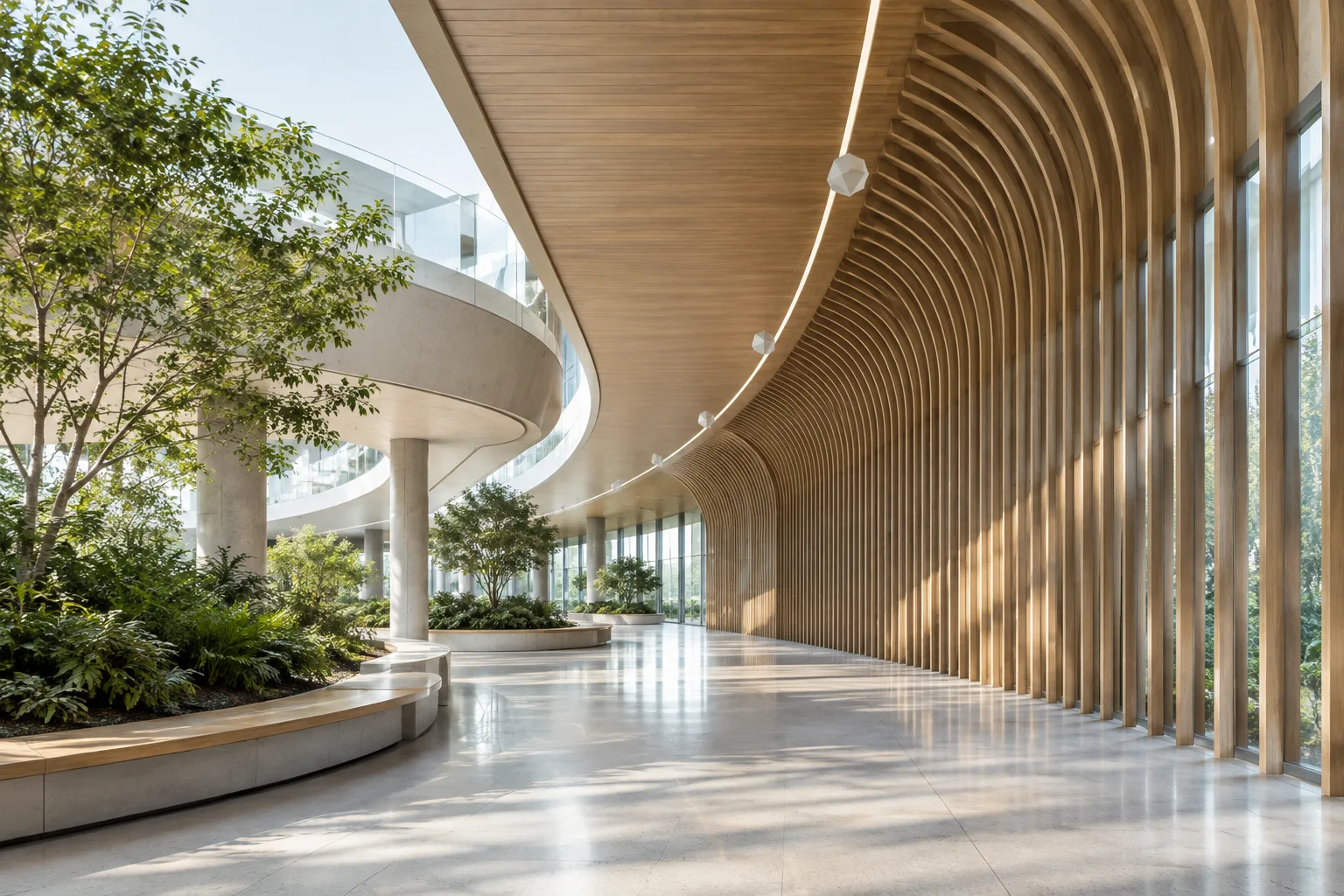 AI image
Sampling Along Curves with Blender Geometry Nodes: A Sample Curve Guide
This guide explains how to work with position, direction, and length data along curves using the Sample Curve and Spline Parameter nodes in Blender Geometry Nodes. It also covers points to consider when working with multiple splines and Bézier/NURBS curves.
 AI image
Analyze Architectural Videos with the Gemini API: A Step-by-Step Guide
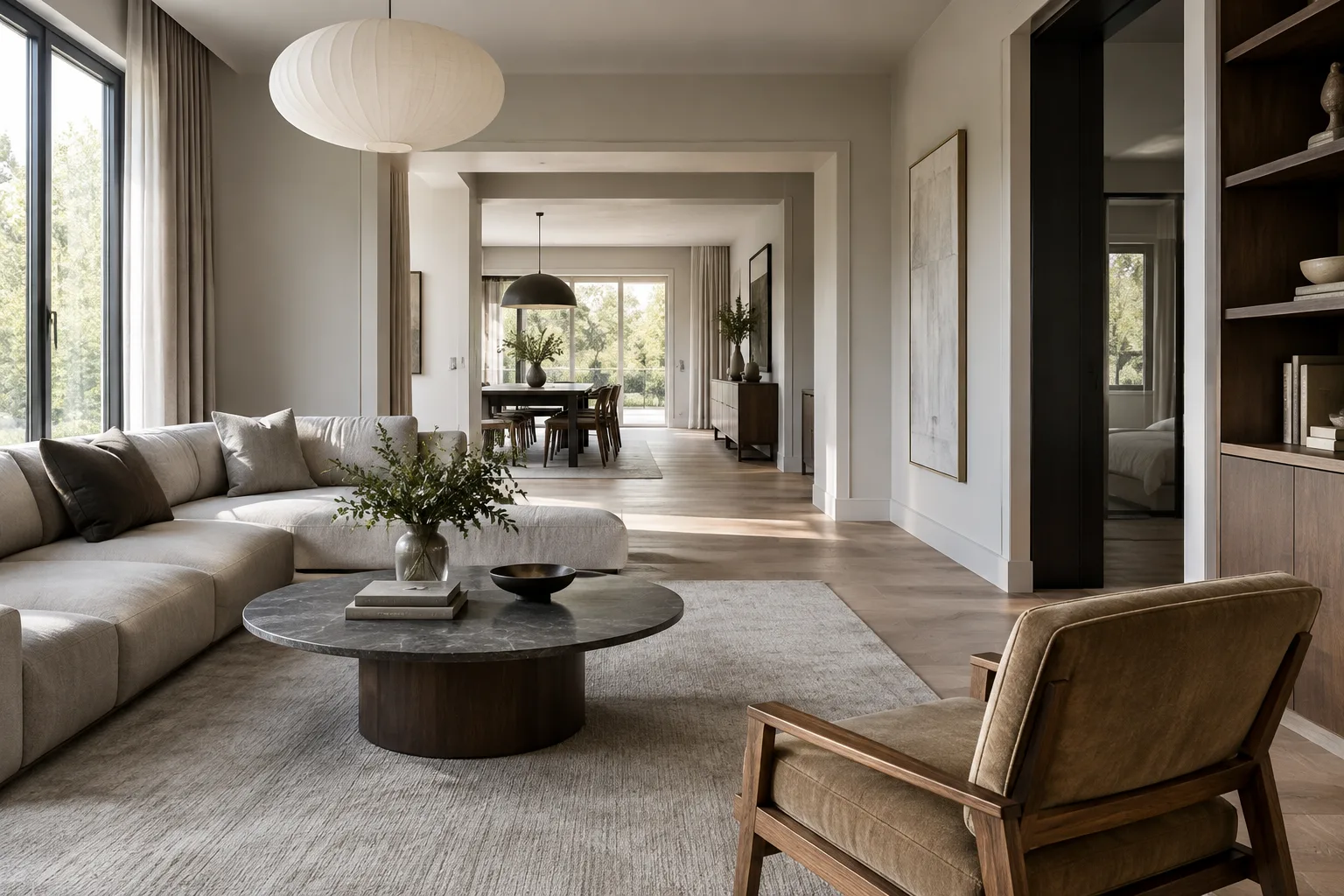
The Gemini API can summarize videos, answer questions about their content, and provide information tied to timestamps. This guide explains how to process architectural and interior videos according to file size and verify the results.
 AI image
3ds Max'ta Shell, Kamera ve MassFX Rigid Body ile Sunum Sahnesi Hazırlama Rehberi
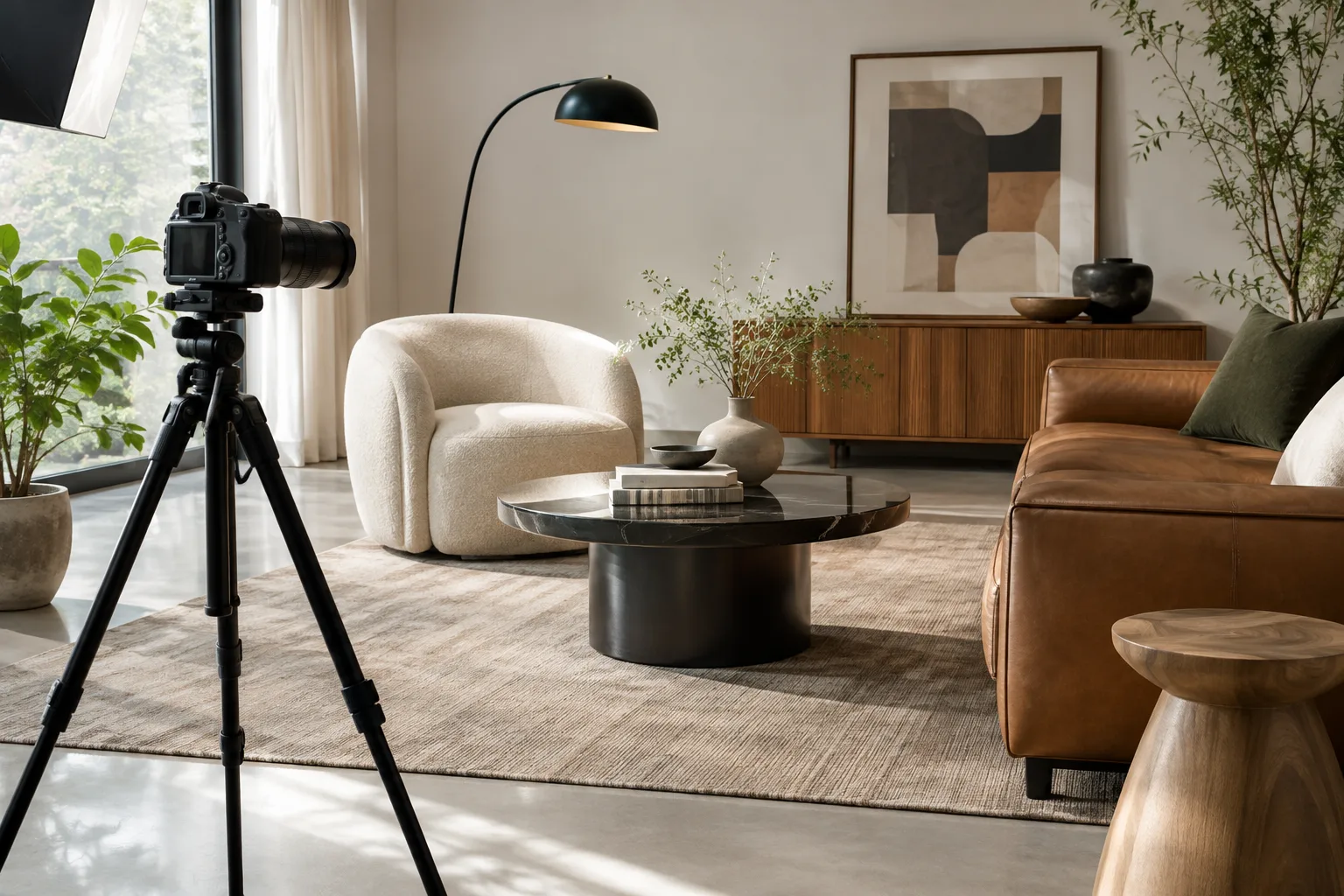
This guide explains step by step how to use the Shell modifier, the Create Camera From View command, and the MassFX_RBody modifier via MAXScript for architectural presentation scenes in 3ds Max.
 AI image
3D Model Generation from a Single Image with Hunyuan3D 2.1: Setup and Usage Guide
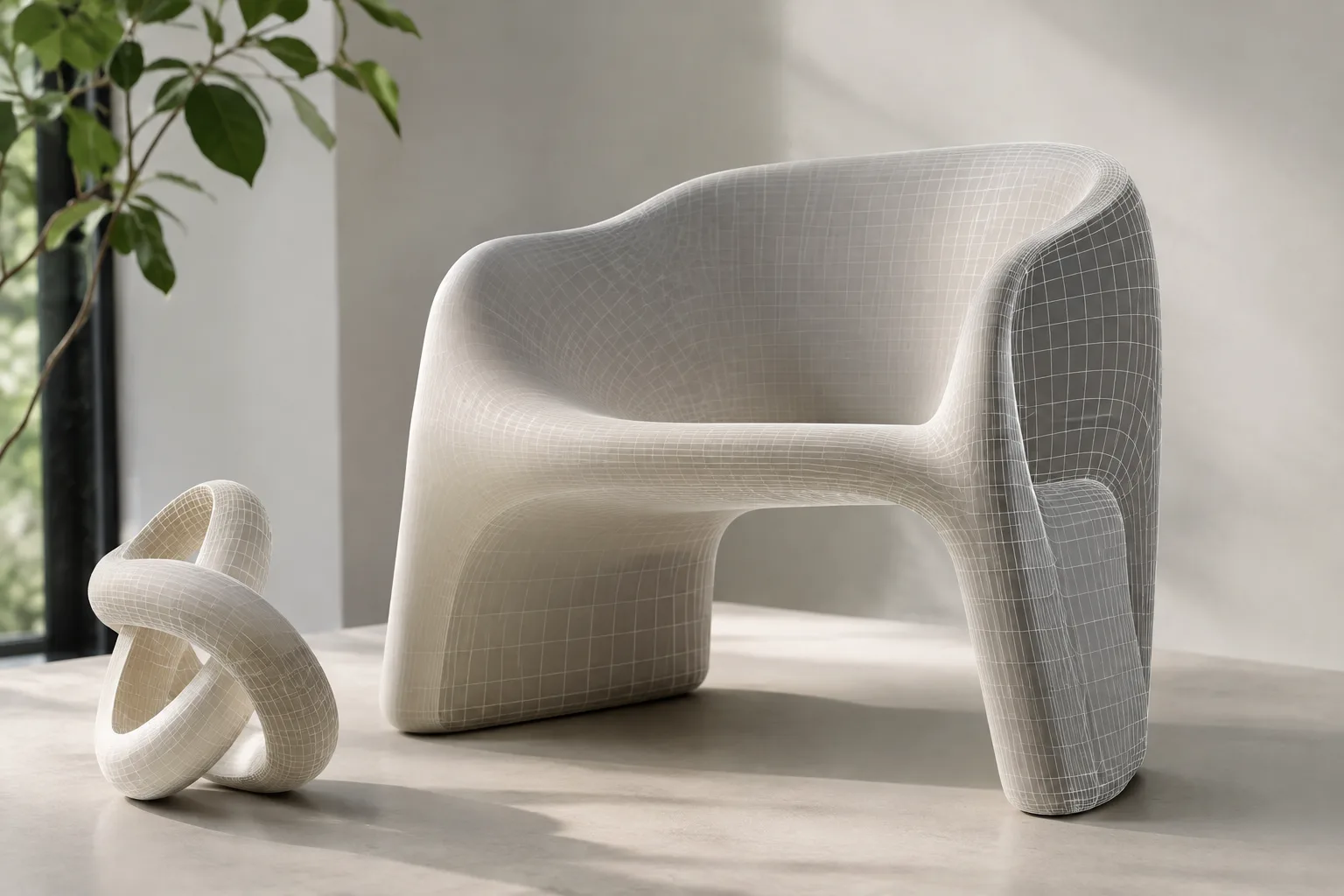
Tencent's open-source Hunyuan3D 2.1 model can generate a PBR-textured 3D mesh from a single image. This guide walks through the usage steps from installation to the Gradio interface.
 AI image
Using point clouds in Twinmotion: import and sharing guide
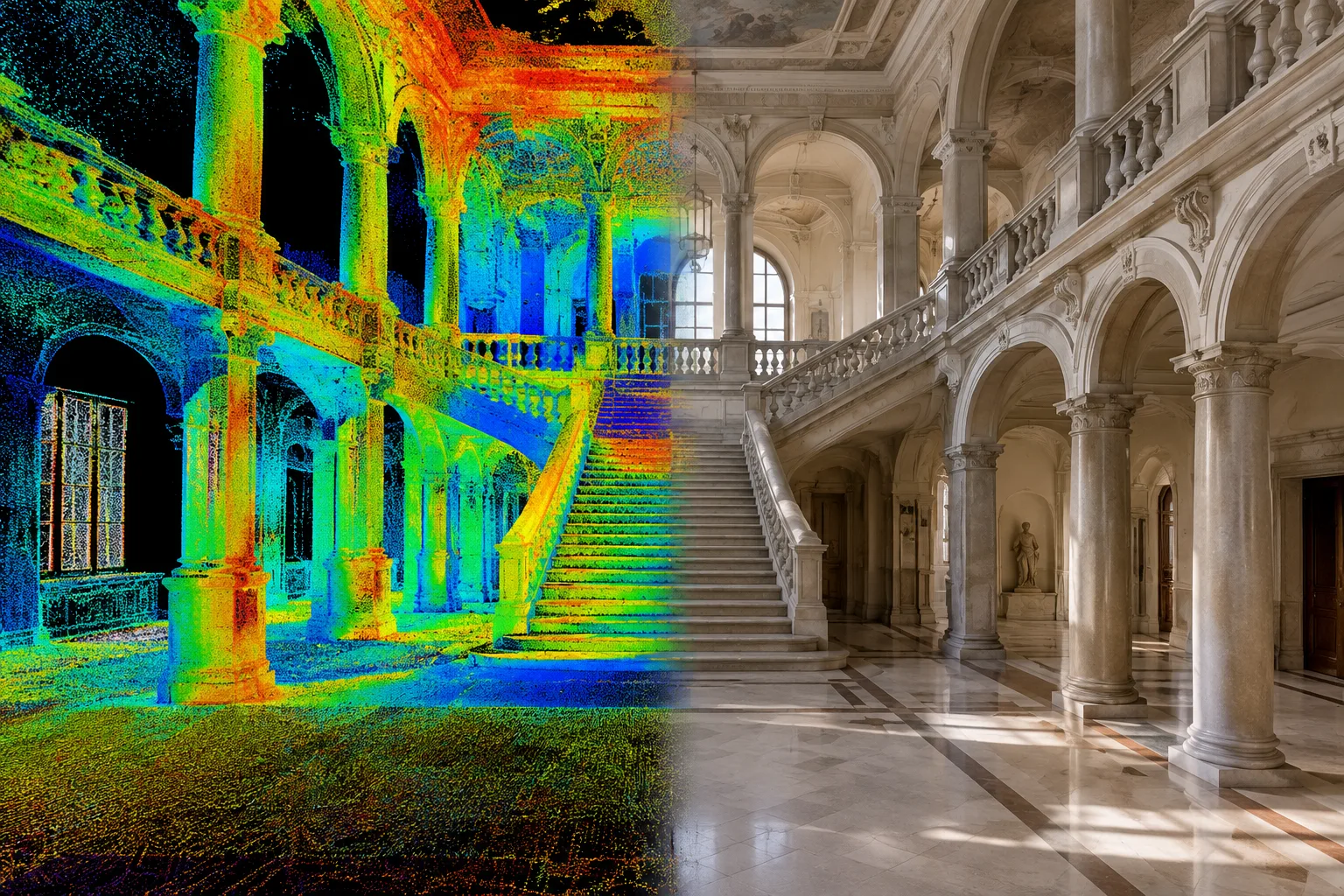
Twinmotion lets you import laser scan point clouds in .e57, .las/.laz, .xyz, .txt and .pts formats as scene objects, work with them using shadow-light and section tools, and share them through Twinmotion Cloud.